

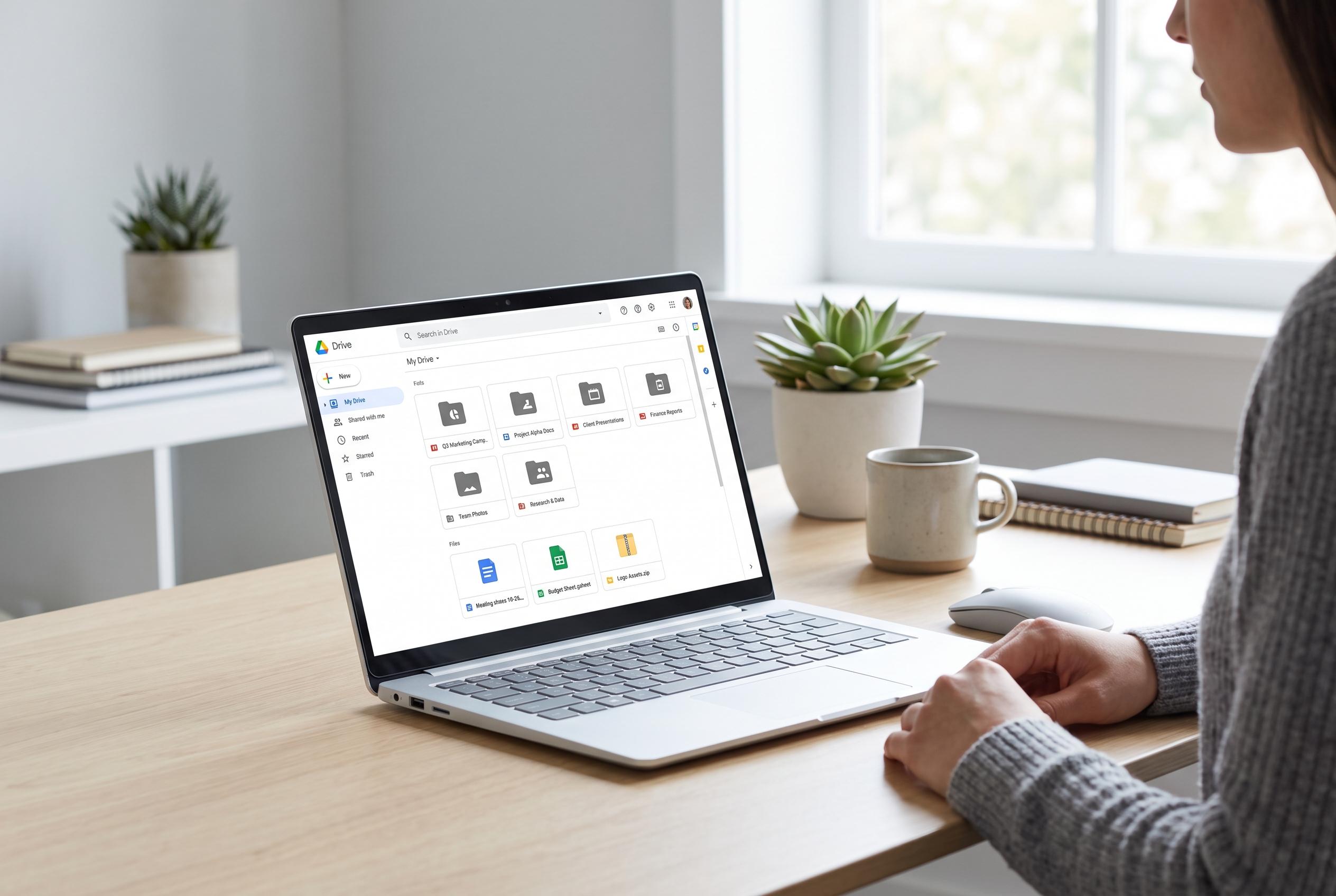

OpenAI’s latest update allows ChatGPT to access entire Google Drive folders, transforming it into a potent tool for organising, searching, and managing digital clutter at scale, though feature access remains limited to paid tiers.
OpenAI has added Google Drive to ChatGPT Library, letting users point the chatbot at an entire Drive folder and ask it to search across the contents. That is a notable step beyond the older connection, which was more limited and less convenient for rummaging through large collections of files. For people who store documents, images and drafts in Drive without much structure, the change turns ChatGPT into something closer to a filing assistant than a simple chat tool.
In practical terms, the feature is useful because it removes the need to upload files one by one before asking for help. TechRadar’s tester found that ChatGPT could scan years of loosely organised material, identify forgotten drafts, spot repeated files and group together related work that had been left under vague names such as “Untitled document”. The model also surfaced old invoices, unfinished ideas and multiple versions of a household budget tracker, then suggested how the clutter could be reorganised into a more workable structure.
The experience also highlights how these tools are becoming less about answering isolated questions and more about managing information at scale. Google’s own support pages say Gemini in Drive can suggest file moves into existing folders or create new ones based on file content and patterns, with support for PDFs, Docs, Sheets, Slides, Microsoft Office files, images and videos with transcripts. Other third-party services, including GPT Workspace and Konnectify, are also pushing similar Drive-based automation, from folder planning and renaming to summaries and file organisation.
OpenAI has, however, kept the newer Drive-linked capabilities behind paid tiers. According to TechRadar, they are not available to free or Go users, and require a Plus, Pro or Business account. For anyone with years of accumulated digital clutter, the appeal is obvious: the system can now not only read across a Drive archive, but also create folders and move files on the user’s behalf. That makes it less a novelty than a practical cleanup tool for long-neglected cloud storage.
Disclaimer: This content is intended for informational purposes only. Readers are advised to exercise their own judgement, conduct due diligence, or consult a qualified expert before acting on any information provided.



