

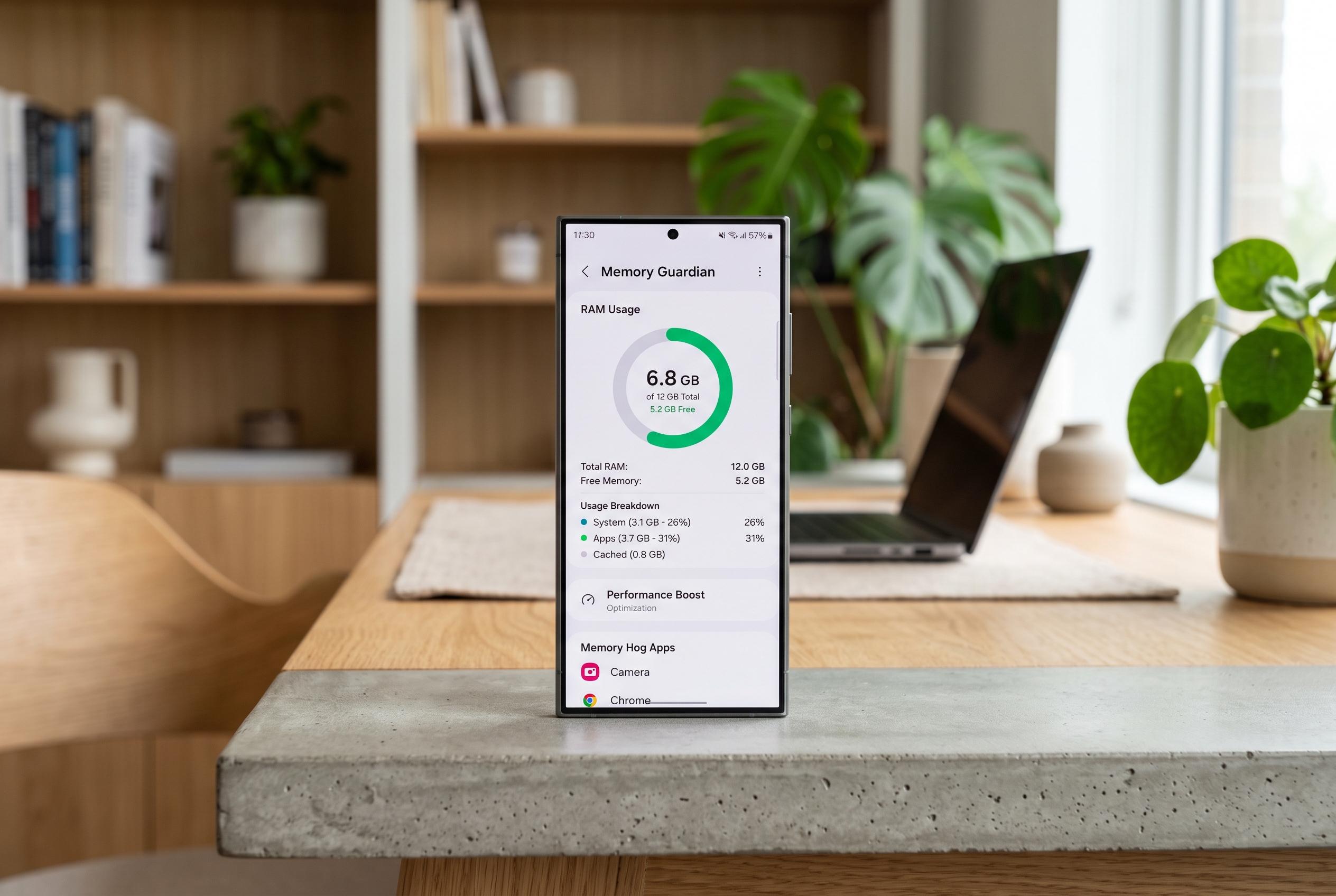

Samsung’s Good Guardians suite introduces Memory Guardian updates that can enhance app switching efficiency on ageing Galaxy smartphones, offering users finer control over RAM management without hardware changes.
Samsung Galaxy owners looking to squeeze more life out of older handsets have a small but useful option in Good Guardians, Samsung’s utility suite for performance tuning. One of its modules, Memory Guardian, can make app switching feel smoother by keeping more applications resident in RAM before Android starts clearing them out. Samsung has long positioned Good Guardians as a set of free optimisation tools for Galaxy devices, and recent updates have continued to extend support across newer One UI versions. According to Samsung’s support material and recent reporting by SamMobile, the suite includes tools for memory, battery, heat and media management.
The appeal of Memory Guardian lies in how Android handles scarce memory. When RAM fills up, the system uses its low-memory killer logic to decide when to terminate cached background processes. Memory Guardian does not add physical memory, but it appears to shift the point at which that cleaning becomes more aggressive. Community documentation suggests the “Quick switching” profile raises the effective threshold, while the alternative “Speed up top app” profile does the opposite and prioritises the foreground app by closing background tasks sooner. Samsung does not publicly spell out the exact numbers, but the mechanism is widely understood to be a tweak to Android’s kill thresholds rather than a hardware upgrade.
That makes the tool most relevant on mid-range and older phones, where RAM pressure is felt more quickly. On an 8GB Galaxy handset, the reported effect is modest but practical: a couple more apps may stay alive in the background, reducing reloads when moving between them. On devices with 12GB or more, the change can matter more for heavy multitaskers because the threshold is being moved by a larger amount in absolute terms. Samsung has also kept Memory Guardian current with platform changes, with SamMobile reporting support updates for One UI 6.1, One UI 8.0 and, more recently, One UI 8.5.
There is still a trade-off. Preserving more cached apps means less RAM is available for the app you are actively using, so the benefit depends on whether you value faster switching or maximum headroom for a single task. Samsung’s broader memory-management features, including RAM Plus on many Galaxy models, pursue a similar goal by leaning on storage as virtual memory, but that approach is slower than true RAM and can make sleeping apps take longer to wake. For users who dislike reloads more than they dislike a slight reduction in active-app headroom, Memory Guardian offers a low-risk setting worth testing.
One limitation is that the change is not retroactive. It only affects apps opened after the profile is selected, so users may not notice an immediate transformation across everything already running. Even so, for ageing devices that have become less responsive over time, the feature can make everyday use feel a little less fragmented. For that reason, the author of the original review kept Quick switching enabled on a Galaxy S22+, judging the improvement in app switching to be worth the small compromise. Samsung’s ongoing support for Good Guardians suggests the company still sees value in these fine-grained tuning tools as Galaxy software continues to evolve.
Disclaimer: This content is intended for informational purposes only. Readers are advised to exercise their own judgement, conduct due diligence, or consult a qualified expert before acting on any information provided.



