

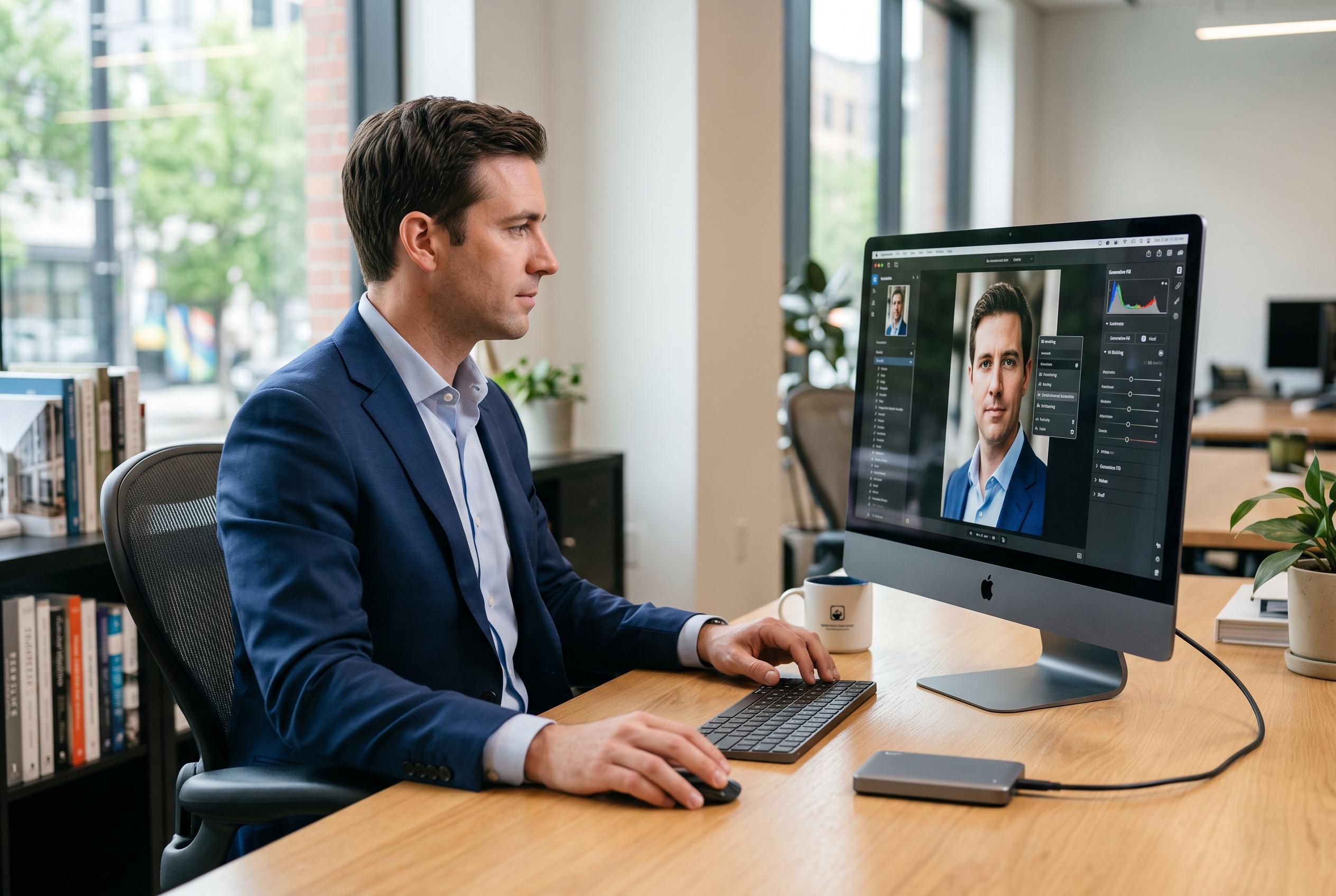

Mac users seeking alternatives to Adobe Photoshop are increasingly turning to AI-driven, open-source, and browser-based tools that cater to varying needs from quick retouching to professional-grade workflows.
Mac users looking beyond Adobe Photoshop are increasingly choosing tools that narrow the gap between professional editing and everyday usability. According to Setapp’s review, the strongest alternatives now range from AI-led photo editors to open-source and browser-based tools, with the right choice depending on whether the priority is speed, cost, format compatibility or a native Mac workflow.
The appeal is largely practical. Photoshop remains powerful, but Setapp argues that many users only need a small part of its feature set, while the monthly subscription and desktop-style interface can feel excessive for routine retouching. The review points to Luminar Neo as the leading AI option, citing one-click sky replacement, object removal and portrait retouching, while a separate review of the app describes it as an AI-first editor built to automate tasks that would otherwise require manual masking.
For users who want deeper control without Adobe’s pricing model, Affinity Photo remains one of the closest feature matches, with support for layers, RAW files, CMYK and 32-bit editing. Setapp also highlights GIMP as the strongest free option, especially for users who need masks, plugins and PSD support. Photopea fills a different role: it runs in a browser and opens Photoshop files without installation, which makes it useful for occasional edits rather than large production work.
The article also separates tools by specialist use. Photomator is positioned for photographers already working in Apple’s ecosystem, while DxO PhotoLab is aimed at RAW processing and lens correction. Capture One remains a studio-oriented choice for tethered shooting and precise colour work. Krita is better suited to illustration and digital painting than to photographic retouching, reflecting the wider split between design, painting and photo workflows across the Mac software market.
Setapp singles out TouchRetouch as a narrow but effective utility for removing unwanted objects, rather than a full Photoshop replacement. That distinction matters: the best alternative is not the most feature-rich one, but the one that matches the job. For many Mac users, that now means combining a focused editor for quick fixes with a broader app for raw development or layered work. Setapp says Luminar Neo is the best fit for AI-led editing, Affinity Photo for Photoshop-style depth, GIMP for free editing, and Photopea for lightweight browser use.
Disclaimer: This content is intended for informational purposes only. Readers are advised to exercise their own judgement, conduct due diligence, or consult a qualified expert before acting on any information provided.



