

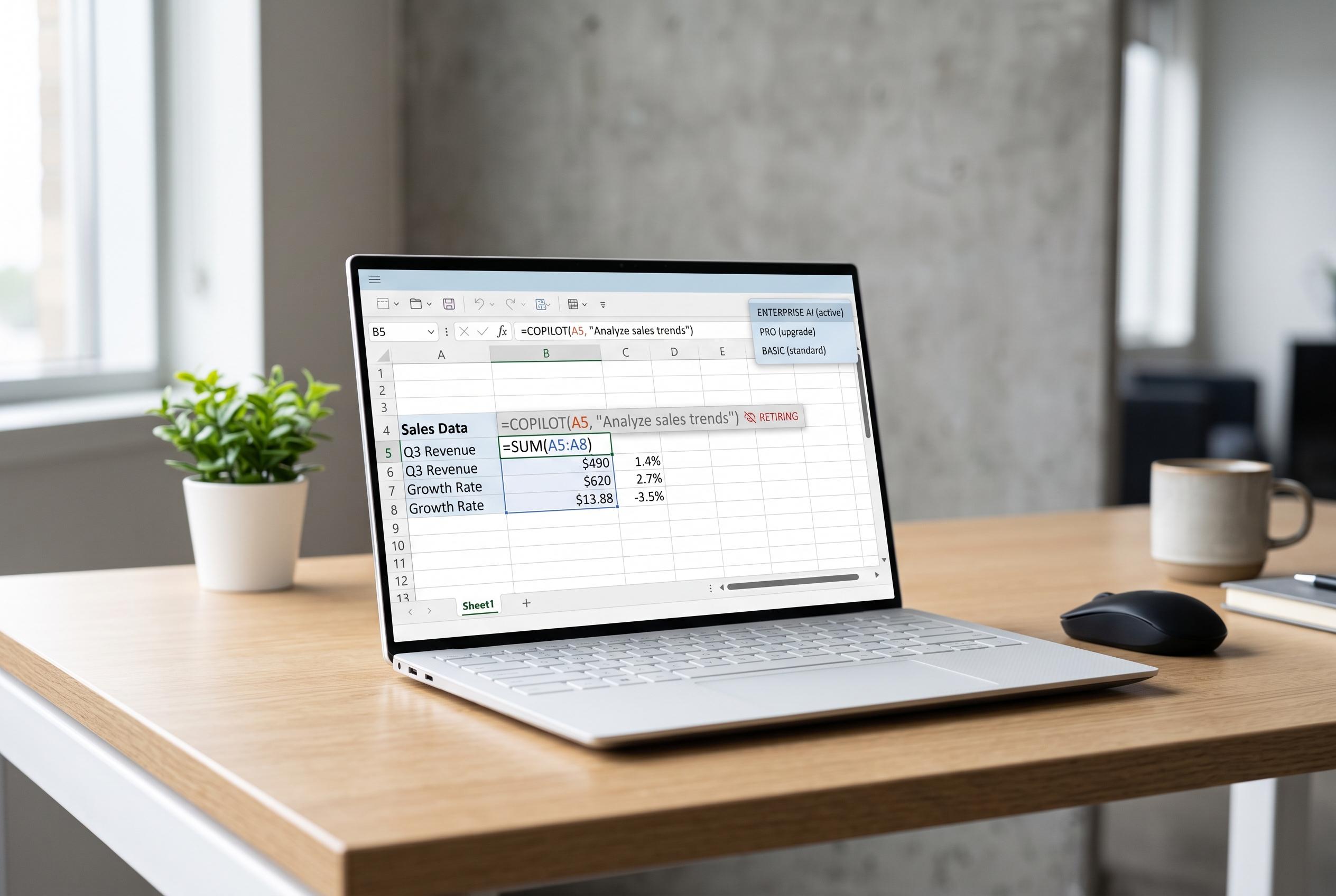

Microsoft plans to disable the =COPILOT function in Excel by September 2026, focusing AI features within a broader tiered product model and signalling a move away from cell-level prompts to integrated workflows.
Microsoft is preparing to retire the =COPILOT function in Excel on 14 September 2026, ending a feature that let users call the company’s AI directly from a cell with plain-language prompts. The move is another sign that Microsoft is folding its spreadsheet AI into a narrower set of interfaces, rather than maintaining multiple entry points for the same tools.
According to Microsoft’s message centre, the function will stop working on that date and any attempts to use it will be blocked. The company says the change is intended to simplify the Copilot experience in Excel. Features already available through =COPILOT, including text summaries, data classification, content generation and web search, will remain available through the Copilot side panel instead.
The retirement also fits a broader pattern across Microsoft 365. Windows Central reported that from 15 April 2026, most Copilot features in Word, Excel, PowerPoint and OneNote will be limited to users with a Microsoft 365 Copilot licence, marking a sharper split between basic and paid access. Outlook will retain some Copilot functions for mail and calendar tasks, but Microsoft is otherwise pushing users towards a more clearly tiered product model.
There is also a separate Excel change under way. Microsoft has said the “Insert Data from Image” feature in the Windows Semi-Annual Enterprise Channel will begin retiring in July 2026, with version 2602, and will remain available until September 2026 in version 2508. The company says an enhanced version tied to Copilot chat is being developed for other channels, reinforcing the shift away from standalone experimental tools and towards a single Copilot-led workflow inside Excel.
For users who built routines around =COPILOT, the practical issue is not just the loss of a shortcut but the change in how AI is accessed. A cell-level function is faster and more direct than opening a side panel, especially in large worksheets. Microsoft’s direction suggests that convenience is being traded for consistency, even if that means some of the most flexible spreadsheet interactions are being removed.
Disclaimer: This content is intended for informational purposes only. Readers are advised to exercise their own judgement, conduct due diligence, or consult a qualified expert before acting on any information provided.



