

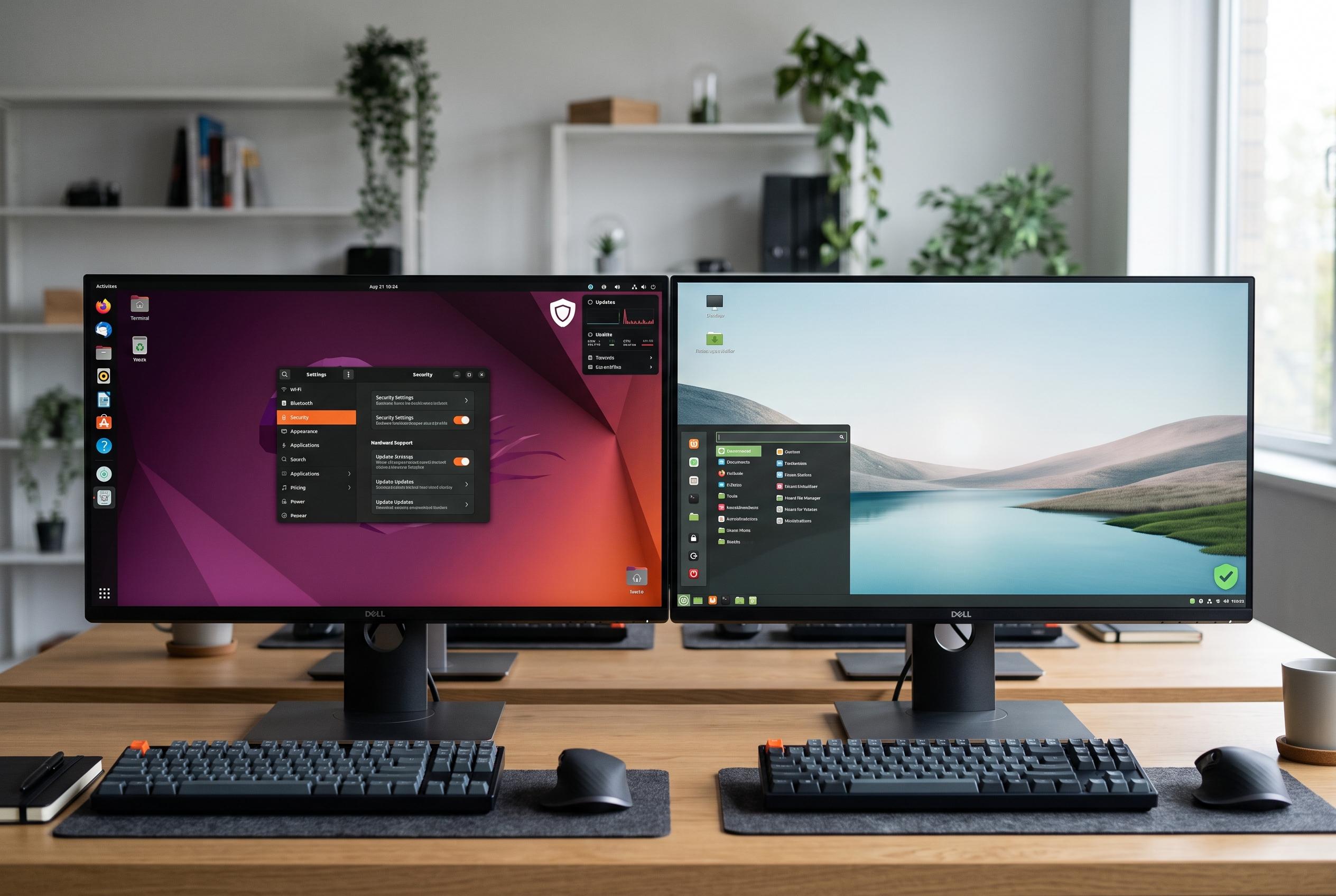

While Linux Mint remains popular for its straightforward and stable desktop experience, Ubuntu’s newer hardware support, extended security offerings, and cloud integration make it a compelling choice for users seeking cutting-edge features.
Linux Mint remains one of the easiest Linux distributions to recommend, especially for users who want a familiar desktop and as little disruption as possible. Its appeal lies in restraint: the project deliberately moves more cautiously than Ubuntu, preferring stability, conservative updates and predictable behaviour over rapid change. That approach has made Mint a dependable choice for many home users, but it also means some newer Ubuntu features arrive later, or not at all. GeeksforGeeks and other comparison guides describe Mint as the more conservative option, while Ubuntu is generally positioned as the distribution that moves faster on platform changes and desktop updates.
One of the clearest differences is hardware support. Ubuntu’s Hardware Enablement programme brings newer kernels and drivers into supported long-term releases more quickly, which can matter on recent laptops and desktops with the latest Intel or AMD processors, Wi-Fi chipsets or graphics hardware. Canonical says Ubuntu LTS systems can also be upgraded in place to Ubuntu Pro without redeployment, which helps organisations keep fleets current while still staying within a long support window. By contrast, Mint’s Ubuntu-based foundation tends to remain stable for longer, which is useful for dependability but can delay support for very new devices.
Security is another area where Ubuntu offers more built-in depth. Ubuntu Pro is free for personal use and extends security maintenance well beyond standard support, with Canonical saying it covers the full Ubuntu archive for up to 10 years on LTS releases, with an optional Legacy add-on taking that to 15 years. It also adds access to compliance tools, auditing features and a wider set of patched packages. For users running multiple machines, or developers who need a longer support runway, that can be a meaningful advantage. Linux Mint inherits Ubuntu’s base security updates, but it does not include an equivalent first-party service.
Ubuntu also has a convenience edge for people who dislike reboots. Livepatch lets many kernel security fixes be applied while the system is still running, which is especially useful on workstations that stay busy for hours at a time. Canonical positions this as part of its broader enterprise-grade maintenance model, and it fits naturally with Ubuntu’s longer-support approach. Mint users can of course install updates in the usual way, but they do not get a native Livepatch-style service as part of the distribution.
For developers and infrastructure teams, Ubuntu’s wider ecosystem is another reason it often gets the first look. Canonical’s emphasis on cloud, virtualisation and container workflows means tools such as Multipass and official cloud images are closely tied to Ubuntu’s platform. That is useful for local testing, disposable virtual machines and reproducing production environments. Comparison guides consistently note that Mint is aimed more at a straightforward desktop experience, while Ubuntu is more tightly aligned with cloud and enterprise tooling.
Ubuntu also tends to receive broader commercial support. When software makers, hardware vendors or enterprise security companies publish Linux installation instructions, Ubuntu is often the first distribution named. Many .deb packages are built and tested primarily for Ubuntu, even if they may also run on Mint. That matters most in professional settings, where official vendor support can be more valuable than a community workaround. Mint remains attractive for its classic desktop and bundled extras, but Ubuntu is more often the default target for third-party Linux support.
For most people, none of this is a reason to leave Linux Mint. Mint still offers a polished interface, sensible defaults and a lower-drama experience that many users prefer. But Ubuntu does quietly provide more in the background: newer hardware enablement, a longer and more expansive security model, live kernel patching, stronger cloud integration and earlier access to upstream desktop changes. The right choice depends less on ideology than on what the machine is for. If the priority is simplicity and predictability, Mint remains compelling. If the priority is breadth of support and a faster path to newer platform features, Ubuntu has the advantage.
Disclaimer: This content is intended for informational purposes only. Readers are advised to exercise their own judgement, conduct due diligence, or consult a qualified expert before acting on any information provided.



