

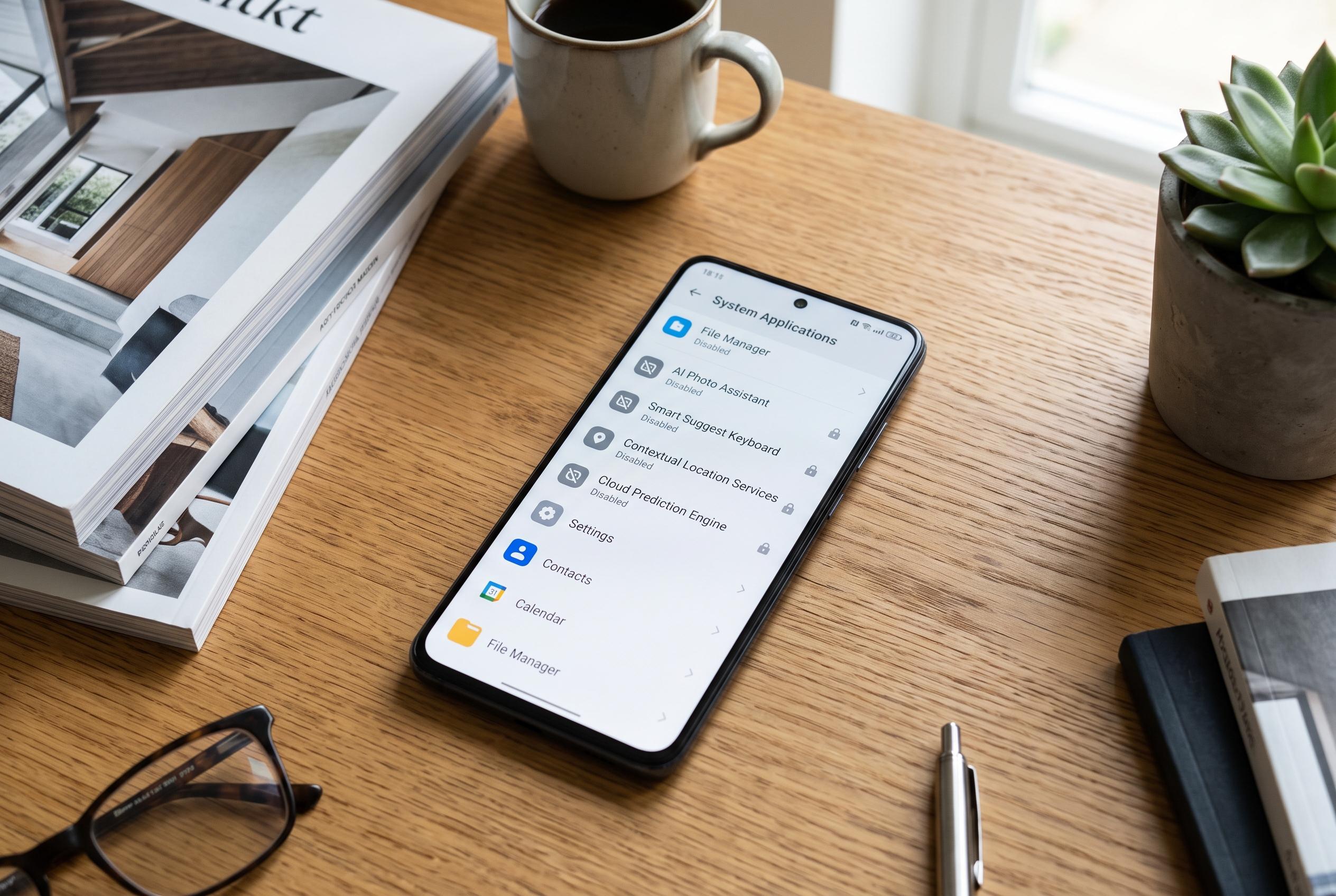

Many pre-installed Android apps, especially those powered by AI, can be safely turned off to enhance privacy and optimise device performance. Learn which apps are essential and which can be disabled.
System apps on Android are often treated as untouchable, but some are little more than background baggage. A number of them power features many users never enable, yet still occupy storage, consume resources or collect data in the background. Disabling the right ones can make a phone feel cleaner without affecting day-to-day use.
One obvious candidate is AI Wallpaper, a Google app that generates backgrounds from text prompts. It is meant to be playful rather than essential, and it can be turned off without affecting the standard wallpaper and themes functions that run separately. For users who have tried it once and moved on, it is an easy removal.
AICore is a more consequential case. Android Central has reported that Google’s on-device AI service underpins features such as smart replies, summaries and other Gemini Nano-based tools, while also triggering complaints about large storage use. Google has said the app may temporarily keep both old and new model files during updates, with the extra data normally cleared after the transition settles. Even so, users who do not rely on those features may still decide the app is unnecessary, especially on devices where storage is tight. Samsung has a comparable service, Samsung Language Core, which can also be disabled if its on-device language features are not wanted.
Another app worth considering is Google Play Services for AR. It supports augmented-reality functions in apps such as Live View in Maps, IKEA Place and some games, but it has little value if you never use AR software. Android Auto falls into a similar category. It is useful for compatible cars, yet on phones that are never connected to an in-car display it serves no practical purpose and can be safely switched off.
On Samsung phones, Customisation Service is harder to justify. It is designed to tailor suggestions across the device, but Android Central has noted that it gathers a wide range of personal data, including contacts, call logs, calendar information, location history and even music preferences. That makes it one of the least attractive system apps to leave running. Chrome can also be disabled if another browser has taken its place. As MakeUseOf points out, Android now relies on separate web-rendering components, so another browser can handle everyday browsing without Chrome being active.
The broader trend is that Android’s AI and personalisation layers are becoming more deeply embedded, but users still have some control. Android Central has shown that many Google AI features can be reduced individually, even if there is no single master switch. For people who prefer a simpler phone, the practical approach is to disable only the system apps and services that genuinely add nothing.
Disclaimer: This content is intended for informational purposes only. Readers are advised to exercise their own judgement, conduct due diligence, or consult a qualified expert before acting on any information provided.



