

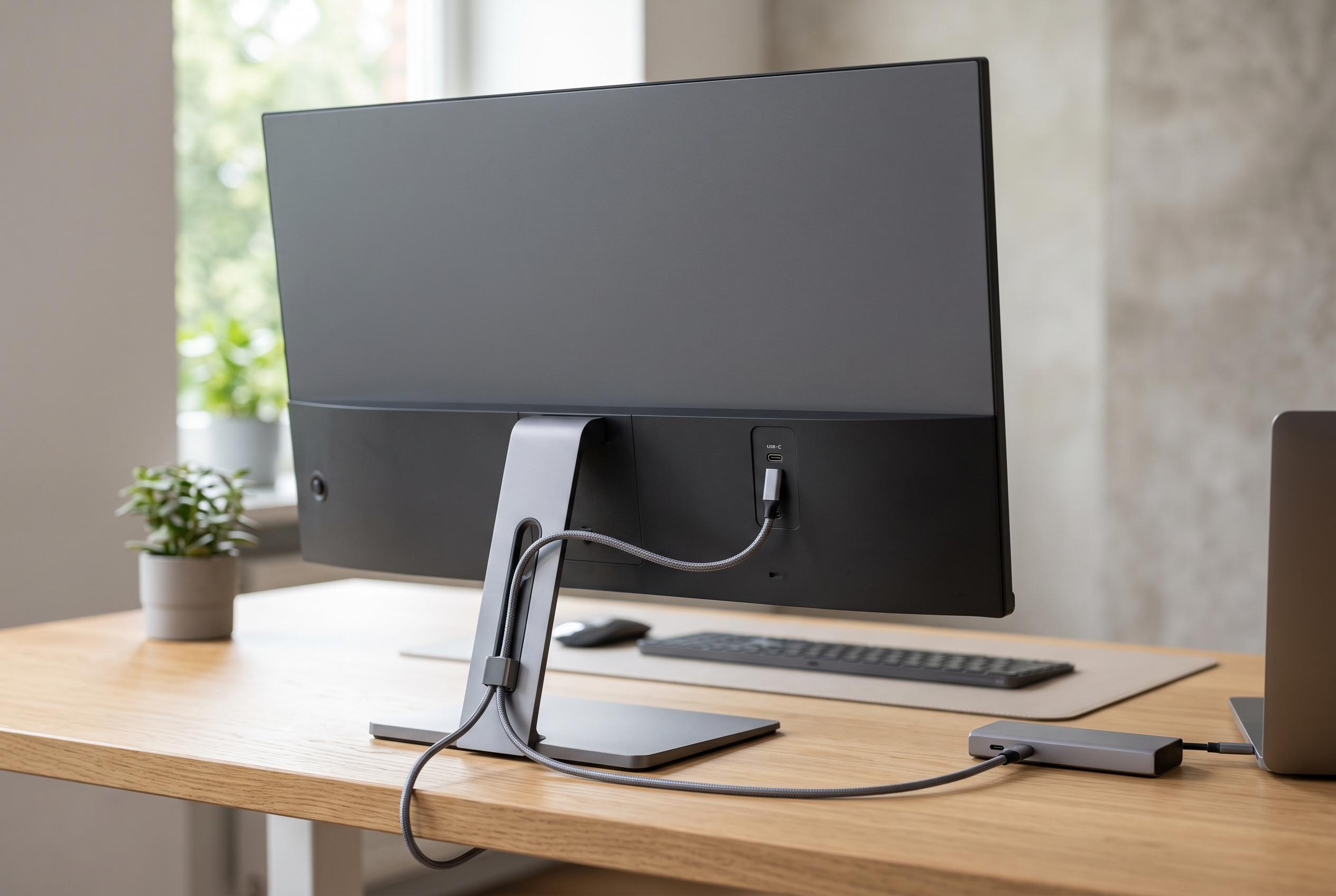

The USB-C port on modern monitors like Alienware’s AW2725DF is proving to be more than just a data connector , it’s reshaping how users connect and charge devices, simplify cable management, and improve everyday usability at the desk.
A monitor’s USB-C port is easy to ignore until it starts solving small but annoying problems. On Alienware’s AW2725DF, the port sits under the display and is far more accessible than the rear ports on a desktop tower, which makes it useful in a way that specifications alone do not capture. The key requirement is that the monitor itself must be linked back to the PC through its upstream connection, either by a separate USB cable or through the same USB-C link used for video, so the port behaves like part of the computer rather than a standalone socket. Dell says that upstream connection is what enables a monitor’s built-in USB hub, while the downstream ports are where accessories can actually be attached.
The most obvious use is phone charging. RTINGS notes that USB-C on monitors can carry power as well as data, depending on the panel’s specifications, and that is where the convenience really starts to matter. A phone can sit within reach on the desk instead of being left by a wall socket or behind the PC, which makes it easier to keep an eye on notifications while it charges. If the port only supports data, it can still be useful for quick file transfers, particularly for photos and video clips.
Webcams are another sensible fit. Because they are usually mounted on top of the display, routing the cable to the monitor instead of to the computer can remove a long visible run across the desk. In practical terms, that makes cable management neater and keeps the setup less cluttered. A high-end webcam does not necessarily need a fast port either; for many models, a modest USB 3.0-class connection is sufficient for 4K use, so the monitor’s socket can be perfectly adequate for a permanent installation.
Gaming peripherals can benefit too. A wireless mouse receiver often works better when it is positioned closer to the mouse and away from the shielding and interference that can come from a PC case under the desk. The same logic applies to controllers and headsets. A short cable into the monitor is usually less awkward than trailing one back to the tower, especially during a session when convenience matters more than raw transfer speed. RTINGS also notes that USB-C’s appeal is not just reversibility, but its ability to handle data and power in a single connector when the monitor supports it.
External drives and flash sticks are a more situational use, but still a worthwhile one. A fast SSD should ideally be connected to the quickest port on the motherboard for large transfers, yet smaller jobs do not always justify that extra effort. Lenovo and BenQ both note that USB-C is intended to reduce cable clutter and simplify connections, and that flexibility is exactly what makes a monitor port handy for everyday file movement. If the drive itself is only built to USB 3.0 speeds, there may be little practical penalty in plugging it into the monitor instead.
The broader point is that the USB-C port on a monitor is not a premium feature for its own sake. It is a convenience feature that becomes more valuable the more often a desk setup is used. For people with their computer under a desk, against a wall, or already crowded with front-panel dongles, a port beneath the display can be the easiest one to reach. In many cases, that makes it the port most likely to be used first.
Disclaimer: This content is intended for informational purposes only. Readers are advised to exercise their own judgement, conduct due diligence, or consult a qualified expert before acting on any information provided.



