

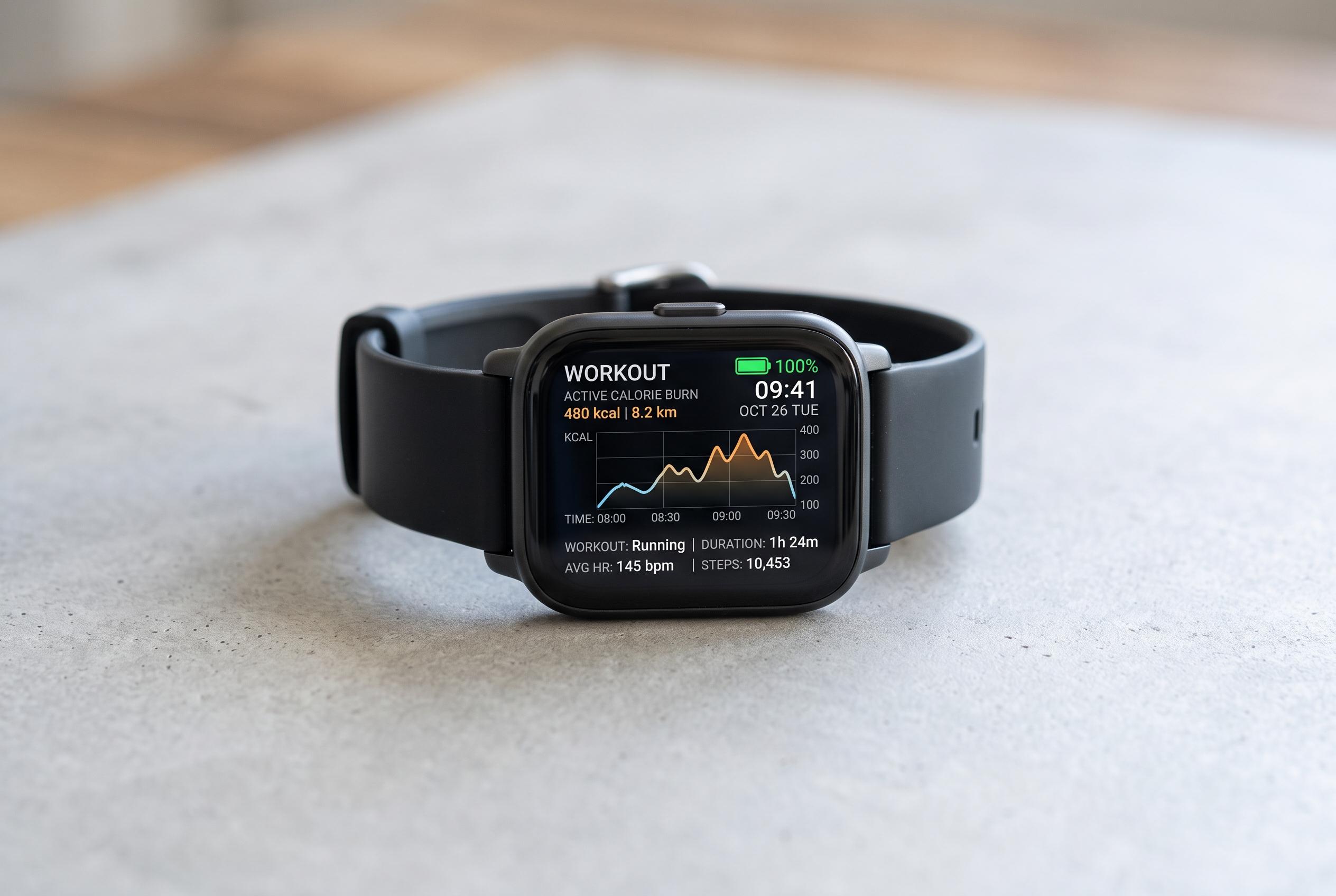

Growing smartwatch use for fitness tracking faces battery life challenges during long sessions. Experts reveal practical tips to preserve power without sacrificing workout data or synchronization with Strava.
Smartwatches are now widely used to record exercise, from running and cycling to hiking and walking. They can capture route data, heart rate, pace, distance and duration, but long sessions often expose the same weakness: battery life falls much faster during workouts than it does in normal use.
The main reason is not Strava synchronisation itself. Strava says GPS recording continues on the device while an activity is being tracked, and the data is uploaded afterwards. In practice, power is consumed by location tracking, heart-rate sensors, an active display, wireless connections and, in some cases, music playback. That means the drain usually starts before any sync takes place.
The easiest gain comes from the screen. Reducing display wake time, lowering brightness and avoiding always-on viewing can make a noticeable difference, especially on runs and rides where the watch is only checked occasionally. Guidance from Garmin and Tom’s Guide also points to limiting notifications, turning off Bluetooth when it is not needed and choosing watch faces that do not refresh constantly.
For longer sessions, power-saving modes are worth enabling before the activity begins. Some watches also allow users to reduce GPS intensity, pause tracking during breaks or switch off features that are not essential for the workout. For people training for marathons, long rides or multi-day hikes, these adjustments can extend battery life without breaking the link to Strava or losing the core exercise record.
Disclaimer: This content is intended for informational purposes only. Readers are advised to exercise their own judgement, conduct due diligence, or consult a qualified expert before acting on any information provided.



