
Microsoft is testing a revamped version of the Windows 11 ‘Get Started’ app in insider builds, shifting from static onboarding to a more contextual and device-aware guide that enhances user customisation and ease of use.
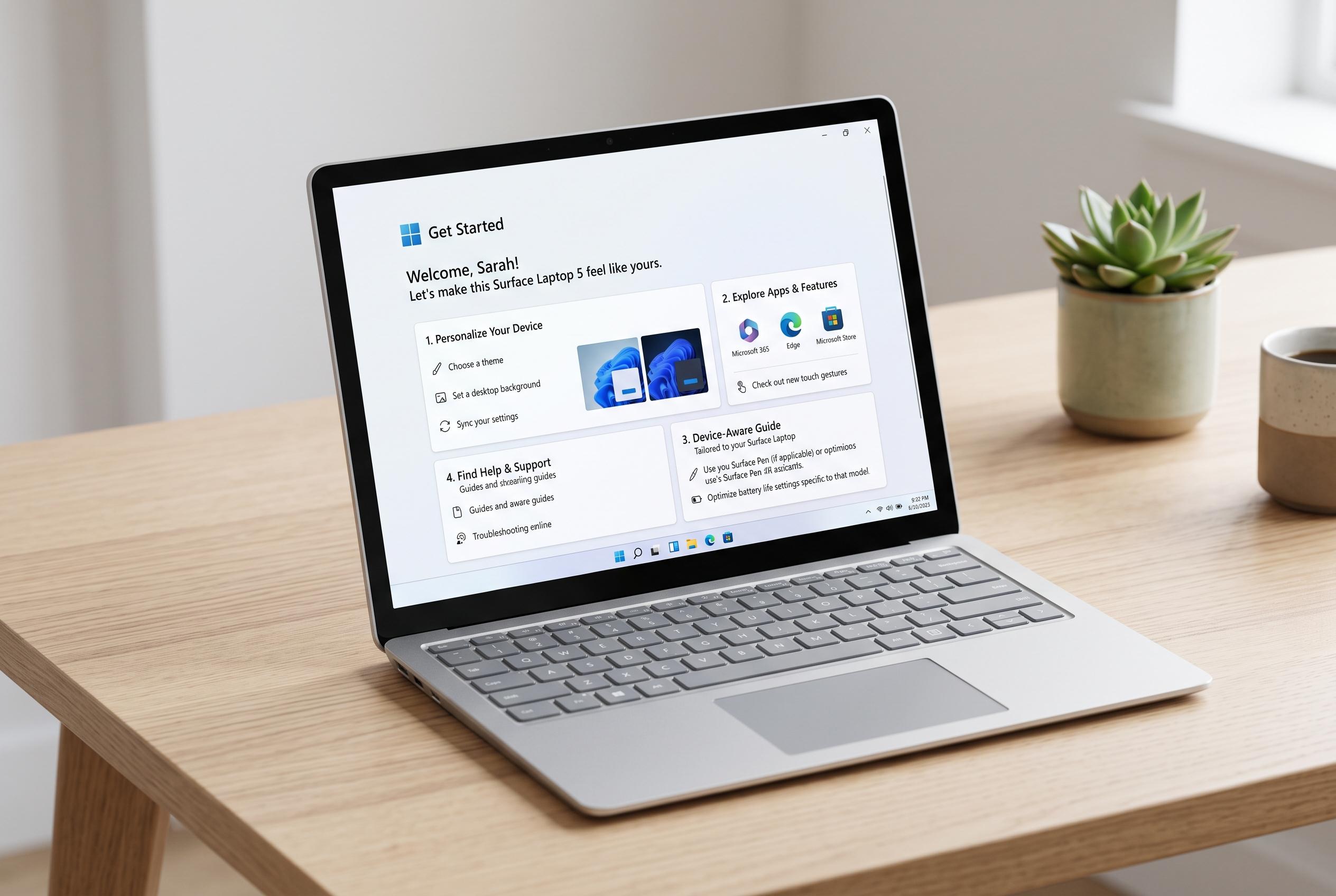
Microsoft is testing a redesigned version of the Windows 11 “Get Started” app that aims to be more useful than the lightly regarded onboarding tool it replaces. According to a report by TugaTech, the changes are arriving in Insider build 26340.9212 for the future 26H2 release and recast the app as a contextual guide rather than a generic introduction to Windows and Microsoft services.
The updated experience now uses separate pages that change according to the device and user profile. These include suggestions for installing recommended apps, guidance on pinning websites to the taskbar or Start menu, and a section for personalised themes that alters the look of the system. Microsoft says the app can be closed at any point and resumed later, which makes the process less rigid than a traditional setup wizard.
That shift fits with a broader pattern in Windows 11’s development. Windows Central noted that the operating system has become significantly more capable since its 2021 launch, with improvements to the Start menu, Taskbar, File Explorer, Settings and multitasking. Microsoft has also pushed deeper integration with its own services and added AI features, including Copilot and Recall on supported Copilot+ PCs, although some users still object to the company’s growing emphasis on Microsoft accounts and new AI functions.
The redesign also comes as Microsoft continues to expand customisation across Windows 11. Microsoft’s own support material explains how the Start menu can already be tailored through pinned apps, recommendations and layout options, while Microsoft Learn documents OEM controls that can place apps and websites in specific Start menu sections. Windows Central reported earlier this year that the new Start menu had begun rolling out more widely, with a scrollable layout, category-based app browsing and the option to hide Recommended items, although more advanced modular controls are still expected later in 2026. The new Get Started app appears to follow the same direction: less static guidance, more device-aware suggestions.
Disclaimer: This content is intended for informational purposes only. Readers are advised to exercise their own judgement, conduct due diligence, or consult a qualified expert before acting on any information provided.