

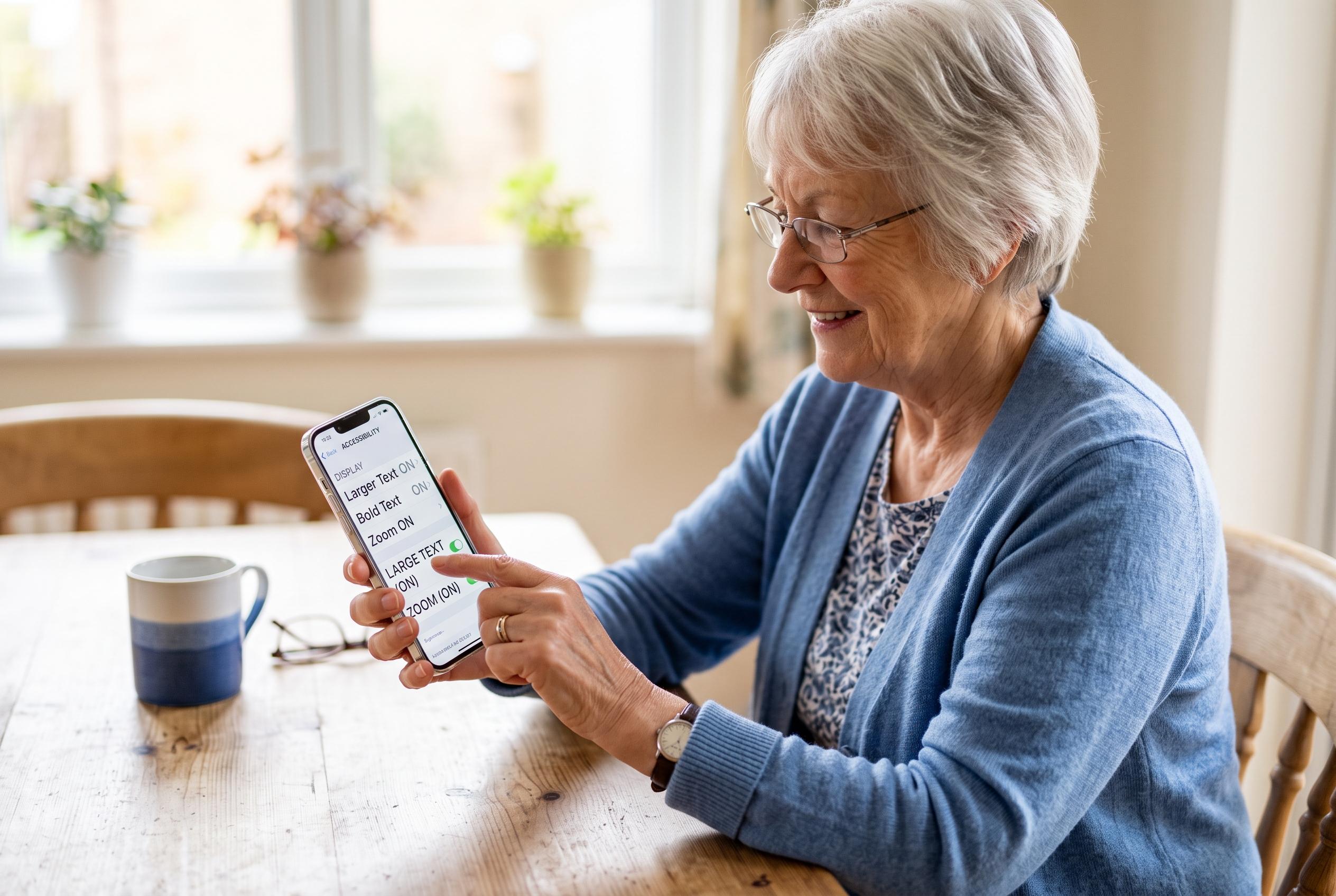

As smartphones become increasingly feature-rich, accessibility tools from Apple, Google, and Samsung are making it easier for older users to navigate and feel comfortable with their devices, shifting the focus from complexity to simplicity.
For an older user making the leap from a flip phone to a smartphone, the main challenge is rarely the screen size. It is the density of information, the sensitivity of touch controls and the sheer number of features competing for attention. Apple and Google both build accessibility tools into their phones, and those settings can make a handset far less intimidating for a first-time user.
On an iPhone, Apple’s accessibility options allow the display to be adjusted for readability and simpler control. The company’s support guide says users can increase text size, make type bold and use display zoom to enlarge icons and menus. It also offers VoiceOver for spoken screen feedback, Zoom for magnifying content and Voice Control for hands-free operation. For users who want something much simpler, Assistive Access can strip the interface back to a cleaner layout with larger buttons and fewer apps.
Google’s Android support material says Pixel and other Android phones offer similar help. Users can enlarge text and on-screen elements, increase contrast and switch from gesture navigation to the older three-button layout, which is often easier for newcomers to understand. TalkBack reads the screen aloud, Magnification enlarges content and Voice Access lets users control the phone by speaking commands. Android also supports captions and audio aids for hearing-related needs.
Samsung’s Galaxy phones include another route for less experienced users. The Savvy Senior column recommends Easy Mode, which enlarges icons and text, simplifies the home screen and slightly slows touch response to reduce accidental taps. That can be useful for someone still learning the difference between a tap, a swipe and a long press. The broader principle is the same across brands: reduce complexity first, then add features only when they are needed.
The most practical changes are often the simplest. Remove unused apps from the home screen, keep Phone, Messages and Photos on the first page, raise ringtone and alert volumes, and add favourite contacts for one-touch calling. A longer screen timeout can also help, so the display does not shut off too quickly while the user is reading or composing a message. Apple and Google continue to expand these tools, with both companies recently highlighting more advanced accessibility features, including AI-assisted captions and reading aids, but the immediate gains for most older users still come from basic display, navigation and voice settings.
The aim is not to turn a new smartphone owner into a power user overnight. It is to make calls, texts and photos manageable enough that the device feels useful rather than frustrating. With a few careful adjustments, a smartphone can become far easier to live with than a flip phone ever was.
Disclaimer: This content is intended for informational purposes only. Readers are advised to exercise their own judgement, conduct due diligence, or consult a qualified expert before acting on any information provided.



