

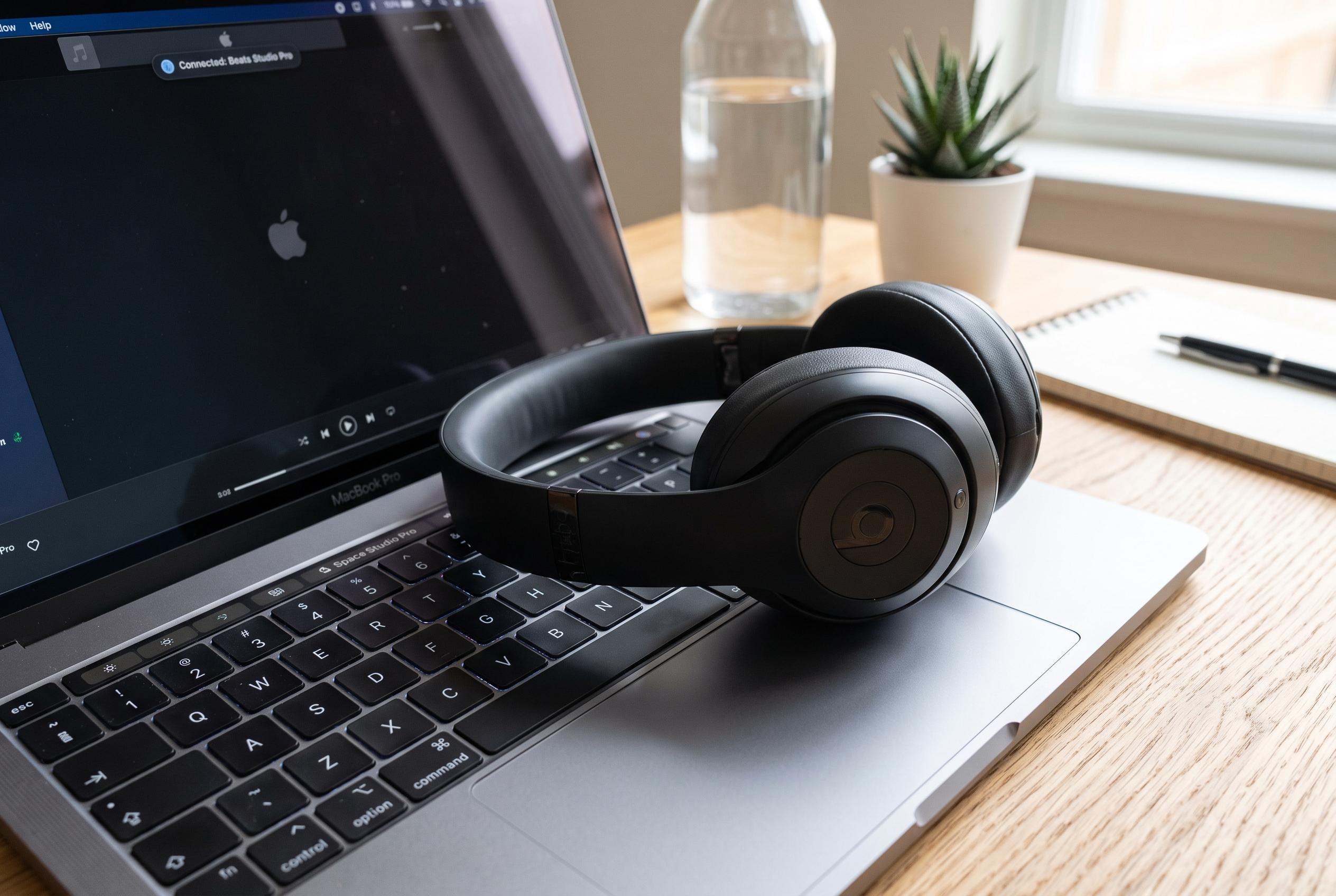

Connecting Beats headphones to a laptop can be seamless, but common issues like pairing mode, Bluetooth interference, or outdated software can disrupt the process. Here’s a guide to resolve frequent connectivity challenges and ensure a smooth connection experience.
Connecting Beats headphones to a laptop is usually straightforward, but the process can fail if the headphones are not in pairing mode, if Bluetooth is off, or if the device is already linked elsewhere. According to Android Authority and Apple’s support guidance, the key first step is to power on the headphones and place them into discovery mode before opening the Bluetooth menu on the computer.
On Windows, the basic route is through Settings, then Bluetooth and devices, where the laptop can search for nearby accessories and add the Beats device once it appears. On a Mac, Apple says the connection begins in System Settings under Bluetooth, where the headphones should be selected and then connected after they are detected. In both cases, the device may need a short pause while the pairing completes.
If the headphones do not show up, the most effective fix is often to remove the saved pairing and start again. Headphonesty notes that this can resolve cases where the laptop still remembers an old connection, while Apple’s support pages also recommend checking that Bluetooth is enabled and that the headphones are in discovery mode. A weak or interrupted wireless link can also interfere with pairing, especially if other devices are already competing for the same connection.
Simple checks matter as well. Volume set too low can make it seem as though the connection has failed, even when pairing has succeeded. It is also worth switching off nearby wireless devices briefly, because interference can affect Bluetooth stability. Several guides also point out that outdated software or drivers may prevent a laptop from recognising the headphones properly, particularly on Windows systems.
Beats headphones can be paired with more than one device over time, but they do not play from several devices at once. That distinction is important for users who move between a phone, a tablet and a laptop. Apple’s support materials and third-party guides agree that once the headphones have been paired correctly, future connections are usually automatic, provided Bluetooth remains enabled and the device is not already linked to something else.
Disclaimer: This content is intended for informational purposes only. Readers are advised to exercise their own judgement, conduct due diligence, or consult a qualified expert before acting on any information provided.



