

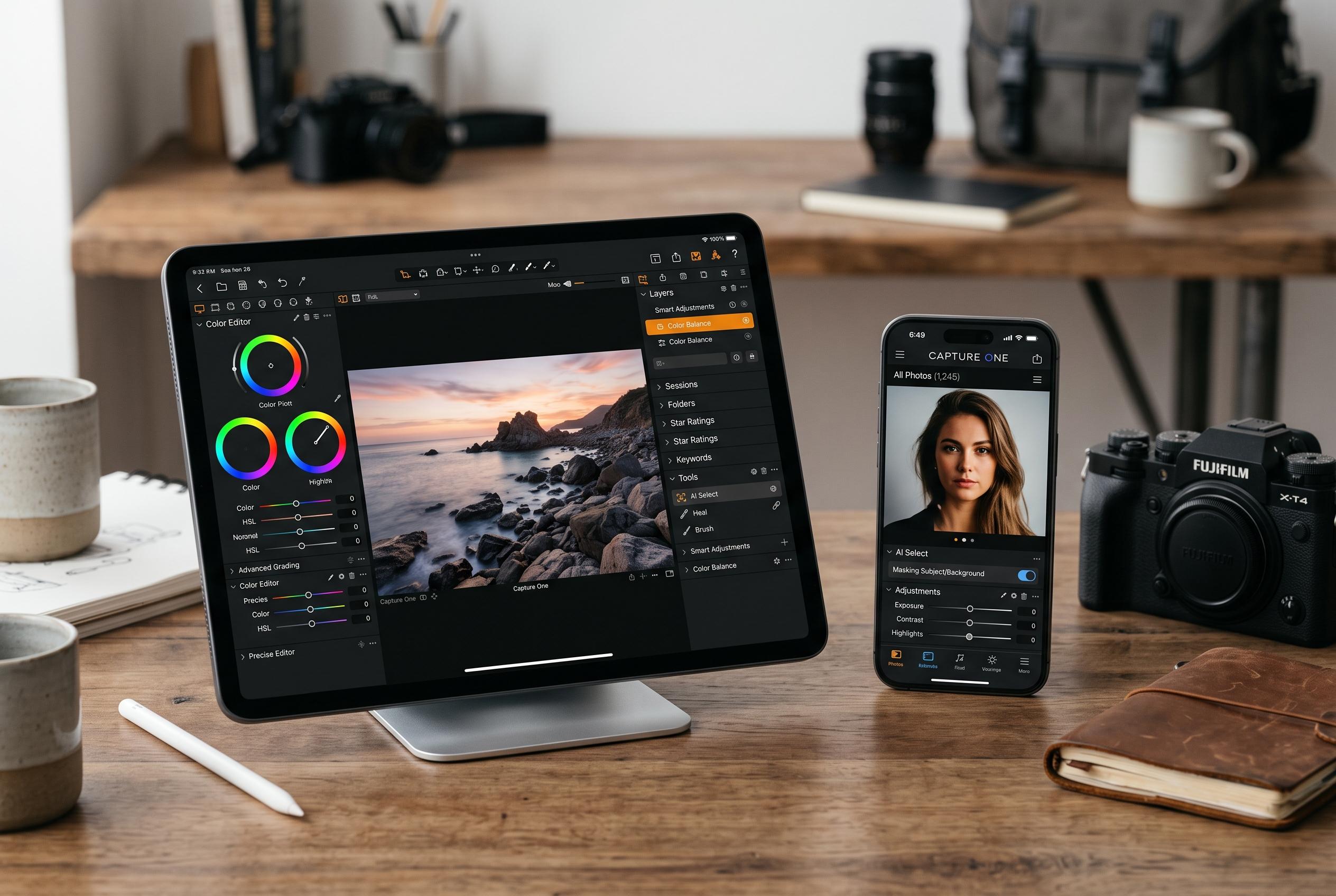

Capture One’s latest update for iPhone and iPad narrows the feature gap with desktop, introducing AI-powered denoising, precise colour grading, object removal, and improved organisation tools, signalling a shift towards a more comprehensive mobile workflow for photographers.
Capture One has widened the scope of its mobile app with version 4.0, adding four editing tools to iPhone and iPad that were previously reserved for the desktop software. The update is part of the company’s August 2026 release cycle and is aimed at making the mobile app a more capable extension of the desktop workflow for photographers working away from a computer. According to DPReview, the additions help close a long-standing feature gap between the two versions.
The most notable change is Enhanced Denoise, which uses AI to reduce image noise while retaining fine detail. Capture One has also brought its three-way Color Balance wheel to mobile, allowing separate control over shadows, midtones and highlights. In practice, that gives users more precise colour grading than before, particularly for image finishing in the field. The company says the same release also adds Heal & Clone, which lets photographers remove unwanted objects without waiting to return to the desktop.
Version 4.0 also introduces Keywords support, enabling tagging and organisation directly on mobile devices. That is likely to matter for photographers who need to sort large shoots quickly while travelling or on location. Capture One says the crop tool has also been refined so it follows camera orientation when tethering or when copying and applying adjustments. The company’s product pages note that the mobile app already supports wireless tethering, auto-applying edits as images are captured and compatibility with more than 550 cameras.
Capture One’s own update notes suggest the company is building the mobile app into a more complete production tool, rather than a viewer with limited edits. Its latest feature list also points to 2nd Gen Wireless Tethering, which the company says can bring previews to an iPhone or iPad within seconds, alongside Assisted Review for spotting issues such as closed eyes, missed flashes and soft focus. The desktop app, meanwhile, receives smaller refinements in version 16.8.5, including middle-mouse panning and support for the OM System OM-3 Astro.
Disclaimer: This content is intended for informational purposes only. Readers are advised to exercise their own judgement, conduct due diligence, or consult a qualified expert before acting on any information provided.



