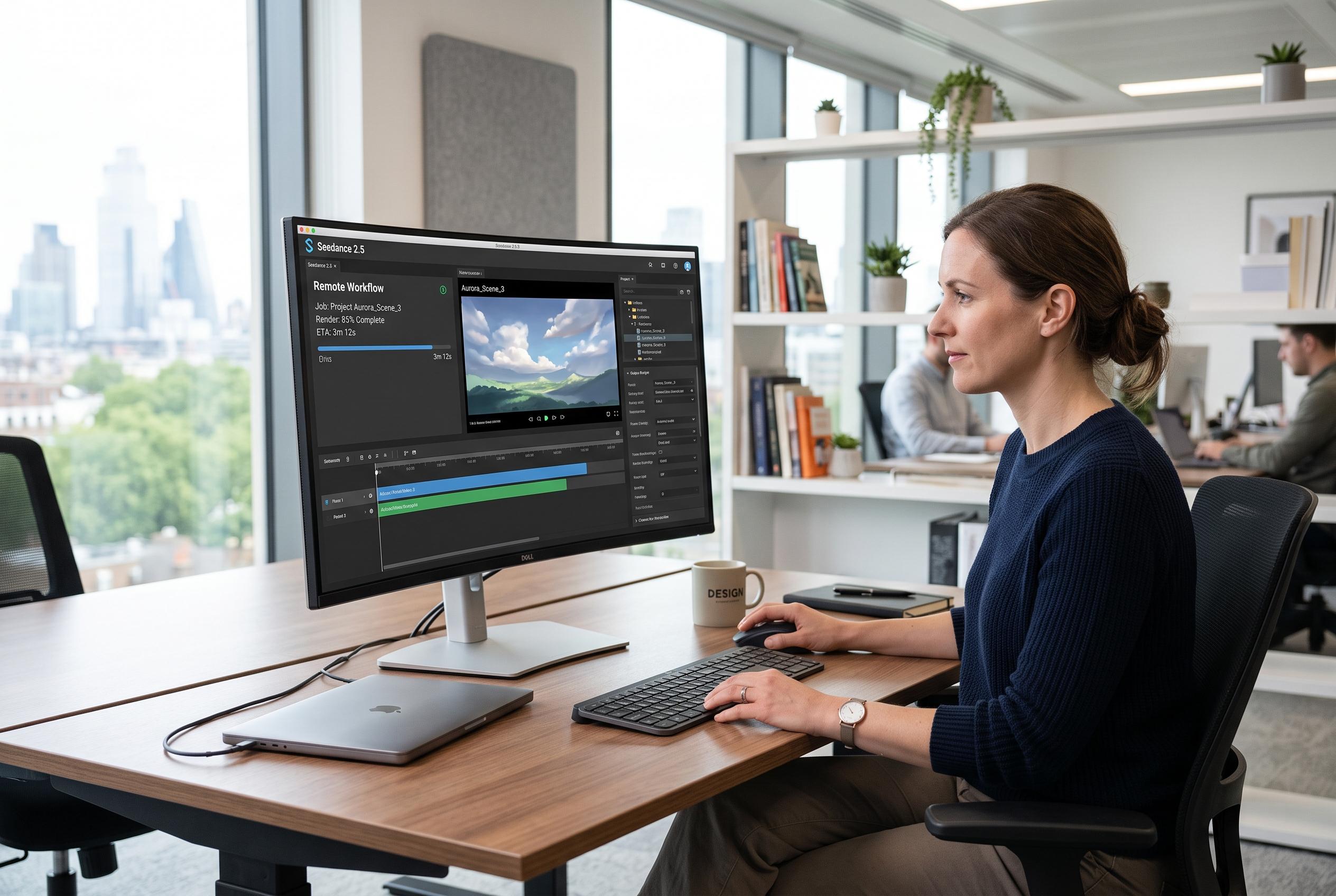

The latest version of Seedance redefines hardware needs by moving demanding video generation tasks to browser and API workflows, prompting a reassessment of upgrade strategies amid workflow bottlenecks.
Seedance 2.5 shifts the most demanding part of video generation off the local machine on its browser and API routes, which changes how buyers should think about upgrades. The model is built for remote generation and can work with text, images, video clips and audio, while several platforms describe support for clips of up to 30 seconds and as many as 50 multimodal references. That means the real question is often not which graphics card looks strongest on paper, but where the workflow actually slows down. According to the related platform guides and model listings, the browser can handle submission and review, but the finished clip still has to be downloaded, edited and exported locally.
That division matters because the computer still does a great deal of work even when it is not generating frames. References must be prepared, files uploaded, previews checked and results organised before any editor comes into play. Once the material reaches a timeline, the familiar bottlenecks return: decoding, playback, effects, audio mixing and final encoding. In practice, a weak upload line, a nearly full drive or a disordered archive can cause more delay than an older processor.
The better way to plan hardware is to trace the job from source files to delivery. In the workflow described by Hardware Secrets, preparation can depend on CPU, memory and storage; submission depends on upstream internet stability; review leans on the browser, display and decoder; editing draws on CPU, GPU, memory and scratch space; and export depends on encoder performance and available disk capacity. That is why no single specification solves every case. A short social clip and a layered campaign with titles, sound and colour work place very different demands on the same desk.
Testing should follow the same order as the work itself. First comes upload stability, because large reference packs are more sensitive to upstream performance than to download speed. Next comes storage, since generated work quickly expands into source media, proxy files, exports and backups. After that, playback should be checked in the actual editor with representative clips and the intended preview settings. If that is still rough, proxy or optimised-media workflows may reveal whether the problem is decoding, graphics or file access.
Browser-led use can keep the machine requirements relatively modest. Several Seedance 2.5 guides describe browser access for text-to-video and image-to-video workflows, and some services present the model as usable without installation. In that setting, a current browser, enough memory and a clear display may matter more than another tier of GPU. Reliable input devices also help when selecting frames or managing revisions. Even so, the workflow brings a mundane risk: download files can become hard to match to the right prompt or reference set unless they are renamed and organised immediately.
A dedicated GPU earns its keep only when post-production proves the need. Repeated dropped frames, slow effects previews, heavy noise reduction, demanding colour grading or exports that tie up the machine for too long are stronger signals than a marketing claim on a product page. The same logic applies to memory and storage. More RAM helps when browser, editor and reference tools must remain open together, while faster working storage improves media access and cache behaviour. None of these upgrades can fix a poor network connection, and a faster connection will not make an overloaded edit smooth.
For developers using API routes, the question becomes one of systems design rather than desktop speed. Batch jobs, retention rules, failure handling and output tracking all matter if requests are being sent through an application pipeline rather than one at a time in a browser. The practical rule is simple: size the editing machine for review and finishing, then treat the submission pipeline as its own infrastructure problem. That approach avoids buying hardware for the wrong bottleneck and keeps the decision tied to the stage that actually slows the work.
Disclaimer: This content is intended for informational purposes only. Readers are advised to exercise their own judgement, conduct due diligence, or consult a qualified expert before acting on any information provided.