

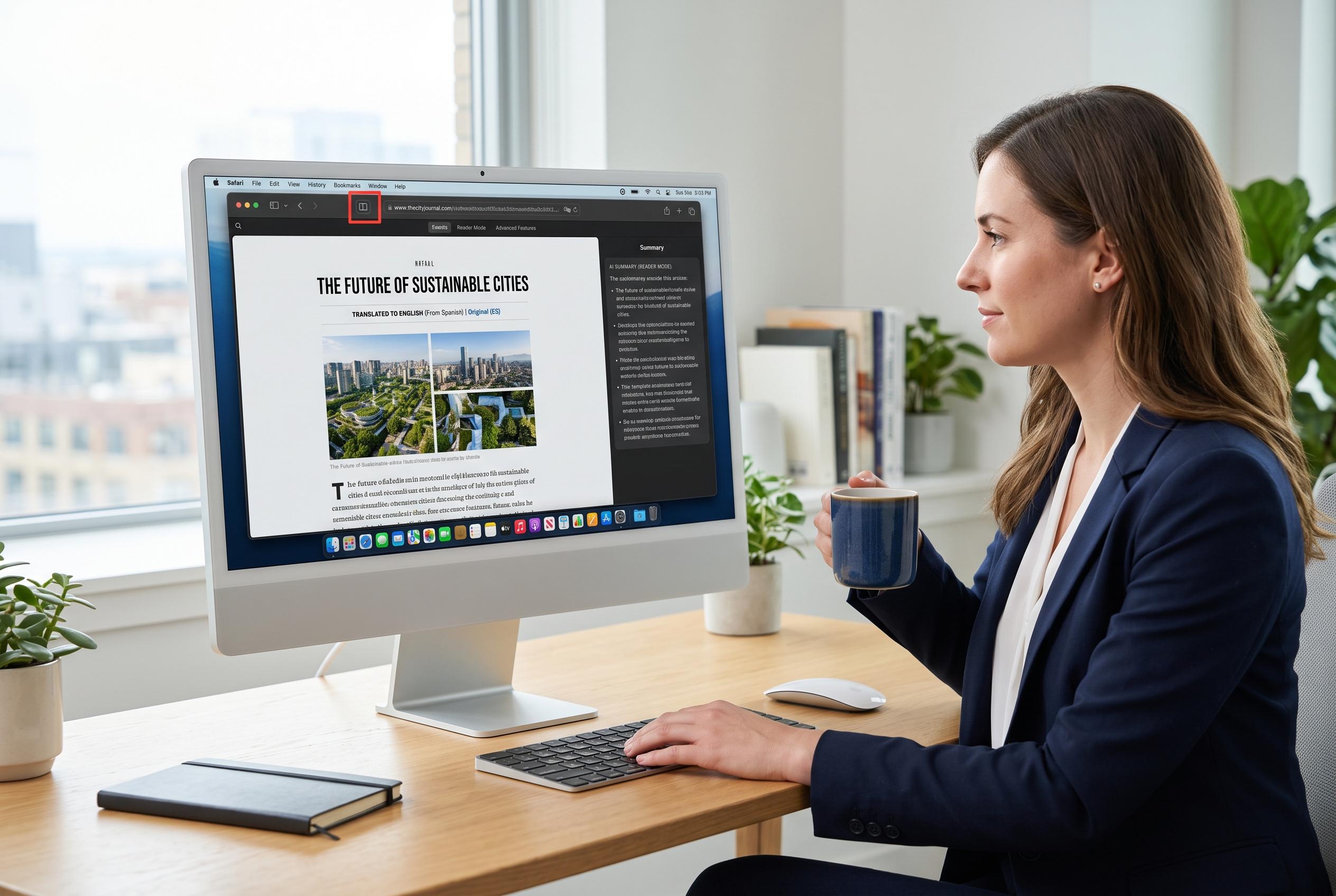

Safari continues to solidify its role as a leading browser for Mac users by integrating advanced features like Reader mode, webpage summarisation, and live translation, all designed to streamline browsing across Apple’s ecosystem.
Safari remains one of the strongest browsers for Mac users because it combines speed with a set of practical tools that reduce friction in day-to-day browsing. Apple’s own support material shows that several of its most useful features are built directly into the browser, rather than added through extensions or third-party apps. That makes them available across Apple’s ecosystem, including iPhone and iPad, with only minor differences in how they are accessed.
One of the most valuable is Reader mode. Apple says it strips away ads, sidebars and other clutter so an article is presented in a cleaner layout, with options to adjust the font, background and text size. For longer pieces, Safari can also surface a summary and a table of contents, making the feature more useful than a simple reading view.
Safari’s Summarize function takes that idea further by using Apple Intelligence to generate a brief version of a webpage. Apple says the feature is accessed from the Page menu in Reader view and is still tied to Apple Intelligence availability, which remains in beta and is limited by device and region. In practice, that means the tool is best treated as a quick filter rather than a substitute for reading the original text.
Translation is another feature that can be genuinely useful rather than merely convenient. Apple’s Safari guidance says supported pages can be translated directly from the address bar, allowing foreign-language sites to become readable almost immediately. For anyone who regularly works across markets or follows international reporting, that reduces the need to copy text into separate translation services.
Safari’s session-management tools are also worth knowing. Apple documents options to reopen the last closed tab and to restore all windows from the previous session, which helps if a tab is shut by mistake or the browser is force-quit after a crash. On the video side, picture-in-picture lets a clip float above other windows, which is useful for long-form viewing while working. Together, these features explain why Safari remains a default choice for many Mac users: it is not just fast, but designed to preserve context and reduce interruptions.
Disclaimer: This content is intended for informational purposes only. Readers are advised to exercise their own judgement, conduct due diligence, or consult a qualified expert before acting on any information provided.



