

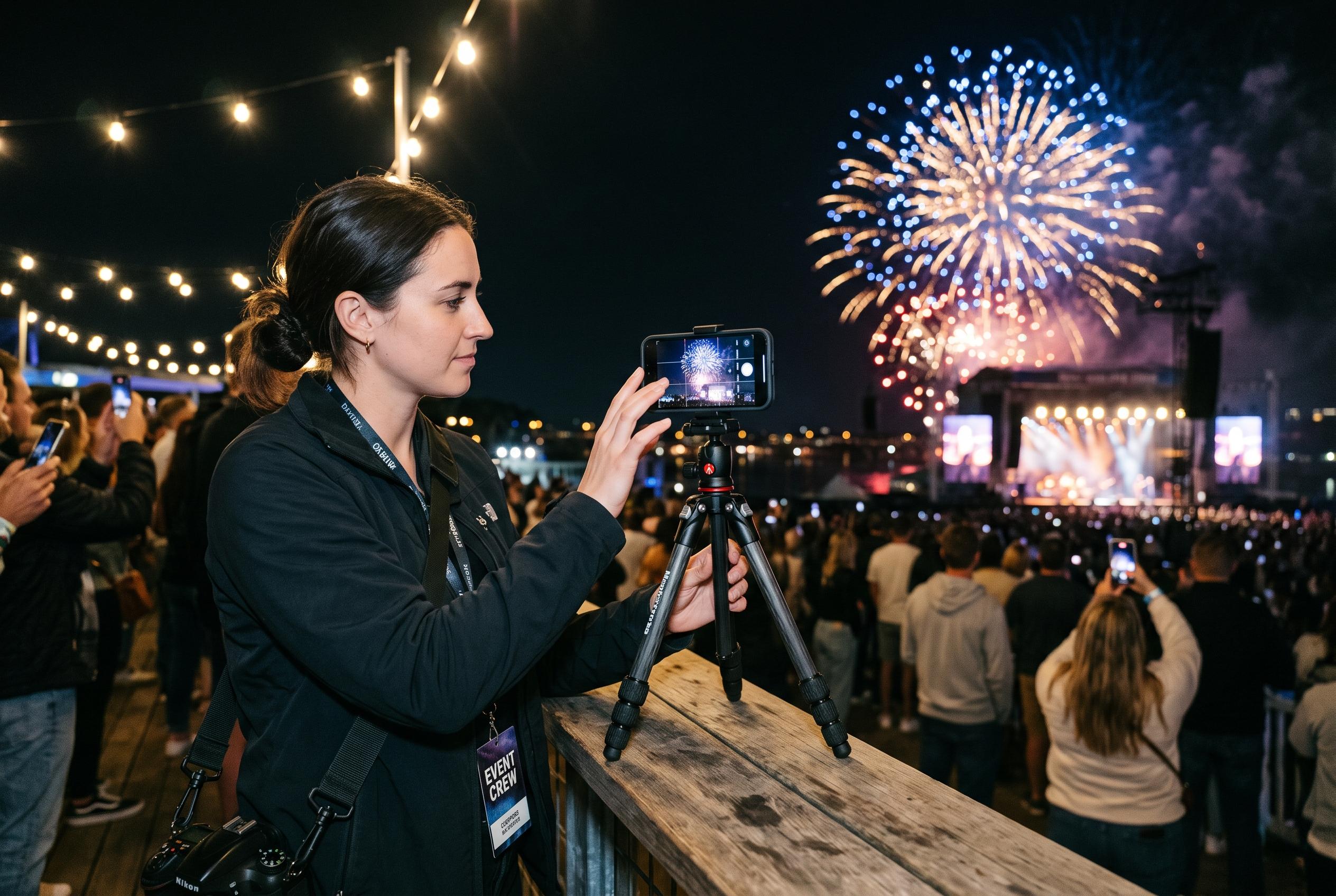

Experts suggest that basic practices such as cleaning the lens, stabilising the device, controlling light, and framing correctly can vastly enhance images captured during evening events, fireworks, and concerts.
For evening events, smartphone photography often fails for the same reasons: light is scarce, movement is constant and bright highlights are easy to blow out. Origo’s guide to shooting Hungary’s 20 August fireworks points out that the simplest fix is often the most effective: wipe the lens before taking a picture. A smudge or fingerprint can turn lamps, stage lights and fireworks into hazy flares, especially after dark.
The next issue is distance. At concerts, it is tempting to rely on heavy digital zoom, but that usually leaves images soft and grainy. Night photography guides from PhoneTrend, UniquePhoto and SensePose all advise the same approach: if possible, move closer, keep the frame wider, and crop later if needed. A broader composition can also work better, because it captures the stage, the crowd and the lighting design rather than just a blurred performer.
Exposure matters just as much. Origo recommends tapping on the main subject and reducing brightness slightly if the image is too washed out, which is especially useful when spotlights or fireworks dominate the scene. That advice matches broader night-shooting guidance from EditThisPic, Pic-Tomo and SensePose, which stresses using a phone’s night mode where available, focusing on highlights rather than letting the device overcompensate, and avoiding flash when existing light is enough.
Stability is the final key. Origo suggests bracing the phone against a railing, wall or other firm surface during fireworks, and holding it with both hands if no support is available. Other night-photography guides add that a tripod, timer or any solid resting point can reduce camera shake, while burst shooting can improve the odds of catching the exact moment of a burst, gesture or crowd reaction. In practice, the best results come from simple habits rather than complex settings: clean the lens, steady the device, control the light and take several frames.
Disclaimer: This content is intended for informational purposes only. Readers are advised to exercise their own judgement, conduct due diligence, or consult a qualified expert before acting on any information provided.



