

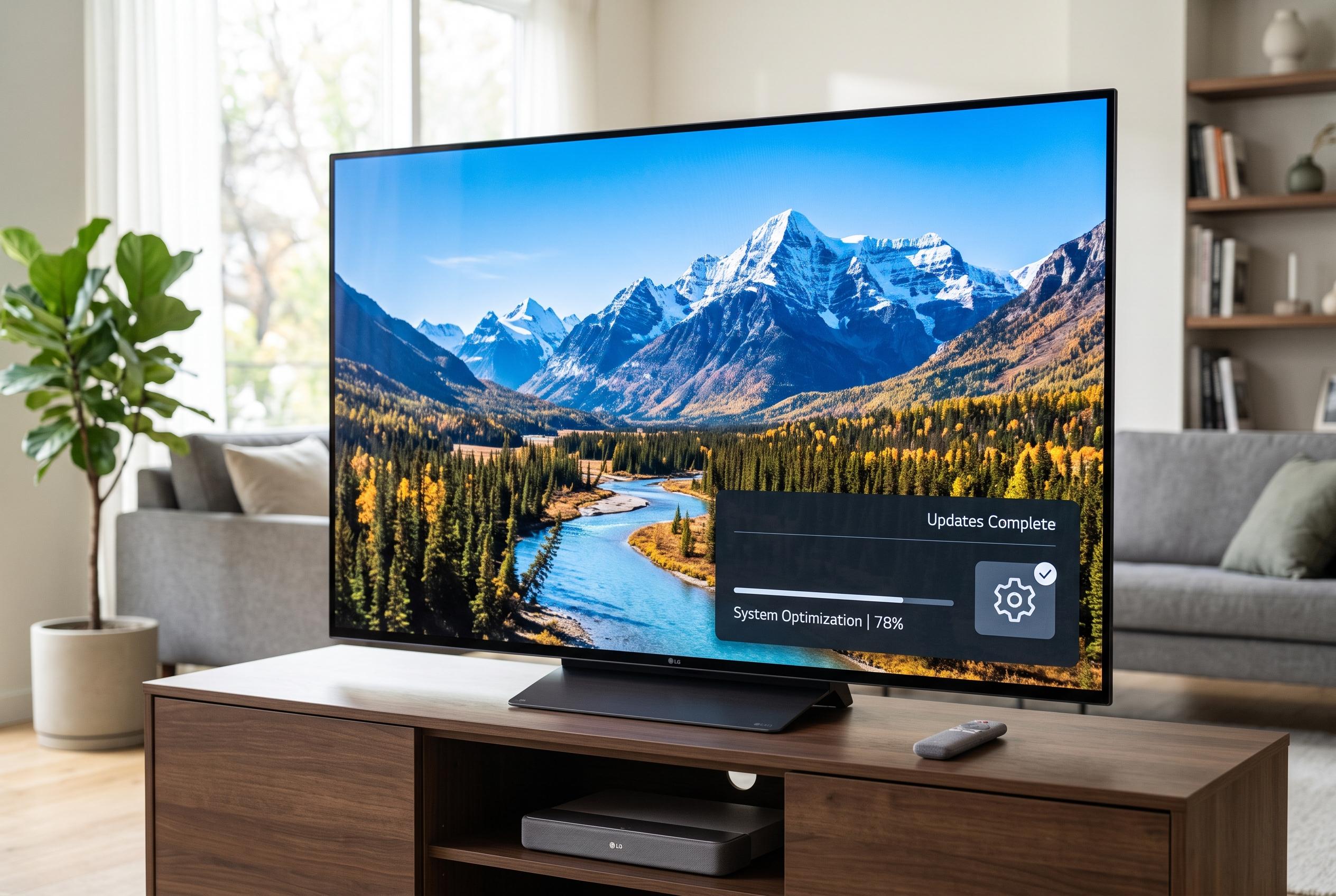

Many common issues with LG smart TVs, such as slowdown and app crashes, are caused by cluttered system memory rather than hardware faults. Regular updates and system optimisation can restore performance.
LG televisions that slow down, restart apps or display a low-memory warning are usually suffering from a cluttered system rather than a fault that requires a repair. According to BGR and LG’s own support material, the quickest fixes are to update the TV’s software and then carry out a full power cycle. LG says newer software can improve stability, while switching the set off at the mains for a short period helps clear temporary data held in RAM.
If that does not solve the issue, LG’s built-in Memory Optimizer is the next step on newer webOS models. The tool is designed to remove temporary files and tidy up unused data with only a few button presses. On some televisions it is found under General settings, while on others it appears within OLED Care or Usage Care. LG’s support guidance and third-party how-to guides both say the feature is especially useful on recent sets, where the system can automatically reclaim space without manual deletion.
Uninstalling apps that are no longer used is also effective. Smart TV storage is limited, and each installed application takes up space even when it is idle. LG’s support pages advise removing problematic apps and reinstalling them if they keep crashing or trigger memory warnings. Updating apps regularly can also help, because newer versions are more likely to remain compatible with the television’s operating system.
For persistent cases, an external storage device may provide additional breathing room. BGR reports that LG televisions can use a USB flash drive or external hard drive formatted as NTFS or FAT32, with limits that vary by device type. The television can then draw on that storage when internal memory runs low. LG also warns that formatting erases existing files, so any disk or flash drive should be backed up before it is prepared for use.
Older sets can be more vulnerable to these problems. LG’s support documentation says some pre-2012 televisions no longer support browsers properly because of security changes, while older webOS models may struggle with app launches when memory is tight. That makes routine maintenance more important: keep the firmware current, power-cycle the set when it starts to lag, clear out unused software and, where available, use the television’s own optimisation tools before the slowdown becomes persistent.
Disclaimer: This content is intended for informational purposes only. Readers are advised to exercise their own judgement, conduct due diligence, or consult a qualified expert before acting on any information provided.



