

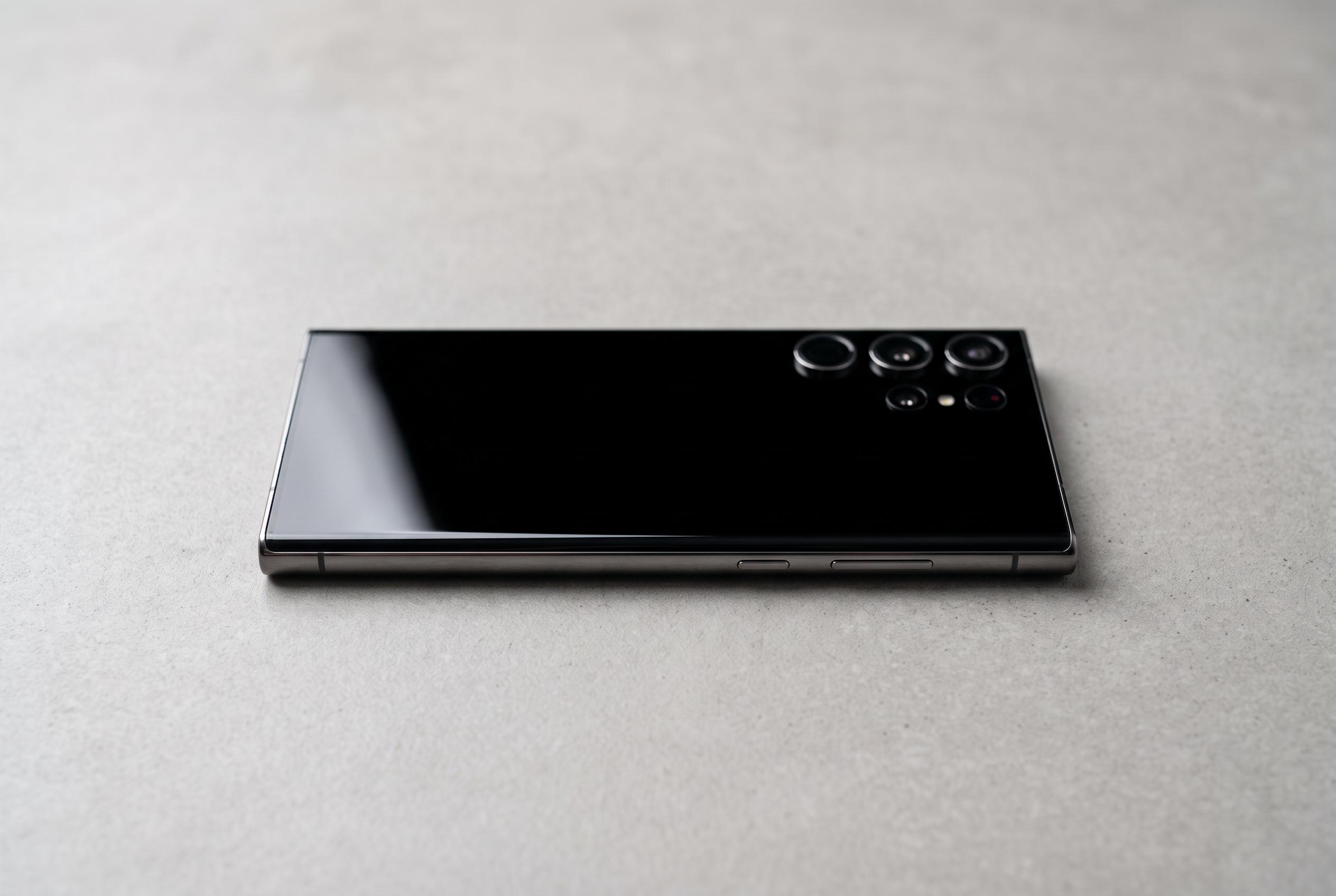

A variety of issues can cause Samsung Galaxy smartphones to appear dead on start-up. New guidance highlights the importance of detailed diagnostics to distinguish hardware failures from software glitches, with professional repair often the necessary step.
A Samsung Galaxy that appears dead can be suffering from several different faults that look the same at first glance. A flat battery, a clogged charging port, a software crash, a failed update or a damaged display can all leave the handset on a black screen. Samsung’s own support pages say the first step is to charge the device with a Samsung-certified charger and then try a forced restart, because a completely discharged battery or a temporary system freeze is often the simplest explanation.
The distinction to make is whether the phone shows any sign of life when it is connected to power. If it remains completely inert, the problem is usually power delivery, battery state or hardware damage. Samsung’s support guidance also stresses checking the charging cable, charger and port, and trying a different known-good set of accessories before assuming the handset itself has failed. If the phone does show a charging icon but will not boot, the issue is more likely to be with the startup sequence or software.
A forced restart is the most useful non-destructive test. Samsung support in the UK, Canada and the Gulf region advises holding the Side key or Power button together with Volume Down for at least seven seconds, while other troubleshooting guides recommend a slightly longer hold. If that fails, the next sensible step is to inspect the USB-C port for lint or debris and make sure the device has had enough time on charge to recover from deep discharge. Support material also notes that charging from a PC may not provide enough power for some models.
If the phone reaches the Samsung logo and then freezes, a cache problem or software corruption becomes more likely. In that case, recovery mode can be used to wipe the cache partition without deleting personal data. That is a safer first move than a factory reset, which should be treated as a last resort because it erases the device completely. Industry troubleshooting advice broadly matches Samsung’s guidance: keep the early steps simple, then escalate only if the handset remains unresponsive.
When the display lights up but does not respond to touch, or shows lines, colour distortion or other visual damage, the fault is usually in the screen assembly rather than the power system. A reboot is still worth trying, but persistent display failure generally points to the digitiser, flex cable or panel. At that stage, professional repair is the practical next step.
The same applies if the phone has suffered a drop, liquid exposure, visible swelling or a burning smell. Samsung and independent repair guides both treat those symptoms as signs of hardware trouble rather than a simple software issue. If the handset still shows no response after a proper charge, a forced restart and a cache wipe, the safest conclusion is that a technician needs to diagnose the battery, charging circuit or board-level damage.
Disclaimer: This content is intended for informational purposes only. Readers are advised to exercise their own judgement, conduct due diligence, or consult a qualified expert before acting on any information provided.



