

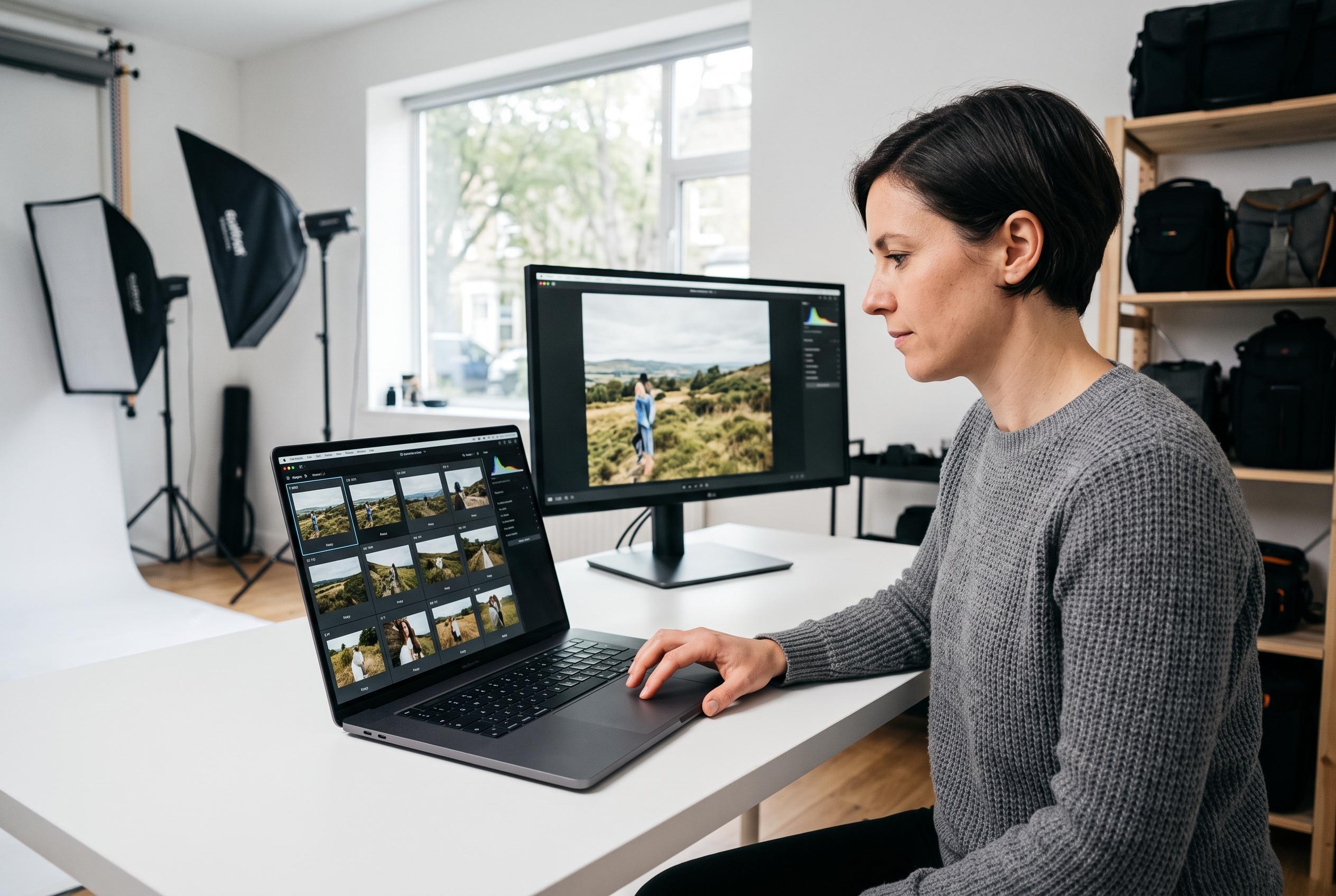

Narrative introduces a photo-culling tool designed for professional photographers that balances automation with editorial control, emphasising local processing and seamless integration with existing editing platforms to optimise large-volume workflows.
Narrative is being positioned as a photo-culling tool for photographers who want speed without surrendering editorial control. The software groups images by scene, ranks frames by technical and visual quality, and explains its choices so the photographer can still make the final selection. That approach fits a wider market trend: review material from Narrative and other comparison pages suggests that the strongest culling tools are aimed at high-volume users who want assistance rather than full automation. According to Narrative’s own review material, the product is designed for photographers who value control, local processing and a workflow that plugs into existing editing tools.
The practical case for that design is simple. Culling remains one of the most time-consuming parts of professional photography, particularly in weddings, events and commercial work where thousands of near-duplicate frames may need to be reviewed. Narrative says its system can sort a shoot into scenes, surface the best frame first and flag issues such as blinks or missed focus. The company also claims the software can save users a substantial amount of time each year, although that figure is part of its own marketing rather than an independently verified industry benchmark.
Its wider feature set is built around the same principle of narrowing choices without removing judgement. Narrative describes more than 17 checks on each detected face, including eye state and focus, while its close-up tools extend that analysis to objects and other non-face subjects. The platform also includes people-based filtering, allowing photographers to isolate every frame containing a specific subject, which is useful for group coverage checks and client requests. Reviews of competing tools from sources such as Shutternoise and Digital Camera World show that local AI analysis, facial detection and scene-based sorting are now common expectations in this category, but Narrative is trying to differentiate itself by keeping the photographer in charge of the final pick.
The post-cull workflow is another part of the appeal. Narrative says it can pass selections into Lightroom Classic on Mac and Windows, and into Lightroom, Photoshop and Capture One on Mac. It also offers crop application across a full shoot or a filtered subset, plus personal AI presets trained on a user’s own edits. The company says new accounts can try a full version of Ultra free of charge, while paid plans begin at $15 a month or $10 a month on annual billing, with a higher tier that adds more advanced AI features and support for two users.
There is also a privacy and deployment angle that matters to working photographers. Narrative says the software runs locally and does not require an internet connection, which can be important for studios handling client files under strict contractual terms. Its supported formats include common raw files as well as HEIC and HEIF, and it runs on both Mac and Windows, although the company notes that new features usually arrive on macOS first. Taken together, the product is aimed less at casual users than at photographers processing large jobs who want the machine to do the labour of sorting, without outsourcing the creative decision of what the story should be.
Disclaimer: This content is intended for informational purposes only. Readers are advised to exercise their own judgement, conduct due diligence, or consult a qualified expert before acting on any information provided.



