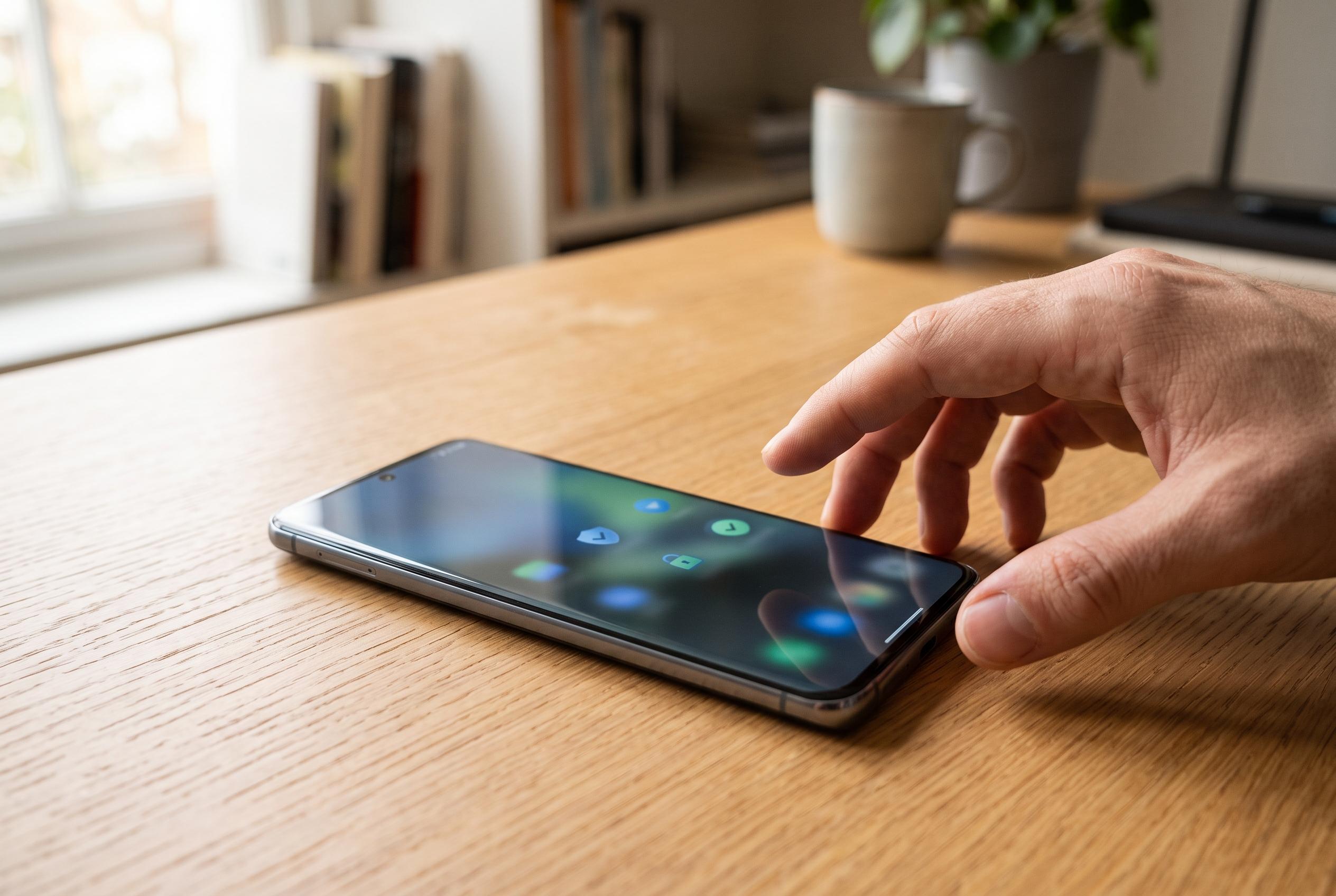

Google has enhanced its safety toolkit on Android phones, yet many users are unaware of the hidden features designed for emergencies and daily wellbeing. Review and activate these options for better protection.
Android phones now ship with a broader safety toolkit than many users realise. Google has spent years expanding the Personal Safety app and related wellbeing controls, but several of the most useful options still need to be switched on manually. For people who travel alone, walk while distracted by their phones, or simply want better emergency back-up, the settings are worth reviewing as soon as a new handset is set up. According to Android Authority, the most practical features are the ones that quietly run in the background until they are needed.
Safety Check is one of the most useful additions. Google’s own Personal Safety materials say it is designed for situations where someone is moving through an unfamiliar area or commuting late, because it can prompt a check-in after a set period and alert emergency contacts if the user does not respond. The company says the feature can also share a last known location, while Android Authority notes that the timer can be extended if plans change.
Emergency SOS is another basic setting that deserves attention. Google says it can be triggered by pressing the power button five times, at which point the phone can contact emergency services and notify chosen contacts. The Personal Safety app on Google Play also supports automatic video recording in some configurations, with the clip stored in the cloud and shared with contacts. Google’s support pages add that users can tailor what information is sent and can save medical details and emergency contacts for faster access from the lock screen.
The more subtle tools may be just as valuable. Android Authority highlights Heads Up, a Digital Wellbeing feature that tries to discourage walking while glued to the screen by prompting users to pay attention to their surroundings. In practice, that sits alongside screen time reminders, which Google describes as a non-invasive way to nudge people to pause after extended app use. Both features are aimed less at crisis response than at reducing everyday risk and digital fatigue.
Pixel users have one extra layer of protection in Car Crash Detection. Google says the feature is available on Pixel 4a and later devices and is accessible through the Safety app, where it can be enabled with a simple toggle. Android Authority reports that the system can also be demoed and that it allows users to confirm they are safe by voice if it activates after a collision. That makes it a low-effort setting with potentially serious consequences if it is ever needed.
Taken together, these tools show how Android’s safety features now cover both physical emergencies and healthier device habits. The missing piece is awareness: many users never open the relevant menus, and some features remain off until they are configured. For that reason, Google’s own guidance and Android Authority’s advice point to the same conclusion: the best time to set them up is before an emergency, not during one.
Disclaimer: This content is intended for informational purposes only. Readers are advised to exercise their own judgement, conduct due diligence, or consult a qualified expert before acting on any information provided.