

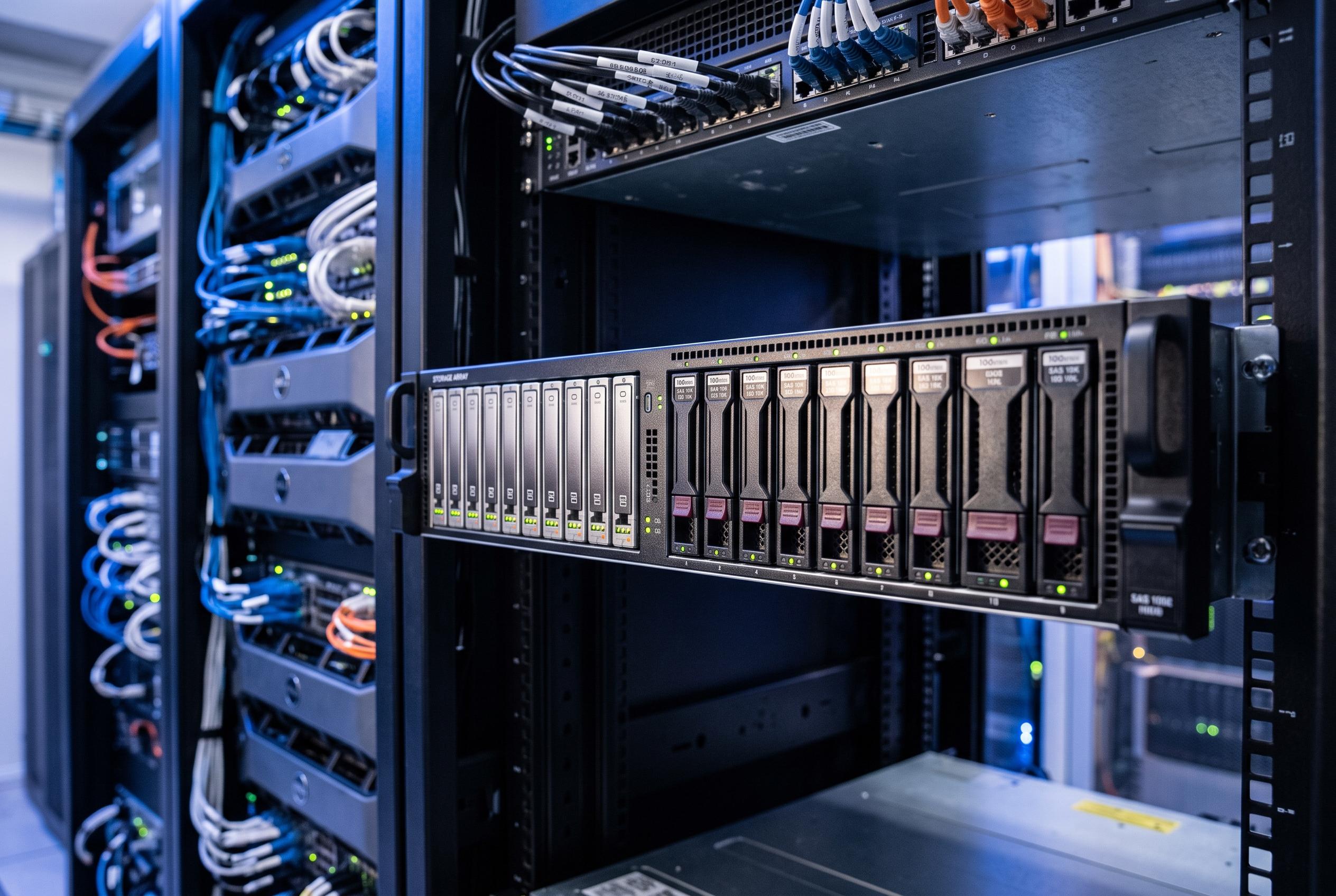

An SSD cache can significantly improve the responsiveness of storage arrays in random read workloads, but its effectiveness diminishes for large, sequential data transfers or infrequent access, highlighting the importance of workload-specific storage strategies.
An SSD cache can make a hard-drive array feel less clumsy, but only in the places where mechanical storage is weakest. The biggest gain is usually not raw speed on large transfers. It is the reduction of small delays in repeated reads, directory browsing and other mixed, everyday tasks. Vendor documentation from Synology, Dell and NetApp all points in the same direction: caching helps most when data is frequently accessed and latency matters more than sheer sequential throughput.
That distinction matters because spinning disks are not equally slow at everything. Large, continuous reads are often handled reasonably well by multiple drives working together. The pain point is random access: lots of small requests spread across different parts of the array. An SSD has a far easier time serving those workloads, which is why cache layers are built to hold hot data close to the controller rather than on the slower underlying disks.
The cache also has to learn what deserves to stay in flash. The first access to a file may still go to the array beneath it, while the second or third request is more likely to benefit. That makes quick testing misleading. If a system has only just been enabled, it can look as if the cache is doing almost nothing when, in fact, it has not yet had time to populate with the right data.
By contrast, large file copies often change very little. Dell describes SSD cache in its PowerVault documentation as a secondary cache for host reads, while NetApp likewise says its implementation is focused on frequently accessed data rather than turning hard drives into SSDs. That is why bulk transfers can still feel like they are limited by the mechanical disks underneath. If the workload is mostly one-time writes, archive data or media files that are read infrequently, a cache is far less likely to deliver a visible benefit.
Synology’s documentation is more optimistic, citing large gains in random IOPS and sharply lower latency in its own testing, but those improvements apply to the right sort of workload: small, repetitive operations under mixed demand. That is also where users tend to notice the difference in practice. The value is in responsiveness, not in a dramatic change to headline throughput numbers. In that sense, an SSD cache can make a system feel more consistent rather than faster in a simple benchmark sense.
There is still a strong case for not using one. Caching adds another layer to configure, monitor and trust, and write-cache designs raise obvious data-protection questions. The same SSD may also be more valuable as direct storage for virtual machines, containers or applications that would benefit from flash all the time. For many arrays, especially capacity-focused ones, the better answer is not cache at all, but a clearer split between hard drives for bulk storage and SSDs for workloads that genuinely need low latency.
Disclaimer: This content is intended for informational purposes only. Readers are advised to exercise their own judgement, conduct due diligence, or consult a qualified expert before acting on any information provided.



