

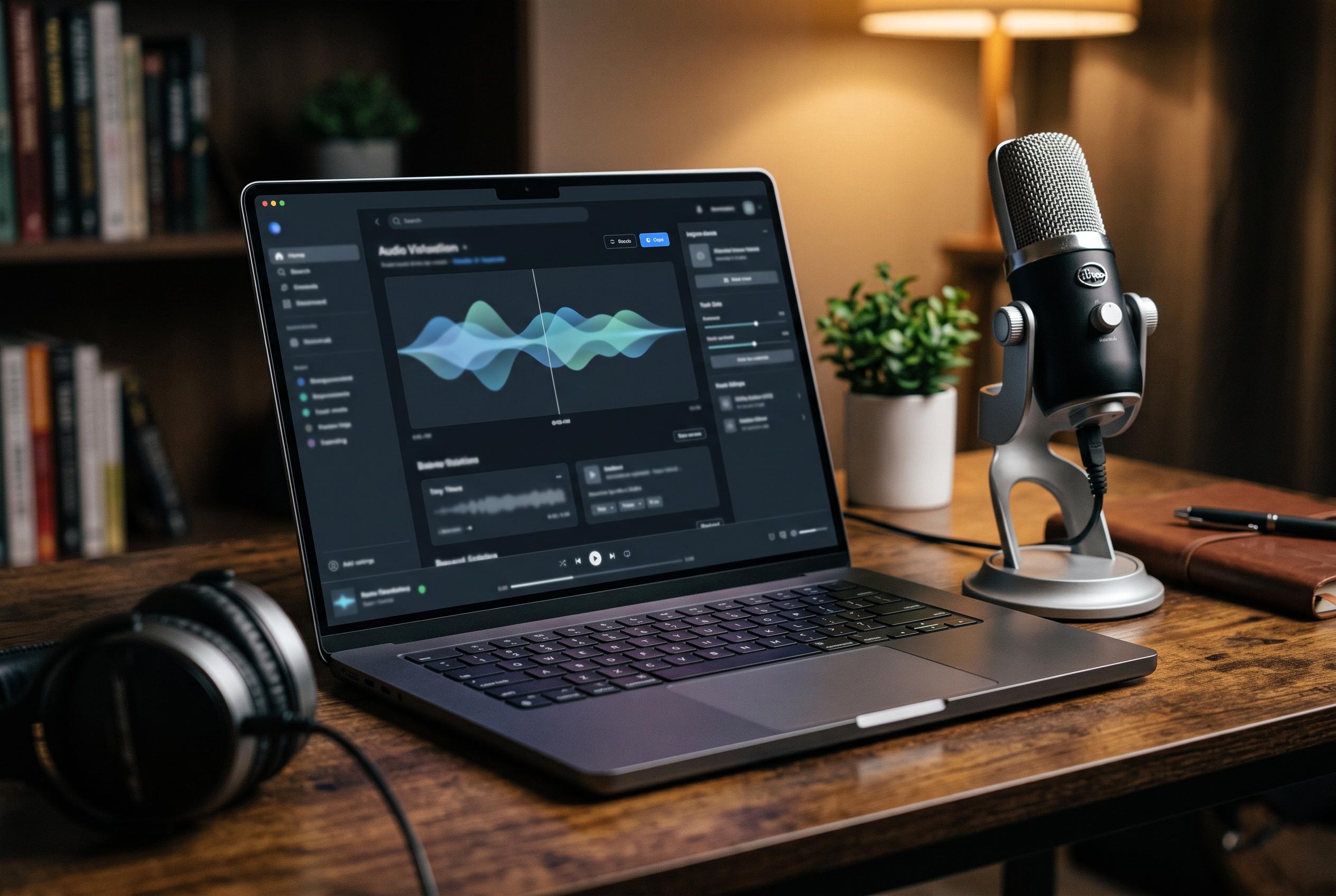

Vibe is a cross-platform desktop transcription tool that processes audio locally on Windows, macOS, and Linux, prioritising privacy and reducing reliance on cloud services. It caters to users seeking secure, subscription-free transcription with adaptable storage and performance features.
Vibe is a cross-platform desktop transcription app that keeps audio processing on the user’s machine, making it appealing to people who want to avoid cloud upload, recurring fees and account sign-ins. According to the MajorGeeks write-up, it runs on Windows, macOS and Linux, uses local AI models to convert audio and video into text, and is aimed at meetings, interviews, notes and podcasts that users would prefer to keep private.
That local-first design places Vibe in a small but growing class of offline productivity tools. Meetily takes a similar privacy-led approach for live meetings, while noScribe focuses on sensitive interview transcription and adds speaker recognition and a transcript editor. TranscriptionSuite goes further with long-form and live transcription, diarisation and summaries, and VaulType offers fully offline speech recognition on macOS with broad language support. Together, these products reflect a wider market shift towards keeping speech data on-device rather than sending it to a cloud service.
The main trade-off is storage. Vibe requires a separate transcription model, and the largest option is more than 2 GB. That is a manageable cost on a roomy workstation, but it is still enough to matter on a smaller SSD. The software does let users choose lighter models in its options, which should make it easier to balance capacity, speed and accuracy depending on the recording.
In testing described by MajorGeeks, Vibe produced a short transcript in about three seconds on a modest work machine and got the text right. Longer files will naturally take more time, and performance will vary with the model and hardware used, but the early result suggests the app is not limited to high-end systems. The review also notes support for batch processing, several export formats and links that open the folders used for temporary files and other local data.
The interface is another strength. MajorGeeks says setup took only a few minutes and that the app feels more polished than many open-source tools. Common export options such as TXT, SRT, VTT and JSON make it useful both for ordinary note-taking and for subtitling or downstream processing in other applications. There is also an API for users who want to build Vibe into a broader workflow.
There are limits. Anonymous usage statistics are enabled by default, although they can be switched off easily. Downloading audio directly from the web also depends on extra software, so that part is not entirely self-contained. Even so, for users who want private, offline transcription without a subscription, Vibe looks like a practical option, provided they have enough disk space and realistic expectations about model size and recording quality.
Disclaimer: This content is intended for informational purposes only. Readers are advised to exercise their own judgement, conduct due diligence, or consult a qualified expert before acting on any information provided.



