


Google’s Pixel phones conceal several practical controls that can enhance daily use. Features like Screen Protector mode, notification history, and Clear Calling are available but require user activation, offering smarter, more comfortable device experiences.
Google’s Pixel phones are designed to feel straightforward, but that simplicity can hide some of the most practical options. Several useful controls are switched off by default or buried in Settings, even though they can make day-to-day use noticeably smoother. Google’s own support material confirms that features such as touch sensitivity adjustments and notification history are available in the Pixel software, but they are not always obvious during setup.
One of the most immediately useful changes is Screen Protector mode. Google says this sits under Settings > Display & touch > Touch sensitivity, where it increases responsiveness when a protector is fitted. That matters because thicker glass can make taps and swipes feel less precise. On newer Pixel models, the phone can even detect when a protector is added or removed and prompt the user accordingly, which helps keep touch input accurate without constant manual adjustment.
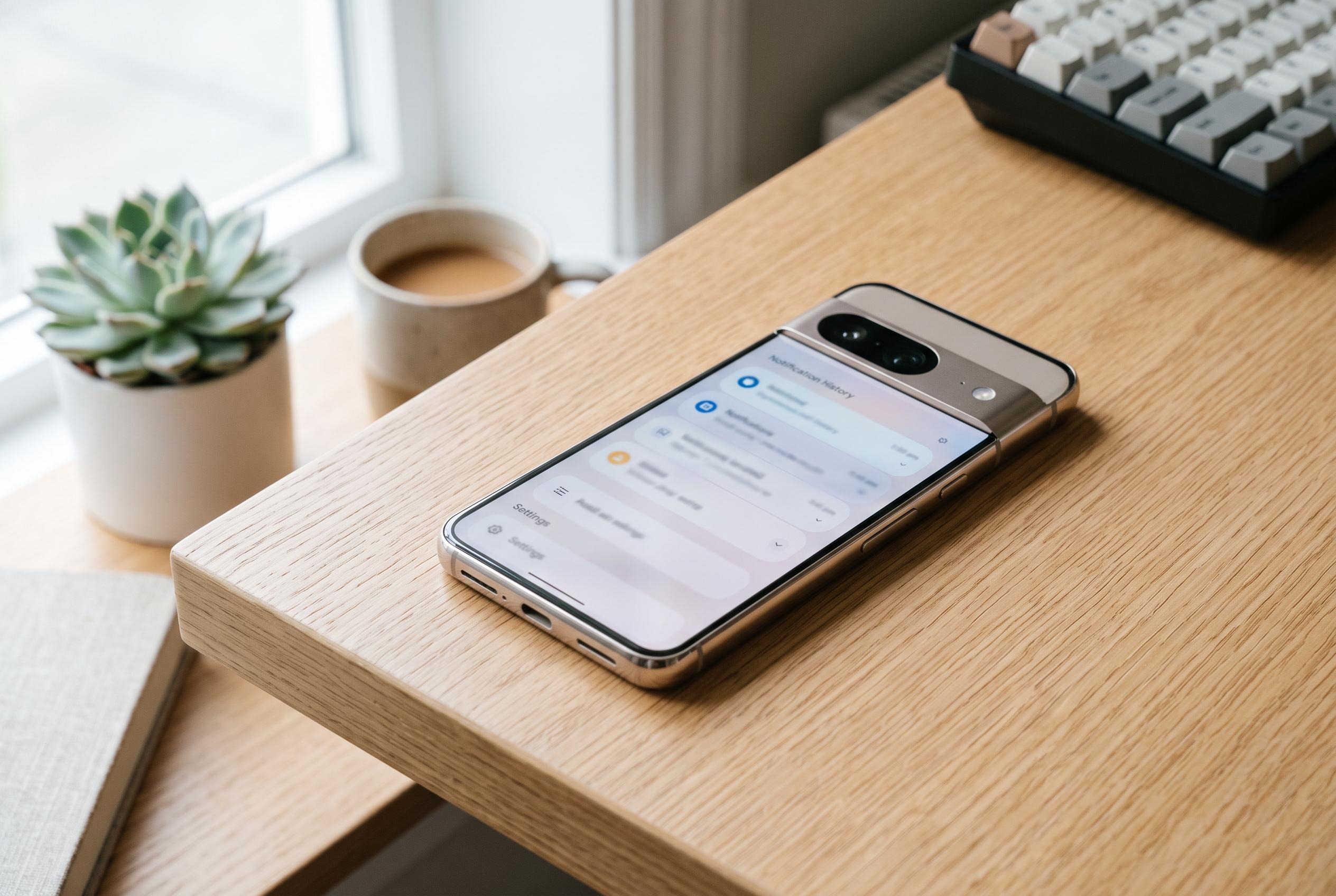
Notification history is another option worth switching on early. Google’s support page explains that it stores recently dismissed alerts, making it possible to check missed messages, delivery updates or one-time passcodes after they disappear from the notification shade. For people who clear alerts quickly, it is a simple way to avoid losing something important. Related to that, notification snoozing offers a middle ground between dealing with an alert immediately and dismissing it completely.
Two other settings are more about comfort than recovery. Screen Attention uses the front camera to keep the display awake while the user is still looking at it, which is useful for reading long articles, recipes or travel details without repeatedly tapping the screen. Adaptive Vibration, meanwhile, adjusts the strength of alerts depending on how and where the phone is being used. In practice, that can make notifications feel more useful in a noisy street and less intrusive on a quiet desk.
Clear Calling is the final setting that deserves attention. On supported Pixel models, it uses on-device processing to reduce background noise and improve voice clarity during calls. That is especially helpful in cafés, on public transport or anywhere else with steady ambient noise. Taken together, these small changes do not alter the Pixel’s core design, but they do make it more capable from the outset.
Disclaimer: This content is intended for informational purposes only. Readers are advised to exercise their own judgement, conduct due diligence, or consult a qualified expert before acting on any information provided.



