

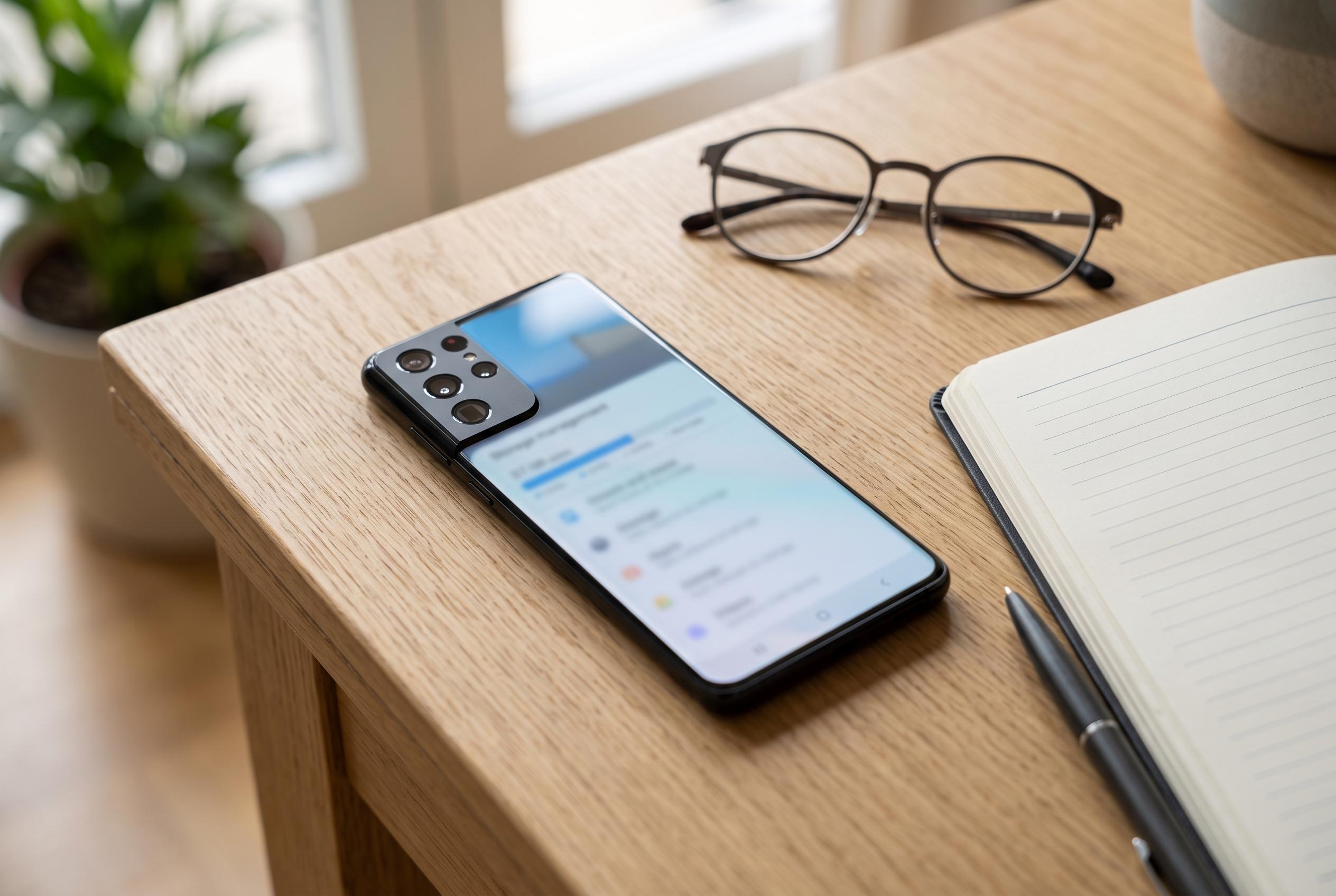

Android users are shifting away from third-party cleaner apps towards native tools like Files by Google and My Files, which offer safer, more effective storage recovery options, altering the landscape of Android device maintenance.
Android users often turn to third-party cleaner apps when storage starts running low, but built-in tools now do most of the work with less risk and less clutter. In a recent walkthrough, How-To Geek argued that the better approach is to rely on Android’s own file-management features rather than installing yet another utility that promises a quick fix but adds little value.
On Google Pixel phones, Files by Google remains the most useful first stop. Google’s own support documentation says the app can surface large files, duplicate items, downloads and backed-up photos and videos that can be removed to recover space. Samsung offers a comparable tool in My Files, where its Manage storage options serve the same basic purpose for Galaxy users. Both approaches are designed to make the biggest gains visible quickly, without demanding any technical knowledge.
Another easy win is the Trash folder. Files deleted on Android are commonly retained for a period before permanent removal, which means a phone can still be carrying several gigabytes of unnecessary data after the user believes it has been erased. Google’s Files app and Samsung’s My Files both provide access to that deleted-items area, allowing users to empty it manually and reclaim storage immediately.
Google Photos can free up even more space, but with an obvious trade-off. Google explains that its Free up space option removes local copies of photos and videos already backed up to the cloud. That is useful for people who shoot heavily and do not need offline access to everything, although users who prefer local browsing in gallery apps may not want to rely on it. In practice, the amount recovered can be substantial.
The same logic applies to app caches. Browsers, messaging apps, social networks and streaming services often accumulate large temporary files, and those caches can grow to many gigabytes. Android Central notes that users can sort apps by size and clear the worst offenders, while Spotify is a notable case because its cache sits inside broader user data settings. For people who still want a dedicated cleaner, the article suggests SD Maid as one of the few third-party tools worth considering, though it argues that most users do not need one at all.
Disclaimer: This content is intended for informational purposes only. Readers are advised to exercise their own judgement, conduct due diligence, or consult a qualified expert before acting on any information provided.



