

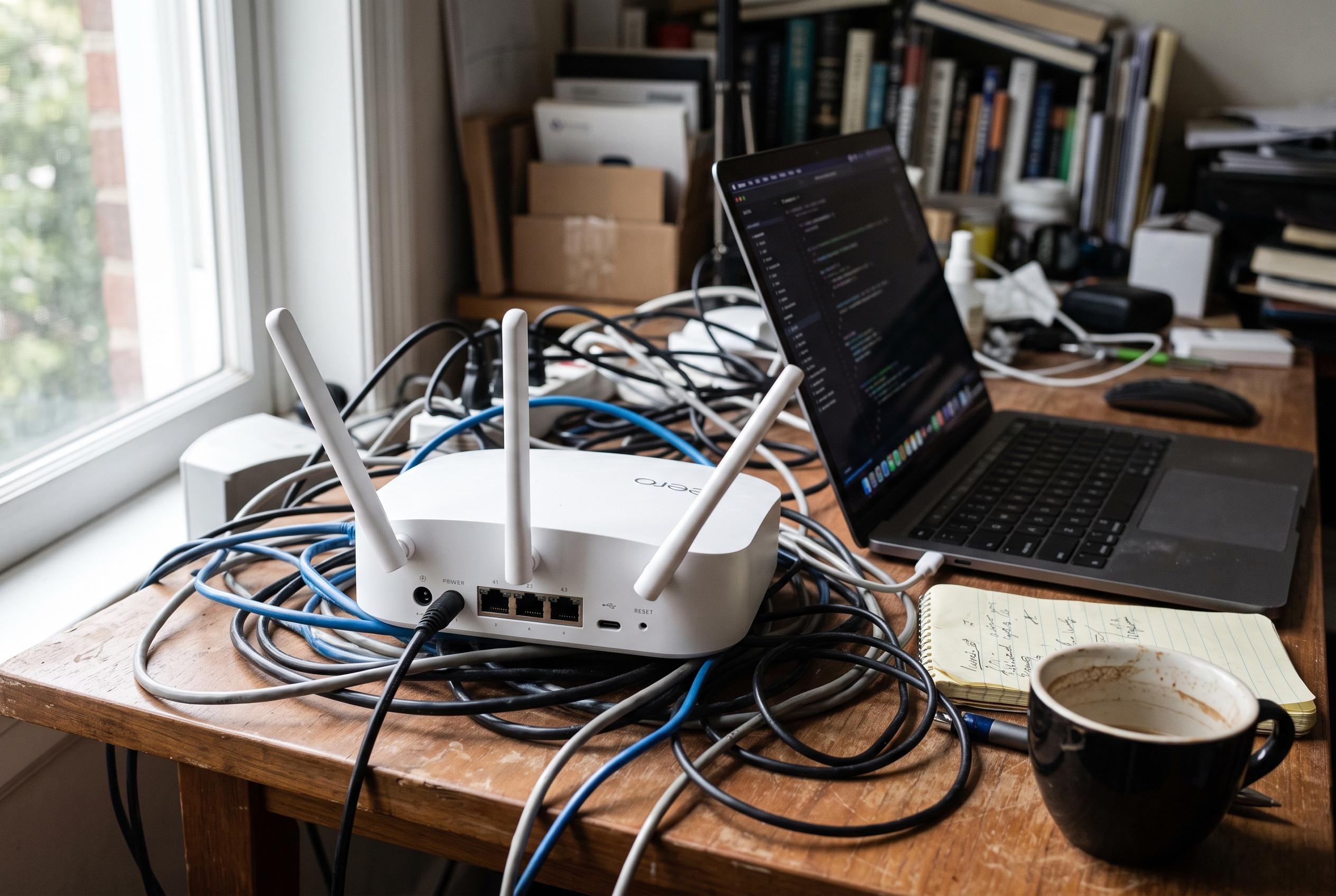

Adjusting features like QoS, security suites, parental controls, VPNs, and USB sharing on consumer routers can inadvertently cause bottlenecks, especially on busy home networks, scientists reveal.
A router is more than a wireless box. It has a processor, memory and a finite amount of headroom, which means some features can slow it down just as surely as heavy software can on a laptop. That is most noticeable when the router is doing extra work for every packet it handles, rather than simply passing traffic through. How-To Geek argues that several common settings can push consumer hardware into bottlenecks, especially on busy home networks.
One of the biggest culprits is Quality of Service, or QoS. In theory, it helps a congested network by giving priority to calls, gaming or streaming. NETGEAR and other router guides say that is exactly what QoS is for: it sorts traffic so the most important data gets through first. The catch is that many routers must inspect and rearrange packets in software to do it, which can reduce throughput and increase latency if the hardware is modest. In practice, QoS is useful when a network is under strain, but it is not a free performance boost.
Security suites built into routers can also consume significant resources. Features such as intrusion detection and prevention, packet inspection and branded protection services work by examining traffic against known threat patterns. That extra scrutiny is useful, but it is not inexpensive. Router vendors and independent guides both note that these protections can raise CPU and memory use, and on cheaper models that can mean slower speeds or less responsive browsing.
Parental controls can have a similar effect, depending on how they are implemented. Simple time-based access rules are relatively light, but category filtering and broader content controls require more processing and more lookups. In some cases, DNS-level filtering is a lighter alternative, because it blocks unwanted destinations without forcing the router to analyse every packet in depth. For households that only need basic restrictions, that can be a cleaner way to achieve the same result with less overhead.
Running a VPN on the router is another feature that often trades speed for convenience. Every packet has to be encrypted and decrypted, and many consumer devices do not have dedicated hardware to offload that work. SpeedtestHQ notes that routing functions such as NAT are already CPU-sensitive on busy connections, and encryption makes the load heavier still. The result is that even a multi-core router may not fully escape the bottleneck, particularly if the VPN workload is handled in a single thread.
Router-based ad blocking and USB file sharing can also eat into available performance. A blocklist-based filter must answer DNS requests and keep its lists in memory, which becomes more expensive as the list grows. USB storage is more straightforward: moving files through the router means the same processor that manages internet traffic is also handling storage tasks. That can be acceptable for occasional backups, but it is rarely ideal for constant transfers. In some cases, the simplest way to make a router faster is to switch off the features that it was never really built to run.
Disclaimer: This content is intended for informational purposes only. Readers are advised to exercise their own judgement, conduct due diligence, or consult a qualified expert before acting on any information provided.



