

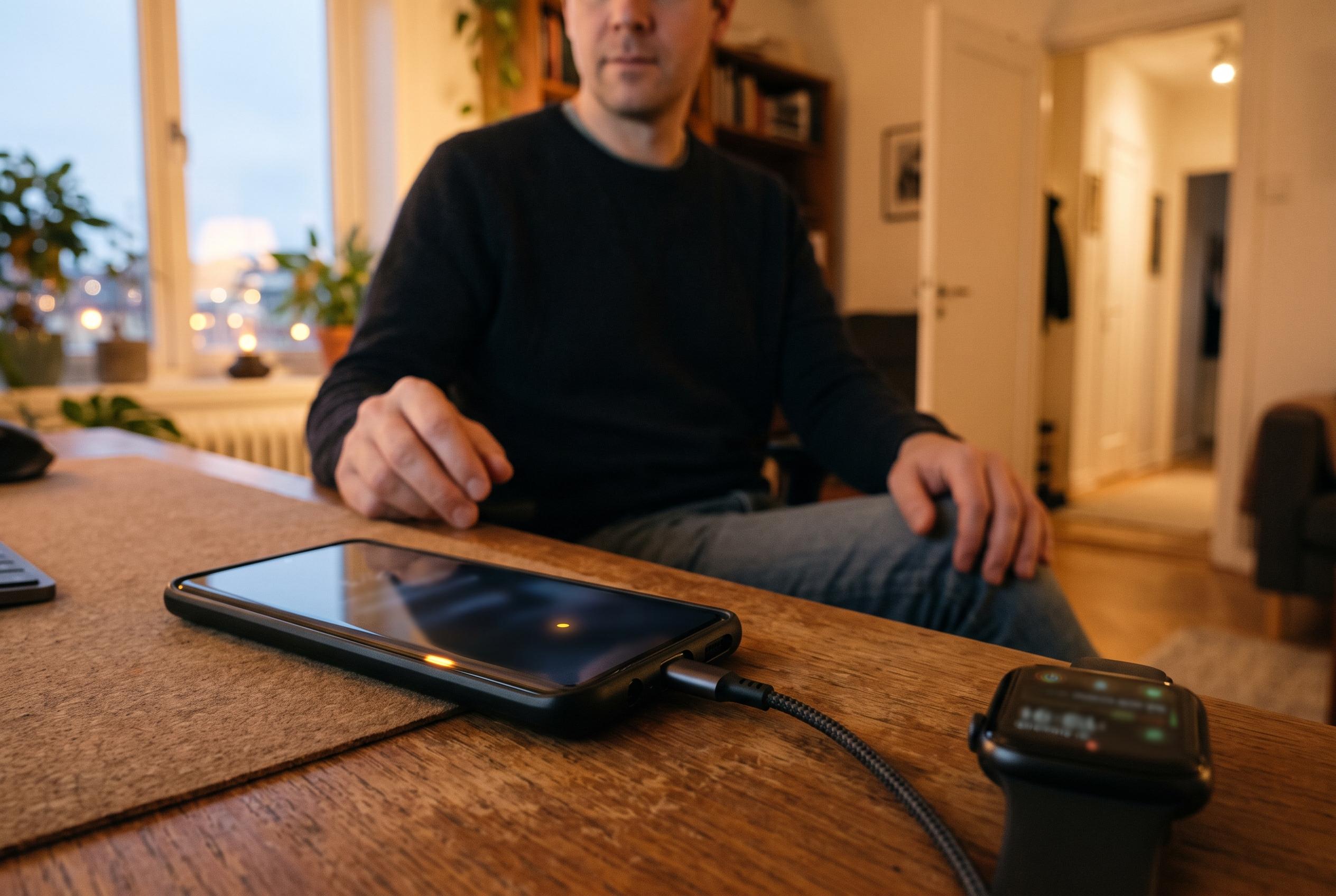

Many Android users overlook built-in safety tools like Safety Check and Emergency SOS, which could provide vital assistance during emergencies if properly configured.
Android has built up a set of safety tools that many people never switch on, even though they can be useful in an emergency. The main reason is not concealment but configuration: several features need to be set up manually, and once they are in place they can provide a practical back-up for travelling, late-night journeys, solo activity or any situation where a phone may be the only lifeline.
One of the most useful options is Safety Check, which is available through the Personal Safety app on Android. It works as a timed check-in: the user sets what they are doing, how long it should take and which contacts should be kept informed. If the check-in is not confirmed in time, the app can notify emergency contacts with the last known location. Google also allows users to configure a low-battery alert so a warning can be sent before the handset dies, which may matter if the phone is about to switch off at the worst possible moment.
Another core feature is Emergency SOS. According to Google’s support documentation, this can be set up to call for help, alert selected contacts and, on supported devices, record video during an emergency. On Android 13 and later, it is built into the Personal Safety app. Once configured, pressing the power button five times in quick succession can trigger the response. Google also offers options for location sharing and other custom settings, giving users some control over how much information is sent when the feature activates.
The same app also includes crash detection on Pixel 4a and newer models. In that case, the phone can try to identify a serious road incident, ask the user to confirm they are safe and, if there is no response, contact emergency services. Google provides a demo mode so users can understand how the function behaves before they rely on it in real life. For Pixel owners, it is one of the few safety tools that can operate with no daily input once it has been enabled.
There are also less dramatic, but still useful, tools inside Digital Wellbeing. Look Ahead is designed to remind users to stop staring at the screen while walking, and it can be made more assertive with sound, vibration and even overrides for Do Not Disturb. Its performance is inconsistent, so it is better seen as a prompt than a guarantee. Screen-time reminders, meanwhile, offer a lighter-touch nudge after extended use and are intended to interrupt mindless scrolling rather than enforce hard limits. Together, these functions show that Android’s safety features are broad, but only effective when people take a few minutes to turn them on and tailor them properly.
Disclaimer: This content is intended for informational purposes only. Readers are advised to exercise their own judgement, conduct due diligence, or consult a qualified expert before acting on any information provided.



