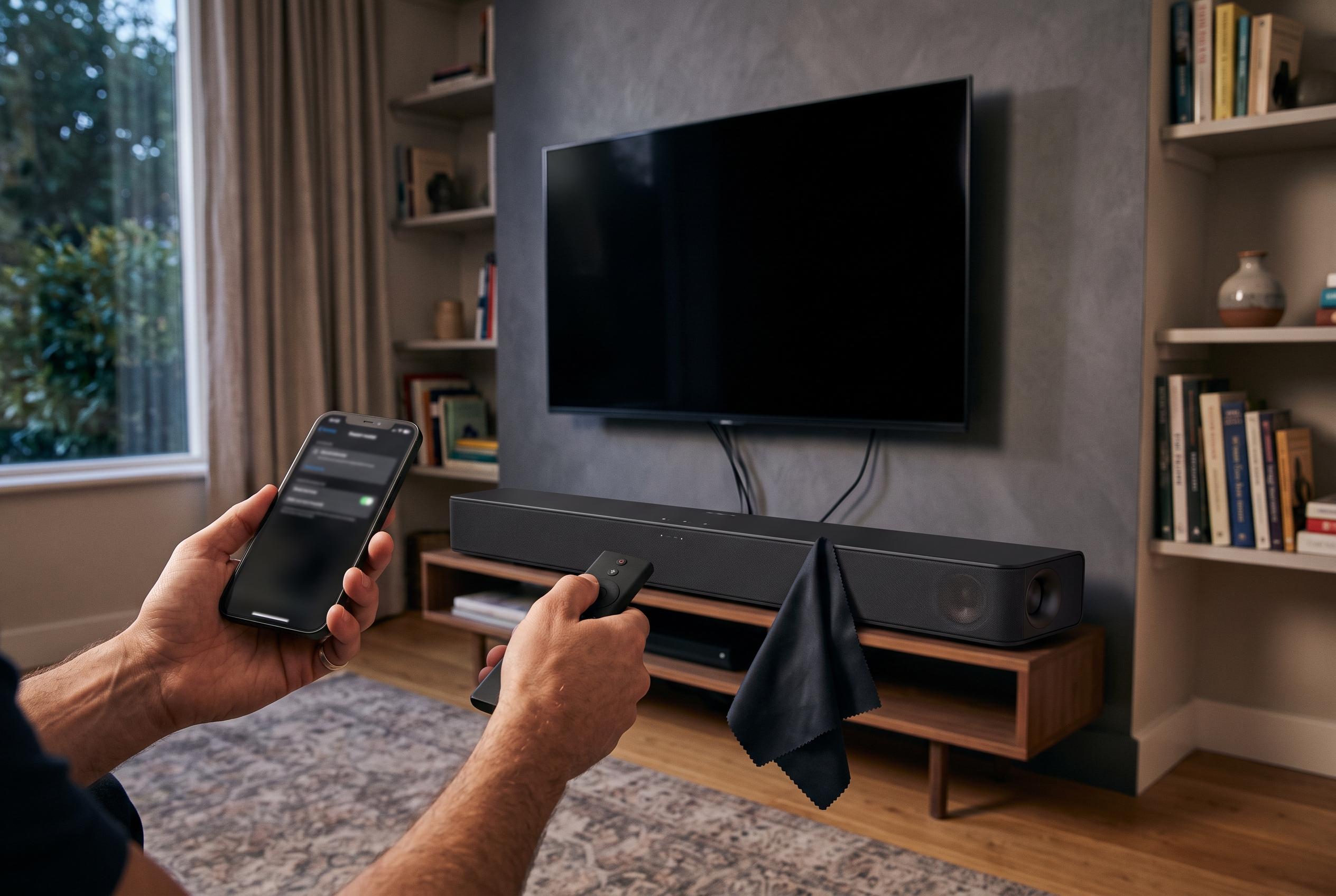

Simple, cost-free techniques like updating firmware, cleaning, adjusting settings, and repositioning your soundbar can significantly enhance sound quality, making your existing system clearer and more immersive without any expense.
If a new soundbar is not in the budget, there are still sensible ways to improve the one already in your living room. The cheapest gains usually come from updates, cleaning, settings and placement. Together, they can make an older system sound clearer, more balanced and more capable without spending anything. According to manufacturer support pages from Samsung, Sony and Ultimea, firmware updates can fix faults, improve compatibility and, in some cases, add new functions or more stable wireless behaviour.
The first step is to check for firmware and app updates. Many soundbars can now be updated through a companion app, while others still rely on a USB drive and a file downloaded from the manufacturer’s website. Samsung says updates may be installed through SmartThings or by USB, and Sony advises users to keep model-specific firmware current so the device can benefit from fixes and feature improvements. In practice, this is one of the simplest ways to recover performance that may have been lost over time.
Cleaning the unit also matters more than many owners realise. Dust and pet hair can build up on speaker grilles and interfere with airflow, which can soften treble and reduce clarity. Guidance from Roku and Sonos, as described in the lead article, recommends unplugging the soundbar first and using a vacuum hose with a soft brush attachment very carefully, rather than harsh bristles or strong suction. The point is not deep cleaning, but gentle removal of debris before it affects output.
Audio settings are the next place to look. TVs, streamers and consoles often ship with volume normalisation, dynamic range compression or similar effects enabled, and these can flatten dialogue, reduce impact and make subwoofers sound less convincing. A better approach is usually to turn off processing on the TV or source device and then use the soundbar’s own app, if it has one, to apply only the controls you actually want. Output format also matters: PCM, bitstream and pass-through are not interchangeable, and the right choice depends on whether you want stereo, surround sound, Dolby Atmos or gaming compatibility.
Placement is the final free upgrade. A soundbar that sits too low, too high or too far back from the listening position will never sound as good as it should. The lead article notes that some models already angle their front drivers upwards, which can help when the bar sits below ear level. If yours does not, a slight tilt using modest risers may improve clarity, but exaggerated angles can be counter-productive. For Dolby Atmos models with up-firing speakers, putting the bar under the television can also spoil the effect, so alignment with the seating position remains important.
Disclaimer: This content is intended for informational purposes only. Readers are advised to exercise their own judgement, conduct due diligence, or consult a qualified expert before acting on any information provided.