

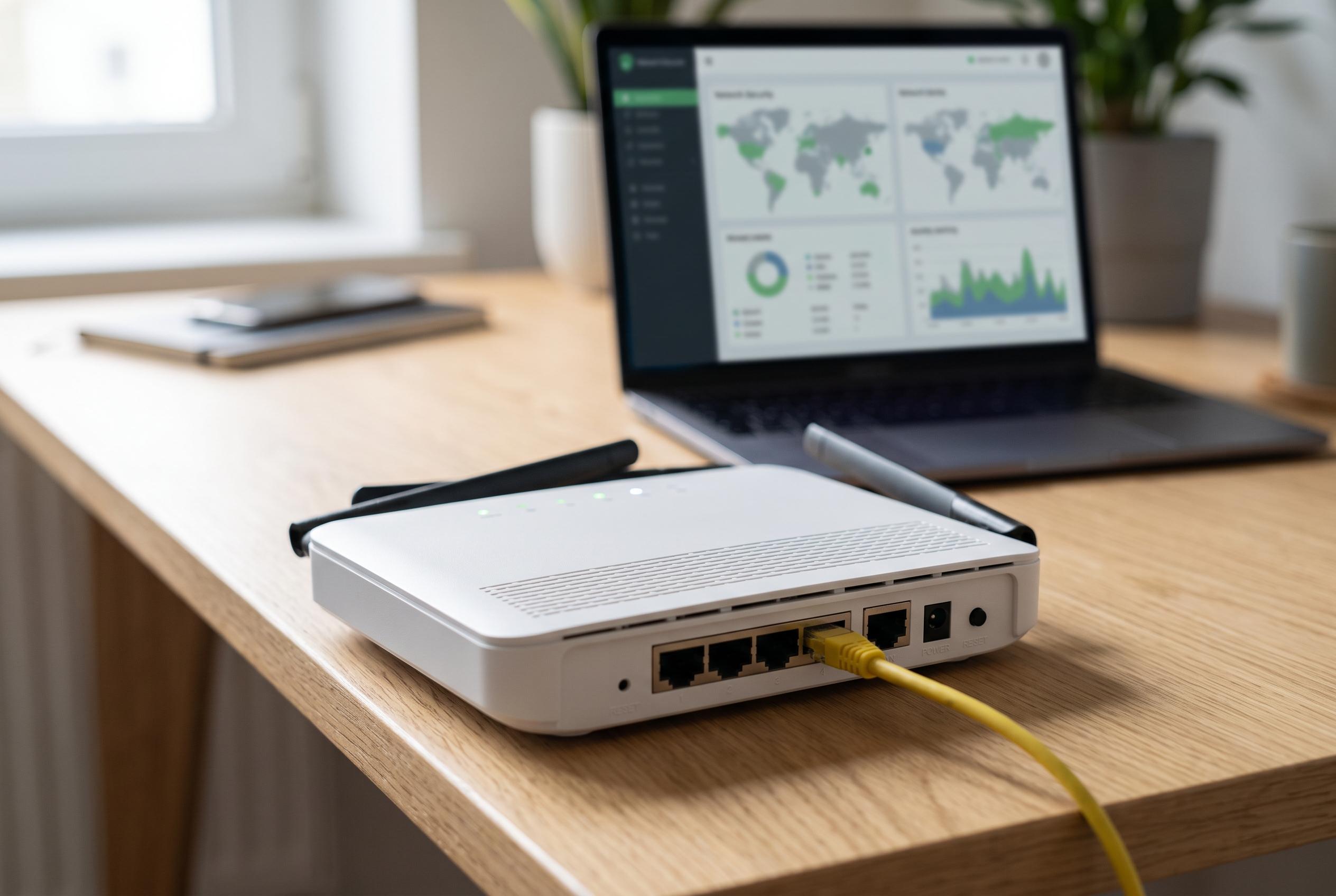

The NSA has issued new guidance urging consumers to reboot their home routers regularly to mitigate risks from sophisticated Russian cyberattacks linked to military intelligence operations, highlighting the importance of routine maintenance for network security.
Most home routers are left running for months or even years, but security agencies now say that is a mistake. According to reporting highlighted by UNIAN and other outlets, the National Security Agency in the United States has urged users to restart their routers regularly after a wave of attacks linked to Russian military intelligence. The warning reflects a simple point: a router is a small computer, and like any computer it can accumulate glitches, stale connections and unwanted processes over time.
The security concern is more than theoretical. Tom’s Guide and TechRadar reported that the NSA and FBI acted after a campaign tied to APT28, also known as Fancy Bear, which has been linked to Russia’s GRU. In that operation, compromised routers were used to intercept traffic, steal credentials and maintain covert access to home and small-office networks. Reuters-style reporting from the coverage also noted that authorities used court-authorised actions against some devices to neutralise malicious settings.
Regular reboots help in two ways. They clear temporary memory, refresh network sessions and can disrupt some forms of malware or unauthorised access. Consumer Reports noted that restarting a router can also improve performance when speeds slow down or devices struggle to connect. Security specialists cited by TechRadar and StaySafeOnline said the NSA now recommends rebooting at least once a month, and in some guidance as often as once a week, with automatic scheduled restarts preferred where the router supports them.
The guidance does not stop at rebooting. Users are also being told to keep firmware updated, since patches close known vulnerabilities and fix bugs that affect stability and security. If the router is old enough that it no longer receives updates or cannot support automatic maintenance, the better option may be replacement. Both Tom’s Guide and TechRadar reported that several manufacturers, including Netgear and Linksys, have already ended support for older models, leaving owners exposed if they continue using them.
It is also important not to confuse a reboot with a factory reset. A simple restart preserves settings, while a reset wipes the device and removes the Wi-Fi name, password and other custom configuration. That makes restart the first response to routine problems, with a full reset reserved for severe faults or cases where the router remains unstable after repeated reboots. In practical terms, the message is straightforward: restart the router regularly, update it when possible and replace it if security support has ended.
Disclaimer: This content is intended for informational purposes only. Readers are advised to exercise their own judgement, conduct due diligence, or consult a qualified expert before acting on any information provided.



