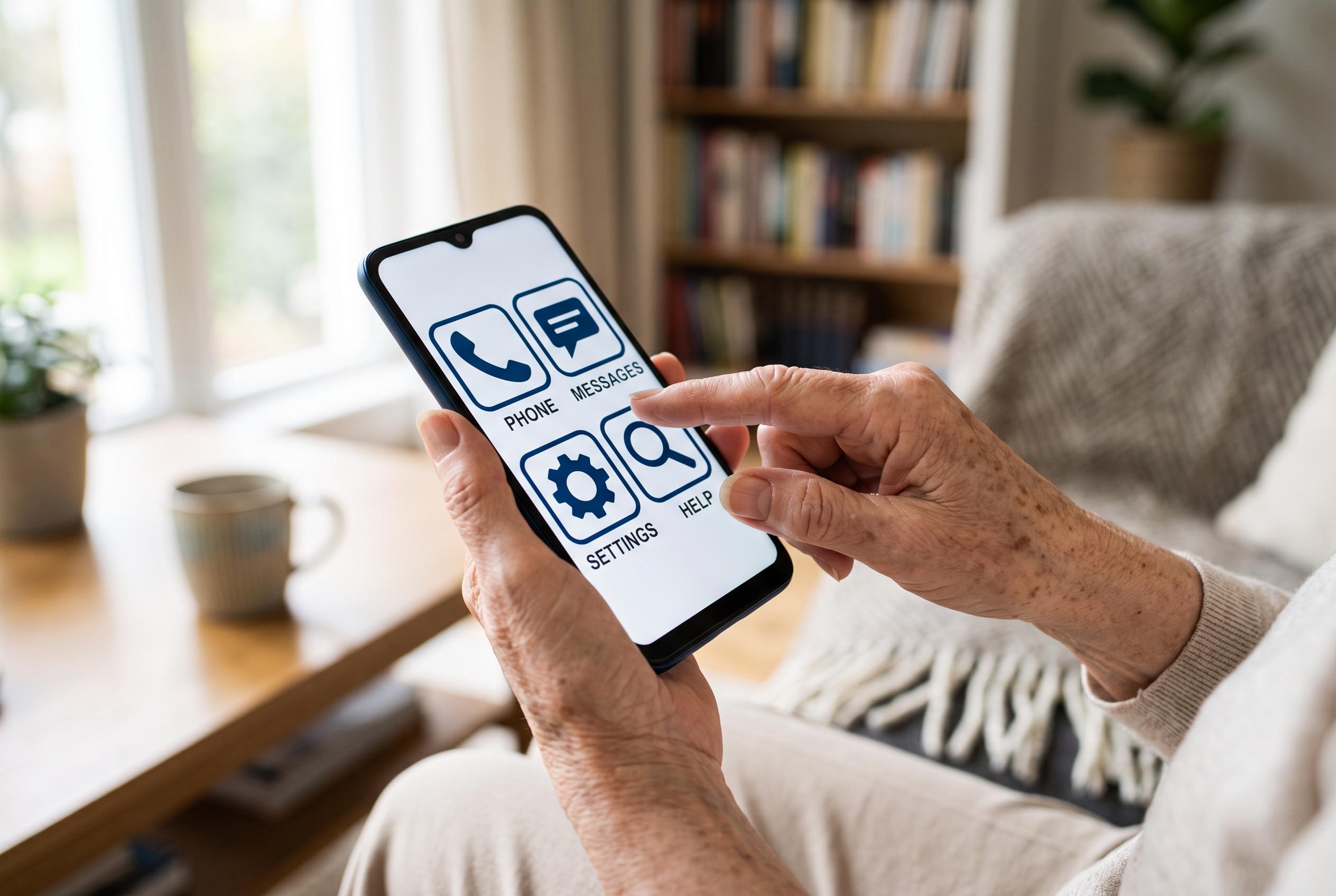

Leading smartphone manufacturers like Apple, Google, and Samsung are integrating built-in accessibility tools that simplify device use for older adults, transforming smartphones into practical daily tools by making settings more manageable and reducing user frustration.
For older adults moving from a flip phone to a smartphone, the biggest hurdle is often not the device itself but the interface. Small text, dense menus and accidental taps can make even basic tasks feel awkward at first. But Apple, Google and Samsung all include built-in accessibility tools that can make a phone far more manageable without adding extra software.
On the iPhone, Apple’s accessibility options allow users to enlarge text, bold it, and increase the size of icons and menus through display settings. According to Apple’s support material, VoiceOver can read content aloud, while Zoom and the Magnifier app help users inspect small text or objects more closely. Apple also offers Assistive Access, a simplified layout with larger controls and fewer apps, which can be useful for anyone who wants a cleaner, less cluttered home screen.
Google’s Pixel phones provide a similar set of adjustments. The company’s help pages say users can enlarge display and font sizes, switch from gesture navigation to the three-button layout, and use TalkBack for spoken feedback. Other tools include Magnification for close-up viewing and Voice Access for operating the handset by voice. Android’s wider accessibility platform also includes features such as Reading Mode and Lookout, which are designed to improve readability and provide more context about visual content.
Samsung Galaxy phones have their own version of this approach. Easy Mode simplifies the home screen, makes text and icons larger and adds a slight delay that can reduce accidental touches. Samsung also allows users to switch from gesture controls to buttons and adjust contrast, captions and voice controls through accessibility menus.
Beyond the system settings, the quickest gains often come from tidying the home screen. Removing unused apps, placing Phone, Messages and Photos in the first row, choosing a plain wallpaper and raising ringer volume can make the device easier to recognise and use. Adding favourite contacts for one-touch calling and extending screen timeout can also reduce frustration. For many seniors, these small changes are enough to turn a smartphone from a source of stress into a practical daily tool.
Disclaimer: This content is intended for informational purposes only. Readers are advised to exercise their own judgement, conduct due diligence, or consult a qualified expert before acting on any information provided.