

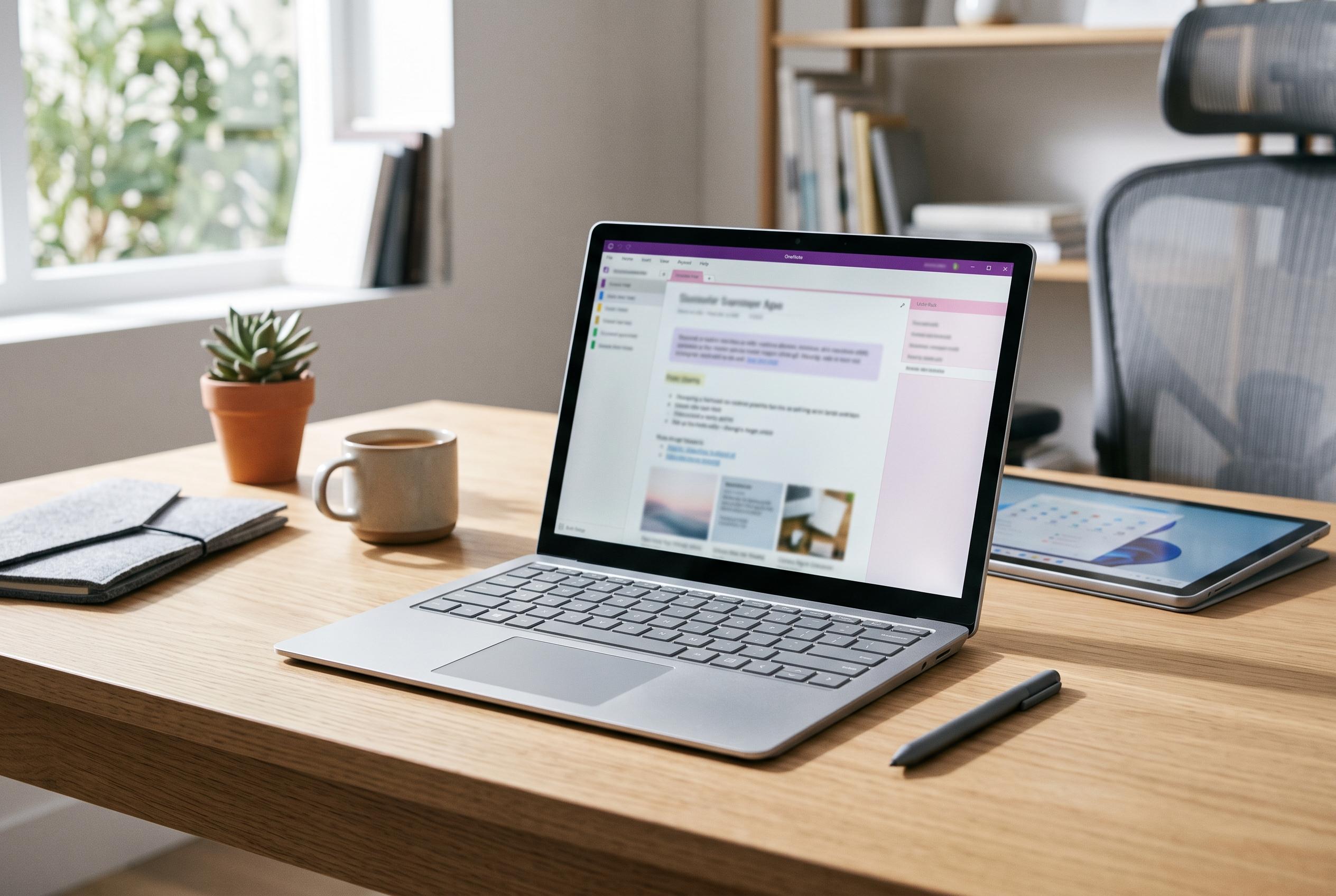

Microsoft is rolling out broader Copilot capabilities in OneNote, transforming it from a static notebook into a dynamic workspace that integrates AI-driven summarisation, visual content creation, and seamless ecosystem integration for users across Microsoft 365 subscriptions.
Microsoft OneNote is gaining a broader set of Copilot features as Microsoft pushes the app further into AI-assisted work. Geeky Gadgets reported that Copilot Notebooks, previously tied to premium access, are now being positioned for wider use across Microsoft 365 accounts, while Microsoft’s own support pages describe them as an AI workspace that brings together notes, files and chats so Copilot can answer questions in context.
The change matters because it moves OneNote beyond simple note storage. According to Microsoft, Copilot Notebooks can draw on Word documents, PowerPoint decks, Excel files and Copilot chats, then produce summaries, suggestions and answers based on that material. Microsoft says the feature is available to Microsoft 365 Copilot and Copilot Chat licence holders, with access also extended to Microsoft 365 Personal, Family and Premium subscribers.
Geeky Gadgets also highlighted new content tools that turn rough notes into more usable outputs. These include infographic generation for visual summaries and study aids that can produce flashcards, quizzes and topic overviews. In practice, that makes OneNote more useful for students revising material, teams preparing presentations and users who want a faster route from raw notes to structured content.
Microsoft has also improved the way OneNote fits into the wider Microsoft 365 ecosystem. The Microsoft support documentation says Copilot Notebooks can be opened from the Microsoft Copilot app and then used more fully inside OneNote, reducing the need to jump between applications. The same set of updates includes custom file-opening preferences, allowing users to choose whether Office documents open in desktop applications or a web browser.
For technical users, the improved MathML rendering is another practical addition. Better support for mathematical notation should make equations and formulas easier to read and share, especially in education, engineering and other STEM-heavy settings. Taken together, the changes suggest Microsoft is trying to make OneNote less of a static notebook and more of a working environment for organising, interpreting and repackaging information.
Disclaimer: This content is intended for informational purposes only. Readers are advised to exercise their own judgement, conduct due diligence, or consult a qualified expert before acting on any information provided.



