

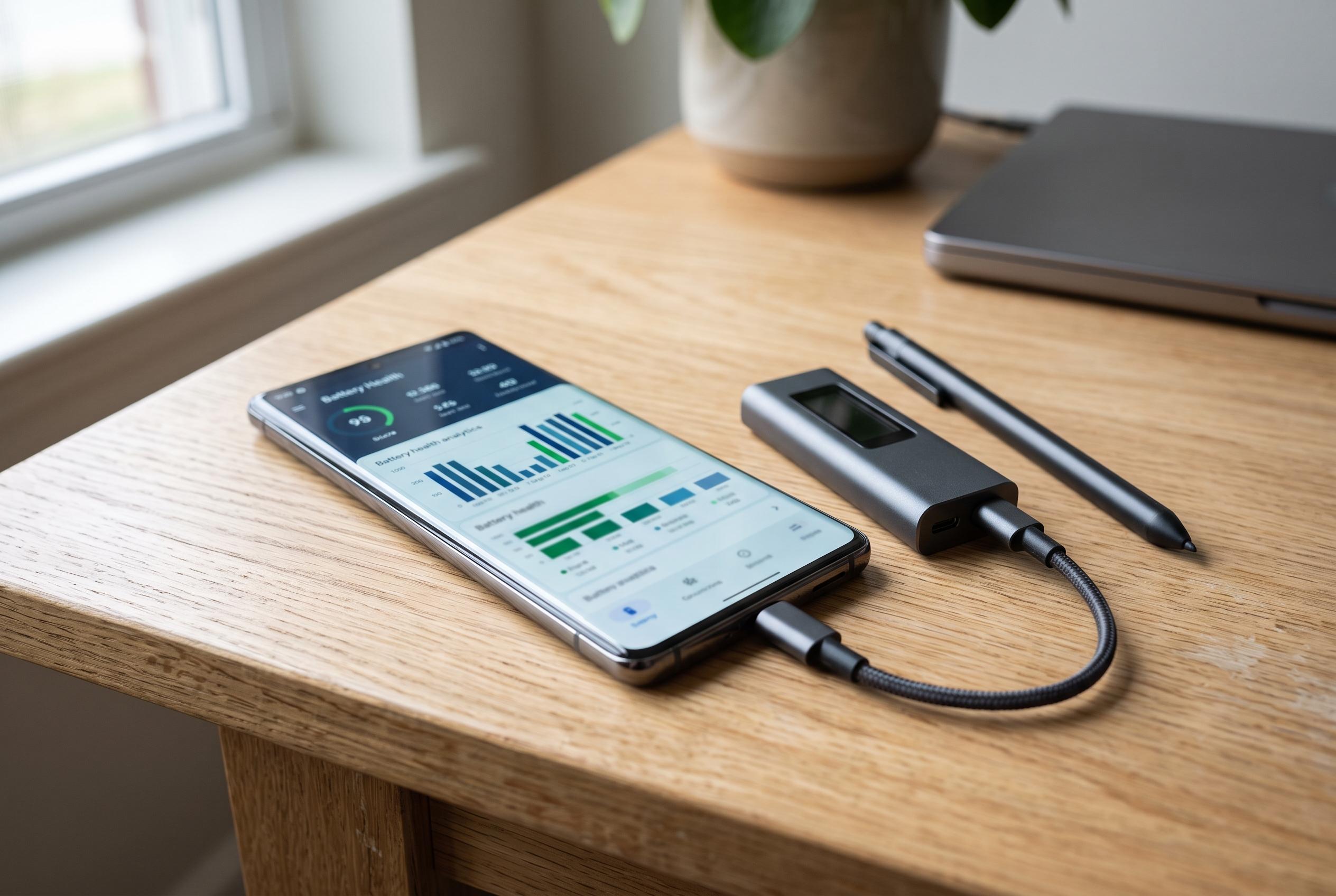

Rapid battery drain on Android devices is often due to usage patterns rather than hardware failure. utilising tools like AccuBattery and built-in settings can help identify the cause and extend battery life without hardware replacement.
A phone that suddenly drains far faster than usual is not always suffering from a failed battery. According to VIVA, the cause can be anything from background apps and a bright display to persistent network activity or simple battery wear. The practical first step is to identify what is consuming power, rather than replacing hardware immediately.
One of the most useful tools for Android users is AccuBattery. The app, according to its Google Play listing and official website, tracks estimated battery capacity, charge cycles, wear and real-time power use by app. It also stores charging and discharging history, which can help users spot patterns, such as a sharp rise in consumption after installing a particular app.
However, built-in Android settings should be checked before turning to third-party software. Google advises users to review battery usage, limit high-drain apps, use Adaptive Battery where available, lower screen brightness and reduce screen timeout. If one app stands out as a heavy power user despite limited use, it is worth investigating further.
The broader point is that rapid battery loss is often a usage problem, not a hardware failure. Android Central and Android Authority both note that battery-health checks, cycle monitoring and usage analysis can help users decide whether the issue is software, charging behaviour or genuine battery degradation. For many devices, that kind of diagnosis is enough to extend useful life without replacing the phone.
Disclaimer: This content is intended for informational purposes only. Readers are advised to exercise their own judgement, conduct due diligence, or consult a qualified expert before acting on any information provided.



