

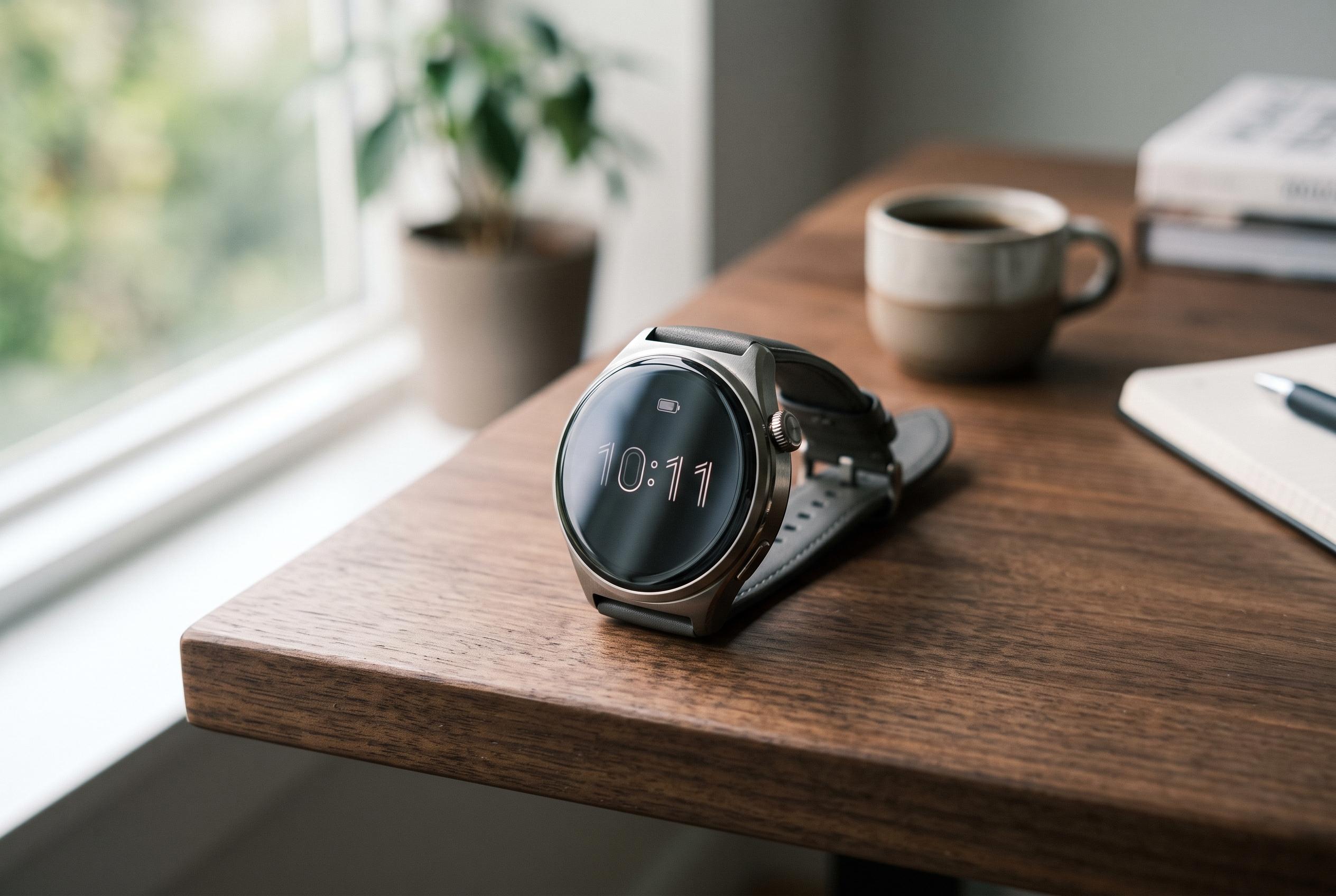

Adjusting settings like Battery Saver Mode, managing screen brightness, and controlling communication features can significantly prolong battery life in Huawei smartwatches, according to official support advice.
Huawei smartwatch owners can stretch battery life significantly by changing a few habits and settings, according to advice collected from Huawei’s support material and several device guides. The most immediate gain comes from switching the watch into Battery Saver Mode when full functionality is not needed. Huawei says this mode reduces power use by disabling some features, including certain watch faces and video functions, while preserving core timekeeping and notification use.
A second measure is to keep the screen under control. Guidance from Android Central and TechBone both point to display brightness as a major drain on smartwatch power, and Huawei’s own advice for wearables implies the same general principle: the brighter and more active the screen, the faster the battery falls. For users who check the watch frequently, reducing brightness and limiting unnecessary wake-ups can make a noticeable difference over the course of a day.
Huawei’s battery advice also shows that usage context matters. On children’s watches, the company says battery life can be affected by network conditions and constant cloud communication, which means weak signal areas and always-on connectivity can shorten runtime. Its support page recommends using Wi-Fi indoors where possible, enabling class-related features for focus during study periods, and turning on Power Saving Mode outdoors to reduce consumption. These measures reflect a broader pattern across Huawei devices: the less the watch has to communicate and refresh, the longer it lasts.
For smartphone users, TechBone notes that Huawei’s EMUI software requires power-saving changes to be made manually, rather than on a schedule or by battery percentage. The mode cuts processor performance, restricts background activity and reduces display intensity. In practice, that means Huawei users who want longer battery life should treat power management as an active setting, not a passive one. Used properly, the company’s own tools can delay charging without making the device unusable.
Disclaimer: This content is intended for informational purposes only. Readers are advised to exercise their own judgement, conduct due diligence, or consult a qualified expert before acting on any information provided.



