

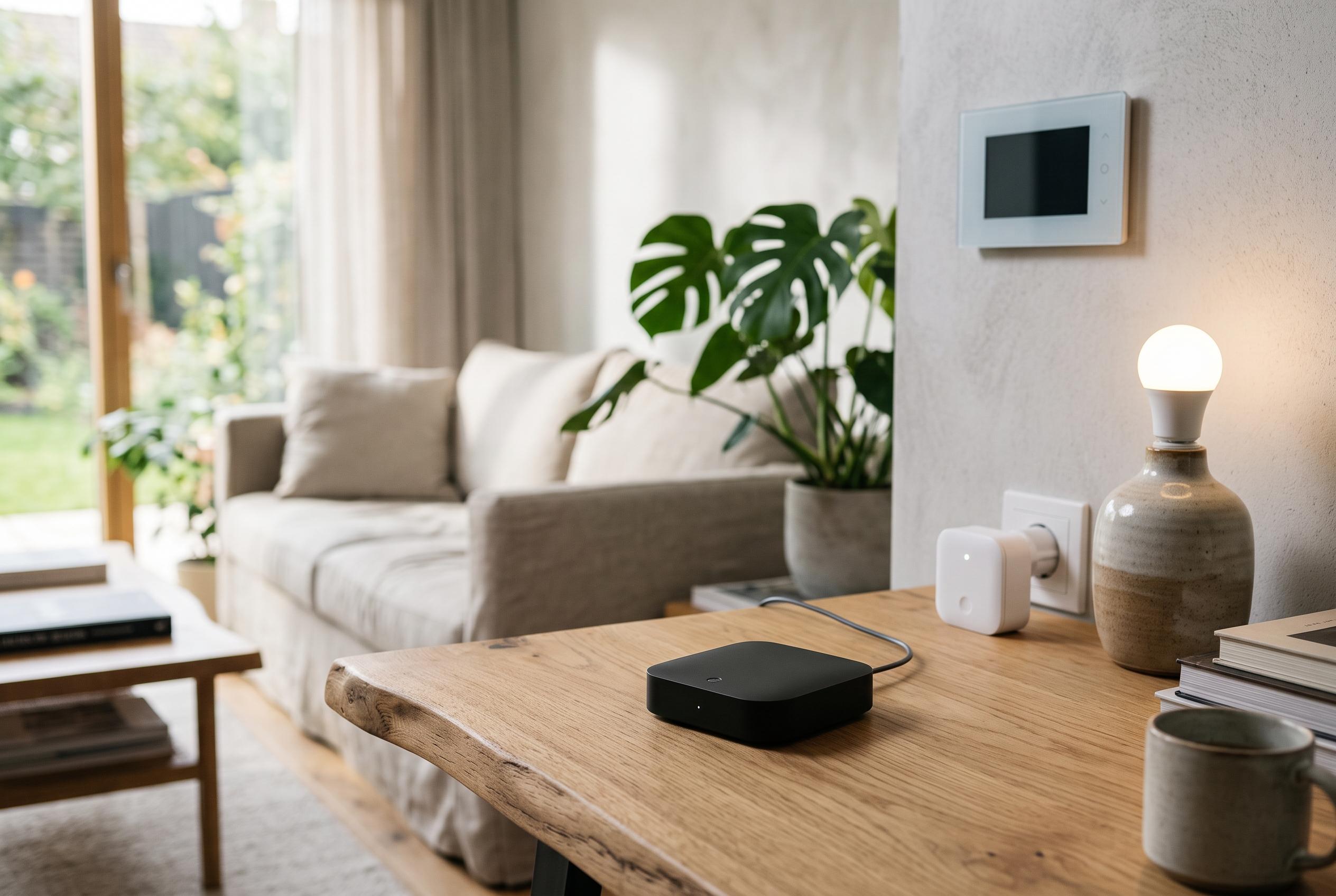

Proper placement of powered repeaters, removal of ghost nodes, and considerate network traffic management are key to ensuring responsive and dependable Z-Wave smart home networks, according to experts.
Z-Wave remains one of the more dependable options for smart homes, particularly for devices where stability matters most, such as locks and alarms. Yet a network that ought to feel quick can become frustratingly sluggish if a few common setup mistakes are left unaddressed. In many cases, the problem is not the protocol itself but the way the mesh is arranged and maintained.
One of the most common weaknesses is a shortage of powered devices that can act as repeaters. Battery-operated equipment, including sensors, buttons and many locks, usually sleeps to save energy and cannot forward traffic for other nodes. Mains-powered devices, by contrast, can help carry messages across the mesh. According to Z-WaveProducts, sluggish response times and inclusion problems are often improved by adding mains-powered repeaters, while Shelly also points to poor signal strength and routing as frequent causes of unreliable performance.
Placement matters just as much as quantity. Simply adding a powered device beside the hub will do little to strengthen coverage across a house. A repeater is most useful when it sits between the controller and a device at the edge of the network, helping to bridge a weak section of the mesh. If the controller itself is badly positioned, the effect can be just as limiting. Some users address this by moving the controller to a better location or attaching it to a separate device, such as a Raspberry Pi running Z-Wave JS, so that it can remain close to the centre of activity while still linking back to the main smart home platform.
Another source of delay is the presence of ghost nodes. These appear when a device has been removed or has failed without being properly excluded, leaving the controller with routes that no longer exist. That can cause the network to keep trying to use dead paths, which wastes time and creates erratic behaviour. Home Assistant users can remove such devices through the Z-Wave integration, while Z-WaveProducts recommends excluding devices before removal wherever possible.
Network traffic can also become a problem when individual devices are too chatty. Z-Wave is designed for small, low-bandwidth messages, not a constant stream of updates. Energy-monitoring plugs are a common example of devices that may report changes too frequently, adding unnecessary load. Shelly notes that weak routing and busy networks can compound the issue, and some older devices using the S0 security method add still more overhead than the newer S2 option. Where supported, longer reporting intervals, higher thresholds and S2 security can all reduce congestion.
Routine healing, or route rebuilding, is another area where users can do more harm than good. Rebuilding routes can be useful after major changes, such as moving devices or adding repeaters, but doing it when the network has not changed may slow everything down without improving reliability. Home Assistant allows route rebuilding for a single device, which is often a safer option when only one node is misbehaving. In practice, the best results come from a sensible mesh, well-placed repeaters and a network that is not forced to rediscover itself unnecessarily. Used properly, Z-Wave should feel responsive rather than delayed.
Disclaimer: This content is intended for informational purposes only. Readers are advised to exercise their own judgement, conduct due diligence, or consult a qualified expert before acting on any information provided.



