

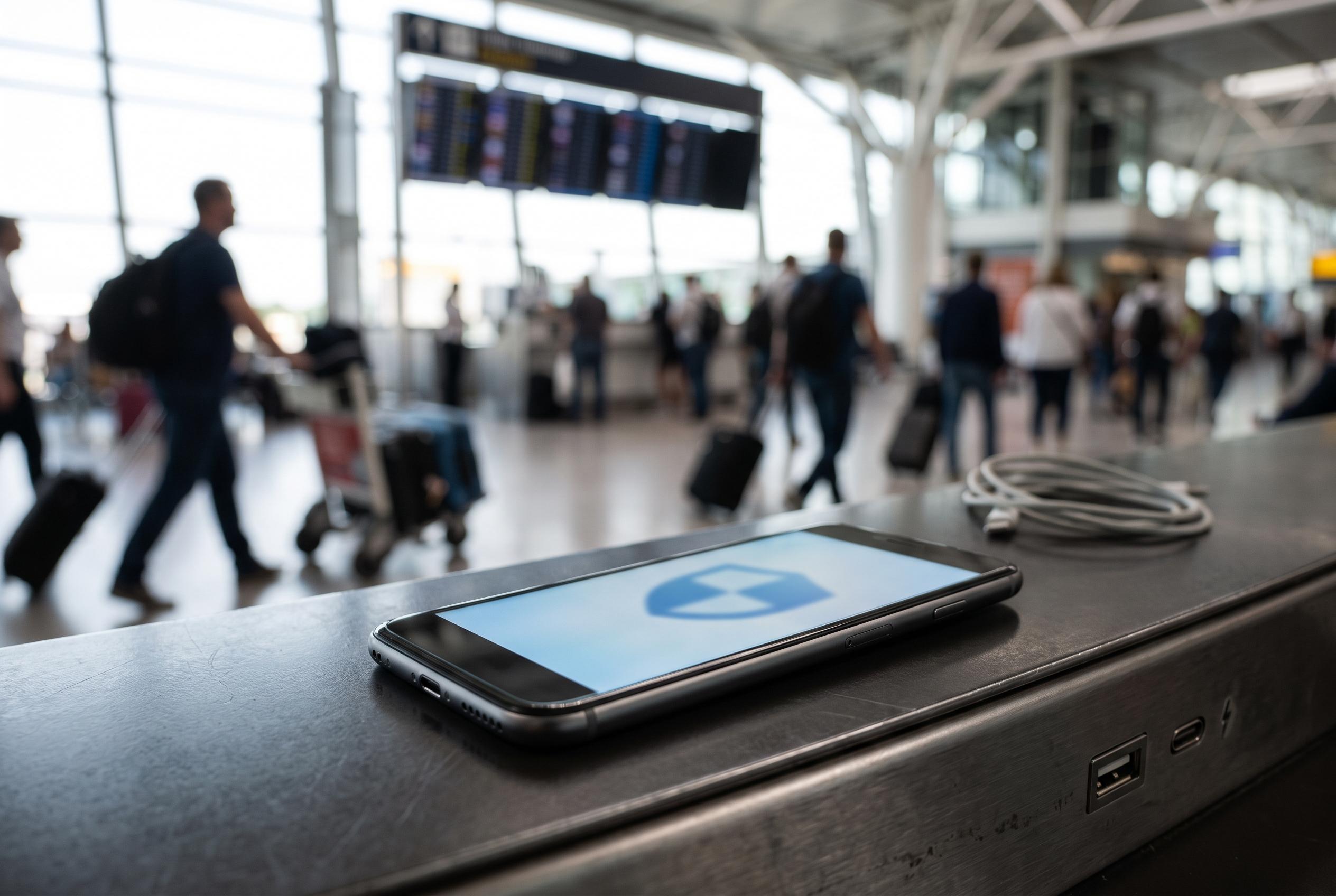

A new method for Android users to quickly secure their devices at airports using automation and built-in features, reducing risk from open Wi-Fi, crowded spaces, and unreliable charging points.
Large airports are an awkward place to leave a phone exposed. There are unfamiliar Wi-Fi networks, crowded public spaces, charging points that may not be trustworthy and very little time to adjust settings carefully. The approach described here is to build a single travel routine that hardens an Android device quickly, rather than relying on Airplane mode alone.
Android does not offer a native travel mode, so the solution is assembled from existing features. The core idea is to switch off as much wireless exposure as possible, including cellular, Wi-Fi and Bluetooth, then reduce the amount of data the phone can reveal while locked. That means turning off lock-screen notifications, pausing cloud synchronisation and, where possible, enabling Google’s Advanced Protection Mode, which is designed to block risky USB data connections when the screen is locked on supported Pixel devices. Google says the feature also prompts for unlock approval when a new USB connection is attempted.
The article’s central tool is Tasker, which is used to gather those settings into a single automation. A custom task can apply the lockdown in one tap from a home-screen widget or another trigger such as an NFC tag. A second task reverses the changes afterwards, although the full reboot still has to be done manually because an unrooted device cannot be restarted by the app. That matters because phones are generally most secure before the first unlock after a reboot.
There are, however, limits to how far automation can go. Google’s Android 16 Advanced Protection documentation says the mode is meant to impose a fixed set of stronger security settings, even where that reduces convenience. Separately, reporting on Android 16 notes that Advanced Protection is beginning to restrict some accessibility-based tools, including parts of the Tasker ecosystem, which means users need to verify that their automations still work before they rely on them in transit.
For phones running Android 15 or later, Private Space is a useful extra layer. Google describes it as a separate, isolated area of the device with its own lock, distinct from the main profile. In practical terms, it lets a traveller keep only a small set of apps, such as airline and ride-hailing tools, in an area that is easier to secure and less exposed if the phone is lost or stolen while unlocked. Google’s broader Android security material also stresses that the operating system continuously filters spam, phishing and harmful apps in the background, but the travel-mode approach adds a manual, situational layer for moments when the user wants tighter control.
Disclaimer: This content is intended for informational purposes only. Readers are advised to exercise their own judgement, conduct due diligence, or consult a qualified expert before acting on any information provided.



