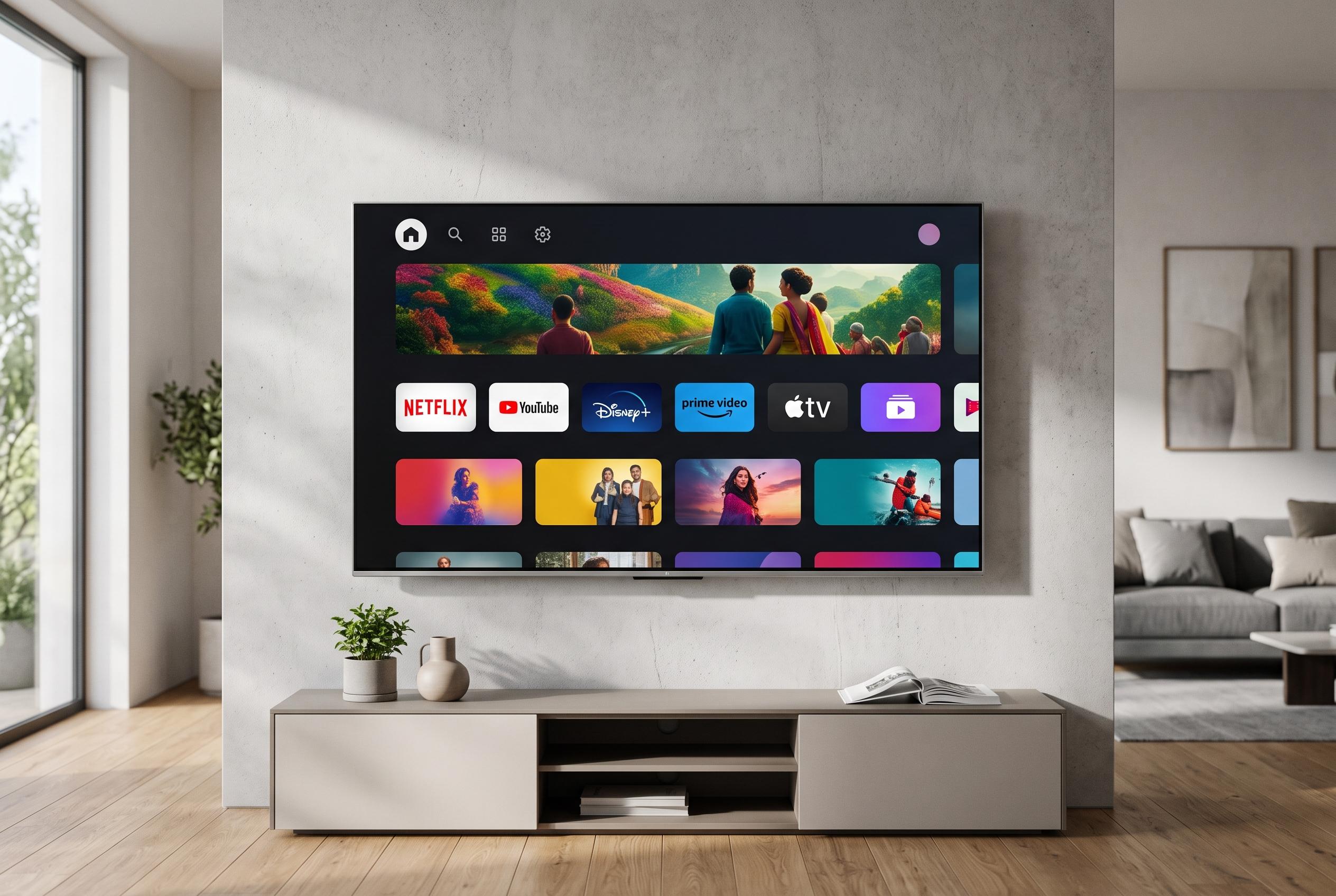

Adjusting defaults and exploring custom options can transform the cluttered Google TV home screen into a straightforward hub focused on apps and personal preferences, offering a more practical viewing experience.
Google TV is designed to put recommendations first, but that approach can make the interface feel crowded. For viewers who mainly want to open apps and start watching, the home screen can feel more promotional than practical. A cleaner setup is possible, however, if you change a few defaults and accept some trade-offs in features and convenience. According to Google’s support guidance, Apps-only mode hides personalised recommendations and leaves a simpler screen centred on installed apps.
The quickest route is to enable Apps-only mode through the account settings. Google says this mode removes much of the recommendation layer, but it also disables Search and Google Assistant until it is switched off again. TCL’s support notes add that some sponsored material or generic entertainment prompts may still appear, so the result is cleaner rather than completely bare.
If you prefer to keep Google TV’s main layout, there are smaller adjustments that make a noticeable difference. Turning off autoplay previews reduces distraction, cuts down on bandwidth use and makes navigation feel less jumpy. Trimming the list of streaming services that feed recommendations also helps, because Google TV uses that selection to decide what rows to surface. That setting is profile-specific, so households with multiple users may need to repeat the process.
Google also offers content preferences, where you can rate suggested titles to steer the system towards the genres and moods you actually want. That will not remove the large banner at the top of the screen, but it can make the rest of the feed less random. In practice, this is the most useful compromise for people who still want Google TV’s discovery features without letting the interface become too cluttered.
For users who want tighter control, Projectivy Launcher is the more radical option. The Android TV launcher, available on Google Play, lets people organise apps into categories, change the layout and use custom wallpapers, while sidestepping much of Google TV’s recommendation system. It is not as immediate to set up as the stock interface, but it offers a cleaner and more flexible home screen for people who know exactly what they want to watch.
Disclaimer: This content is intended for informational purposes only. Readers are advised to exercise their own judgement, conduct due diligence, or consult a qualified expert before acting on any information provided.