

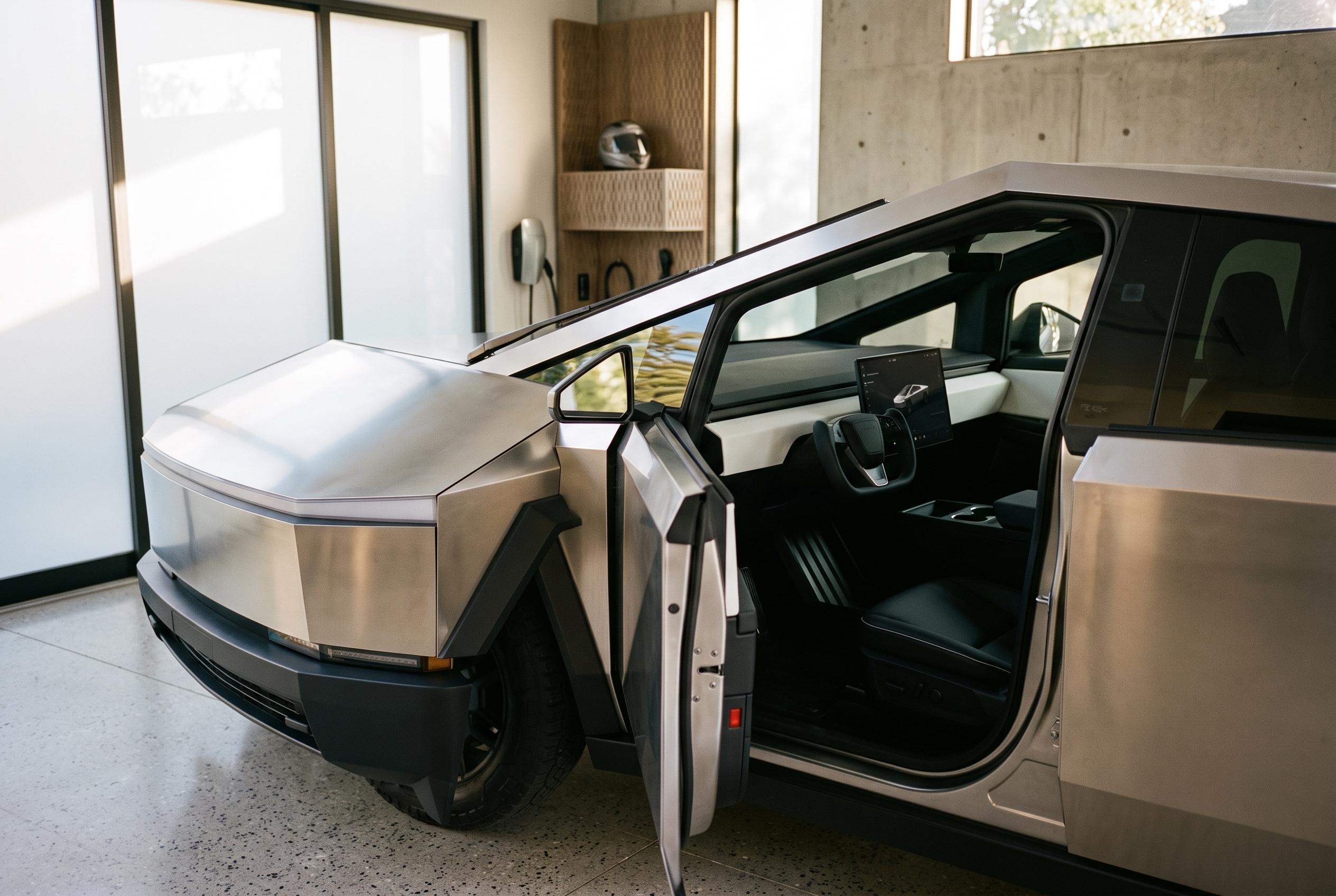

Owners of the Tesla Cybertruck can optimise their driving experience by exploring concealed features, customising controls, and understanding the importance of connectivity and physical adjustments in their vehicle.
Many Cybertruck controls sit behind menus, gestures and app screens rather than obvious switches. That keeps the cabin uncluttered, but it also means new owners can miss useful functions until they learn where Tesla has placed them. The practical approach is to explore while parked, then keep only the shortcuts you actually use. Tesla’s own documentation supports that method, with the Owner’s Manual showing how to customise the “My Apps” area for quicker access to frequently used functions.
The touchscreen’s shortcut area is designed to be rearranged, not treated as a fixed strip of icons. That makes it useful for climate, lighting and other settings you adjust often. The same idea applies to steering-wheel controls and quick actions: the more they match your routine, the less you need to dig through the interface. Tesla’s manual also notes that display and sound settings can be tailored to suit personal preference.
Cybertruck owners should also remember that not every feature appears in every vehicle. Software version, trim, region and optional services can change what is available on screen. That is especially relevant after updates, when menus may move or new controls may appear. A missing option is not always a fault; it may simply be unsupported on that configuration.
The Tesla mobile app adds another layer of control, but it is not a full duplicate of the cabin display. Tesla says the app can be used for locking and unlocking, climate control, charging checks, charge-port operation and location functions. The company’s Cybertruck unlocking guide also stresses the need to enable mobile access properly and keep a backup key, such as a key card, available if the phone loses power or cellular service is poor.
That matters because remote commands are only useful when the vehicle and phone can communicate. Tesla says mobile access depends on connectivity, and it highlights limited-service situations such as indoor garages as places where a physical key can be important. For that reason, the app should be treated as a convenience layer, not the only way into or out of the truck.
Several of the most useful functions are tied to charging. Tesla’s manual says the app can open or close the charge port, while the vehicle itself can also manage charging status and related controls. That makes it worth learning at least two ways to deal with the port before using a public charger. The same is true of battery preconditioning and range estimates: they are most effective when used as part of a planned trip, not as afterthoughts.
Security and access settings deserve similar attention. Tesla provides tools for listing, adding and deleting keys, including phone keys and key cards, and the company recommends keeping a usable physical key available. That is sensible in everyday use as well as when lending the vehicle or parking where connectivity is unreliable. Features such as PIN to Drive, Sentry Mode and camera access add protection, but they also require the owner to understand who has access and what is actually being recorded.
Not all hidden features are digital. Some are simple physical adjustments, such as extending the sun visor, setting the powered tonneau cover height, or learning where the parking brake control is located. Others are convenience settings such as Joe Mode, which lowers notification volume for quieter cabins. These are small changes, but they reduce friction in ordinary driving and make the truck easier to live with day to day.
The broader lesson is that the Cybertruck rewards owners who learn its interfaces methodically. Useful shortcuts exist across the screen, the app and the vehicle’s hardware, but their availability can vary and some depend on connectivity or software state. For buyers considering accessories as well, fit and compatibility should be checked carefully against the exact model and year.
Disclaimer: This content is intended for informational purposes only. Readers are advised to exercise their own judgement, conduct due diligence, or consult a qualified expert before acting on any information provided.



