

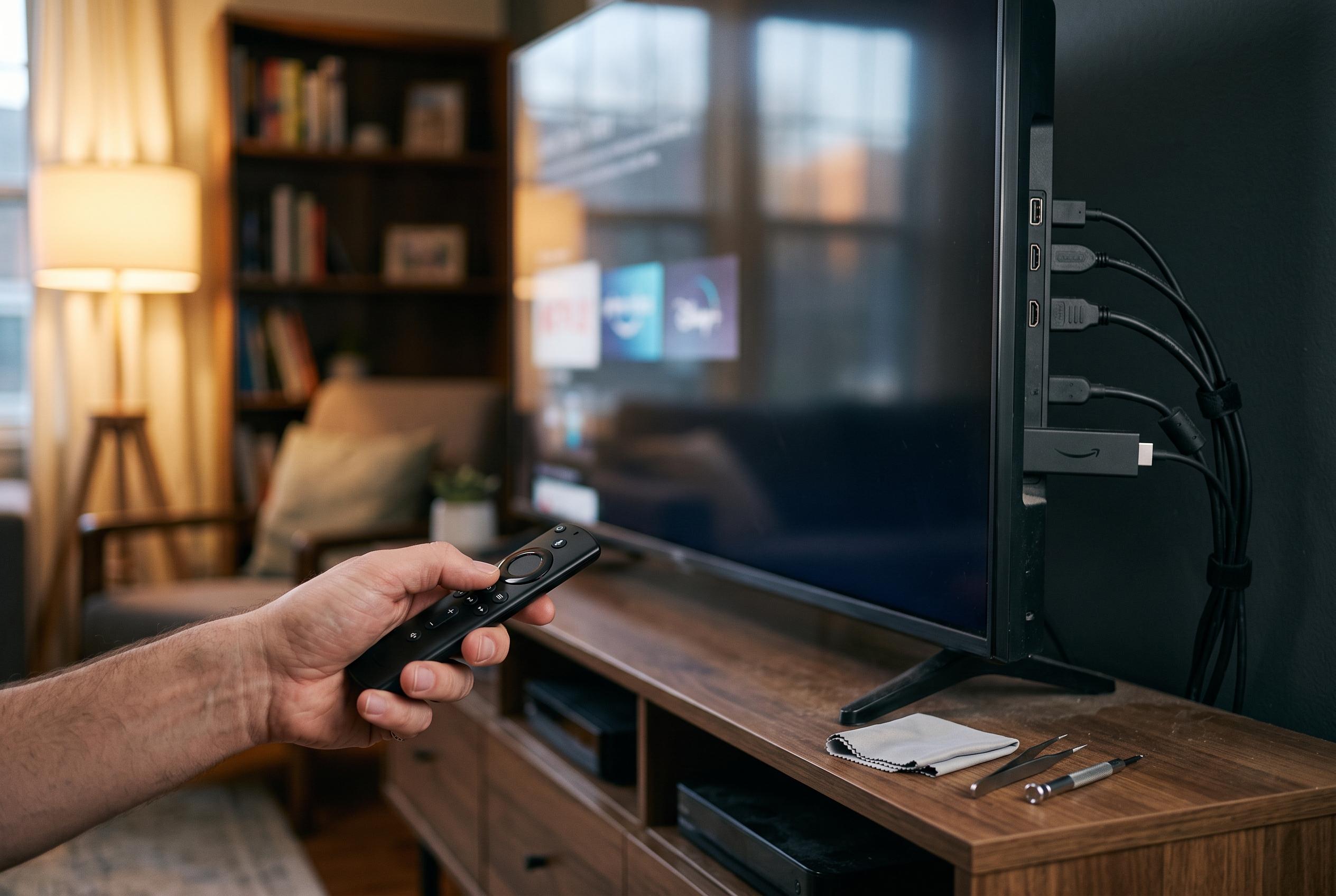

Owners of older Fire TV Sticks are experiencing sluggish performance post-Redesign update as background app management becomes a key factor, with manual clearing offering a temporary fix amidst concerns over device longevity and software support.
Many owners of older Fire TV Sticks are finding the same thing: the interface that once felt responsive can now feel slow, delayed and oddly strained. The problem has become more noticeable after Amazon’s redesigned Fire TV software rolled out in April, which added a heavier home screen and more background activity. On ageing hardware with modest processors and limited memory, that extra load can be enough to make menus crawl and apps open more slowly.
The main cause is not always storage, cache or Wi-Fi, although those can still contribute. The bigger issue is that Fire TV OS now keeps more apps alive in the background so they reopen faster. According to Android Police, that behaviour can leave multiple streaming apps consuming memory even after the device has been put to sleep and switched back on. TechRadar has also reported separate allegations that Amazon is shortening the useful life of older Fire TV Stick models, with a class action lawsuit claiming earlier-generation devices were left behind by software support. Amazon has not publicly responded to those claims.
The practical fix is to close the apps that are quietly running. On older software builds, some users can still limit background activity through Developer Options. On newer versions, Android Police says the better route is to open Settings, then Applications, then Manage Installed Applications, sort by recent use and force stop the apps that are still active. Because Fire TV does not clearly show which apps are open in the background, this has to be done manually.
A faster approach is to use a utility from the Amazon Appstore called Background Apps and Process List. Android Police says it can queue every open app so users can move through them and force stop each one with fewer taps. Once closed, those apps stay shut across restarts, so the process does not need to be repeated every time the stick boots. That means the device starts with more free memory and less chance of the home screen feeling clogged.
That does not make other maintenance steps irrelevant. Storage pressure, app caches and weak wireless connections can still slow a Fire TV Stick, as other troubleshooting guides note. Clearing unused apps, restarting the device and using a stronger 5GHz Wi-Fi connection can all help. But for older Fire TV hardware, background processes appear to be the more significant bottleneck, and managing them directly may buy users a useful extra year or two before an upgrade becomes necessary.
Disclaimer: This content is intended for informational purposes only. Readers are advised to exercise their own judgement, conduct due diligence, or consult a qualified expert before acting on any information provided.



