

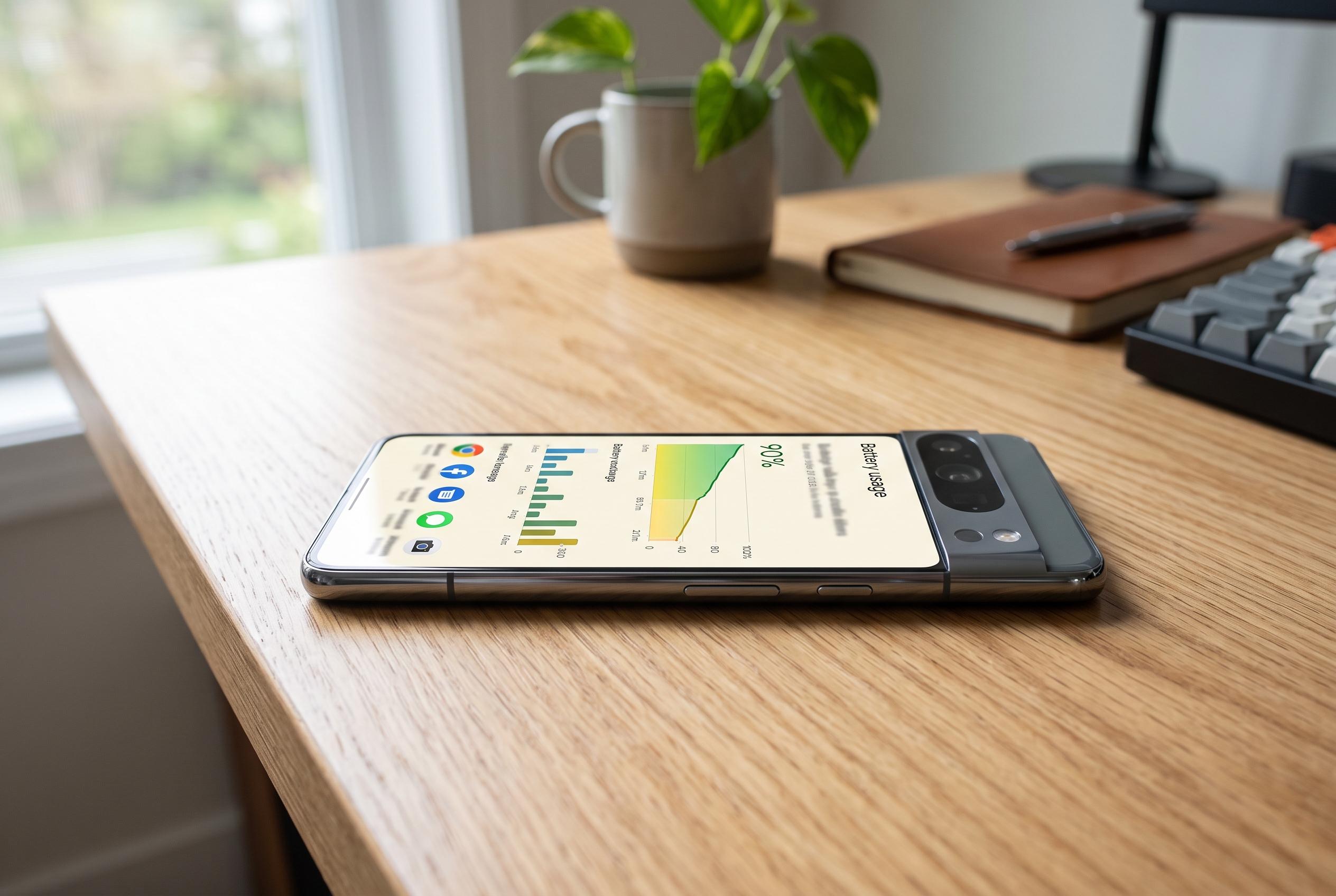

Google is rolling out a new Battery Usage Summaries feature on Pixel 10 and newer models, offering users clearer insights into their phone’s power consumption and app-related drain, integrated with on-device AI for personalised monitoring.
Google is beginning to roll out a new Battery Usage Summaries feature on Pixel 10 and newer phones, adding a more digestible layer on top of the detailed battery charts already built into Pixel software. The feature flags unusual drain, points to the apps using the most power and is designed to help users spot problems without having to dig through graphs and per-app breakdowns.
A screenshot shared with Android Authority shows the summary appearing at the top of the Battery usage page. In that example, the phone says roughly 15% of the battery has been used, notes that this is higher than normal for that time of day and identifies WhatsApp and Google as the main consumers. Android Authority reported that the feature had already been seen in development two weeks earlier, when its teardown suggested that Gemini Nano would generate the summaries directly on the device.
Google has now added official support material for the feature, saying it looks at battery-hungry apps, monitors background activity and compares both overall and app-level consumption with recent usage patterns. The company says it depends on the latest version of AI Core and switches on automatically when it becomes available. Its support pages also continue to point users towards the broader battery tools already on Pixel phones, including usage details, the battery widget and advice for reducing drain.
The move fits a wider pattern in Google’s Pixel updates, which have increasingly mixed power-management tools with on-device AI features. Google already promotes Adaptive Charging and Battery Saver as part of its battery toolkit, while other recent Pixel updates have added features aimed at cutting unnecessary power use in apps and notifications. Battery Usage Summaries appears to be a smaller but practical addition: less about extending battery life directly, more about explaining why a phone is losing charge faster than expected.
Disclaimer: This content is intended for informational purposes only. Readers are advised to exercise their own judgement, conduct due diligence, or consult a qualified expert before acting on any information provided.



