

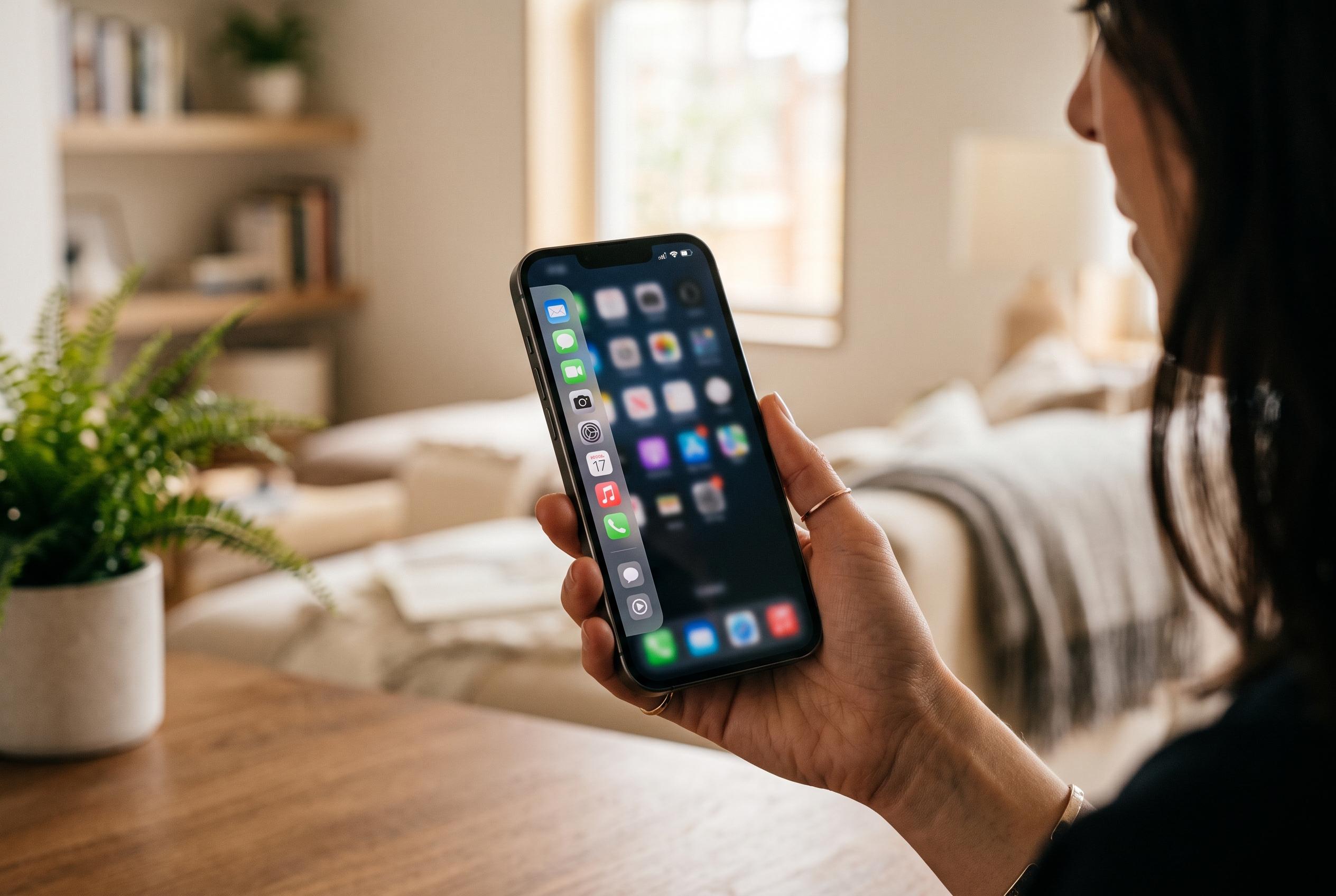

A new Android utility called Panels introduces a highly configurable sidebar, enhancing one-handed usability and quick access to apps, contacts, and shortcuts without replacing the standard launcher.
Panels is the sort of Android utility that can quietly change how a phone is used. According to Android Authority, the app adds a swipe-in sidebar to the edge of the screen, giving immediate access to apps, contacts, shortcuts, widgets and quick settings. The concept is familiar to Samsung users through Edge Panels, but Panels goes further by making the layout and contents much more configurable.
The app’s interface is built around multiple pages rather than a single drawer. Android Authority says the default setup includes a compact app list with favourites, a shortcuts page for apps, contacts, websites and system actions, and a widget page for quick glanceable information. The app can also be expanded with additional panels, and the official Play Store listing says it works on Android 7.0 and newer, with support for folders, notification badges, icon packs and floating widgets.
That level of flexibility matters because Panels is designed to fit different habits, not impose one workflow. Android Authority notes that users can move the trigger area to the left, right or bottom edge, adjust panel height and width, and alter the number of rows shown. The company’s Play Store description adds that the sidebar can be tailored with individual gestures and appearance controls, making it usable with any launcher rather than replacing the home screen setup.
For one-handed use, that matters more than it may first appear. Android Authority says the app reduces the need to return to the home screen or open the full app drawer, which can save time when checking widgets or jumping between frequently used tools. The writer also uses it to reach quick settings, launch direct-dial contacts, open WhatsApp chats and trigger routines. In that respect, Panels serves a similar purpose to Samsung’s built-in side panel, which Android Central describes as a useful but often overlooked multitasking feature on Galaxy phones and some other Android devices.
There are limits, though. Android Authority says the edge swipe can conflict with Android’s back gesture, which can lead to accidental mis-swipes. The app is also supported by ads, although these are confined to the settings area. Most functions remain available for free, and the paid option removes ads for a one-time fee of $1.50. That low price makes Panels a relatively inexpensive way to add a native-feeling launcher overlay, especially on phones that do not include a built-in equivalent.
Panels also sits within a small but growing category of one-handed launch tools. Alongside it, Bloom offers a free floating launcher for Android 15 and later, using a long-press button and a cell-based shortcut layout rather than an edge panel. That comparison underlines Panels’ appeal: it is not the only way to surface shortcuts, but it is one of the more mature and adaptable options for users who want faster access without changing their entire launcher.
Disclaimer: This content is intended for informational purposes only. Readers are advised to exercise their own judgement, conduct due diligence, or consult a qualified expert before acting on any information provided.



