

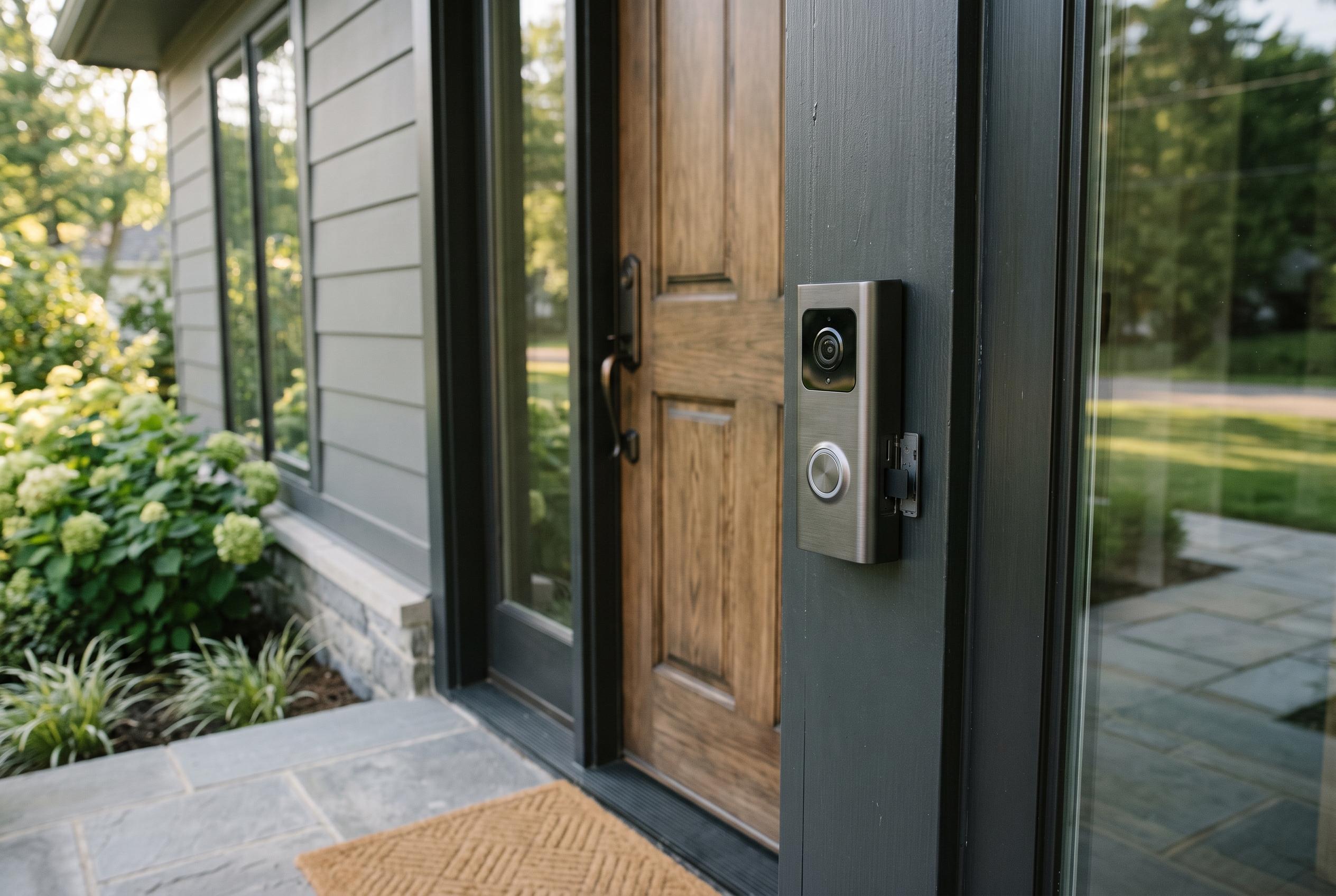

Many smart doorbells now offer options to avoid monthly fees through local storage or privacy-focused systems, but understanding the trade-offs can help buyers select the best solution for their needs.
Avoiding a smart doorbell subscription is often less about finding a perfect product than choosing which trade-offs you can live with. For many buyers, the free tier already covers the basics: live video, remote answering and simple motion alerts. According to How-To Geek, the real cost begins when you want recorded footage, richer alerts or longer video history, which is why brands such as Ring and Google push paid plans for features that go beyond simple door access. Alarm.com’s buyer guidance also notes that the key issue is not just price, but understanding exactly which functions are locked behind a subscription.
The simplest route is local storage. Many doorbells now save clips to a microSD card or similar flash memory instead of the cloud, which removes monthly fees and keeps ownership of the recordings with the user. Consumer Reports and SafeHome both point to subscription-free models from brands such as Wyze, Eufy, TP-Link and Night Owl, while How-To Geek highlights devices like the WYZE Video Doorbell v2 and eufy Video Doorbell C210 as examples of this approach. The trade-off is resilience: if the card is stolen, damaged or removed, the footage may be lost.
Apple users have another option in HomeKit Secure Video, which shifts storage into iCloud+ rather than a standalone doorbell service. As How-To Geek explains, this requires a HomeKit hub such as an Apple TV 4K, HomePod or a permanently home iPad, plus a compatible doorbell such as the Aqara Smart Video Doorbell G4 or Logitech Circle View Doorbell. Apple’s system stores recordings for 10 days, supports end-to-end encryption and keeps footage separate from a user’s normal iCloud storage allowance, with the number of cameras tied to the iCloud+ tier.
For buyers who want more control, some doorbells support local hubs or more advanced network storage. How-To Geek cites eufy’s Homebase system, which keeps recordings on a device inside the property rather than on a remote server, reducing the risk that a tampered doorbell will destroy the evidence. Other models go further still: Reolink’s PoE and Wi-Fi doorbells can sync clips to an FTP server, while the Netatmo Smart Video Doorbell offers local microSD storage with optional Dropbox or FTP uploads. These approaches are more technical, but they are useful for people who want their own backup system rather than a vendor’s cloud.
Home Assistant pushes that idea further by turning the user’s own hardware into the recording and automation layer. According to How-To Geek, the open-source platform can run on a Raspberry Pi or spare computer and store footage locally, scaling with whatever storage is attached. The downside is setup complexity: compatibility depends on the device, and some users may need to test integrations or rely on community guidance. Still, the platform is free, and it can be a practical way to avoid recurring fees if the user is willing to do the work.
There remains a case for paying. Premium subscriptions can be easier, especially for buyers who want cloud backup, richer alerts and minimal configuration. Alarm.com and T3 both note that subscription-free products often shift cost from monthly fees to higher upfront prices or fewer advanced features. For many households, the best answer is not to eliminate subscriptions entirely, but to choose a doorbell whose storage model matches how much convenience, privacy and resilience they actually need.
Disclaimer: This content is intended for informational purposes only. Readers are advised to exercise their own judgement, conduct due diligence, or consult a qualified expert before acting on any information provided.



