

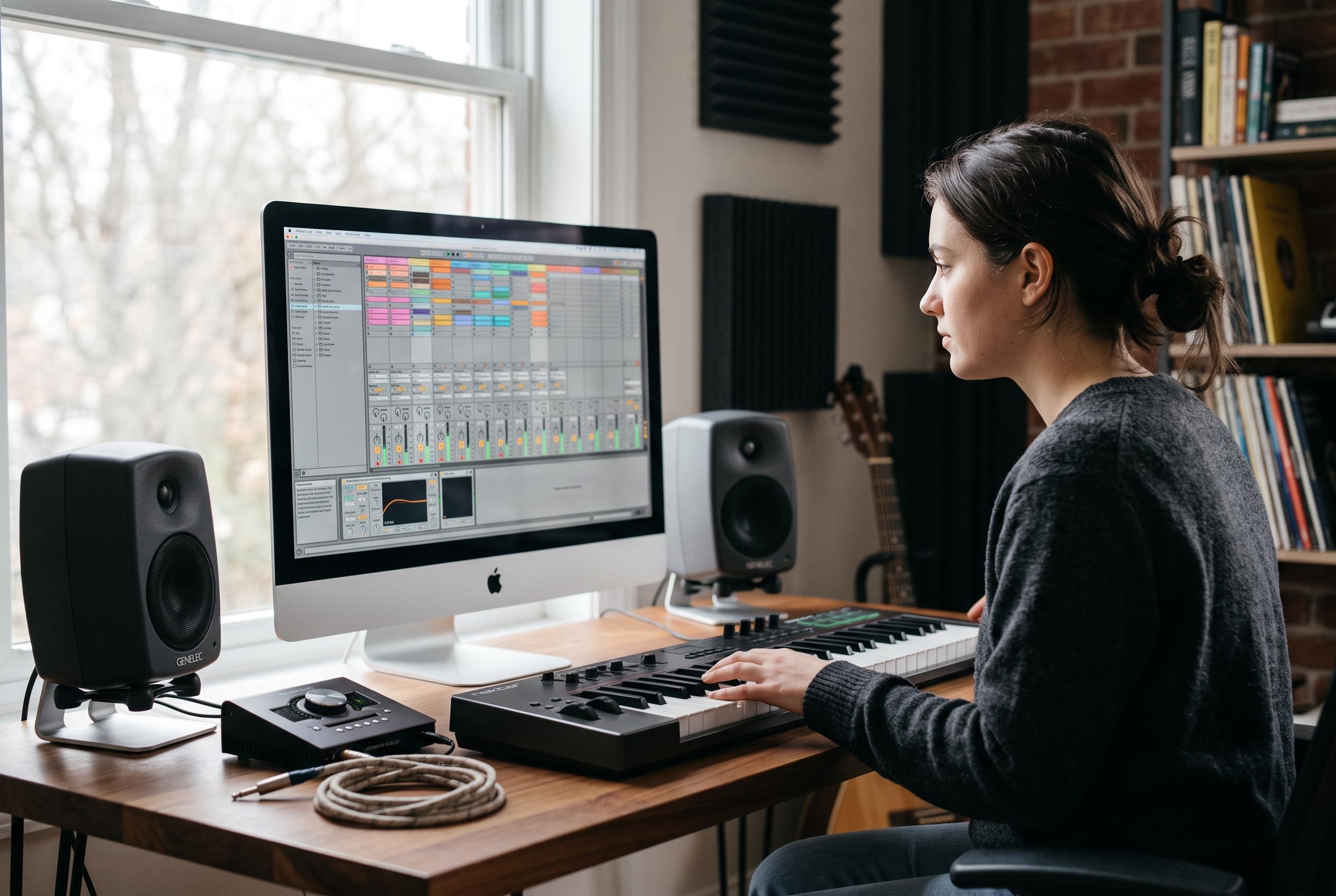

As beginner methods shift towards project-centric tutorials and modular support, educators and platforms are redefining how newcomers learn Ableton Live, blending guided lessons with practical workflows to simplify music production for beginners.
A growing share of beginner teaching around Ableton Live is converging on a project-first method: start with a beat, finish a small arrangement, and learn the interface while using it. Splice’s Live 11 Lite walkthrough follows that arc from importing sounds through editing, automation, mixing and export, while LANDR’s current Live 12 course says newcomers should begin with installation and navigation, make a simple beat, and only then move on to more complex song analysis. (splice.com)
That approach reflects the scale of the software itself. Native Instruments describes DAWs as deep, technically dense environments that have become the dominant way to make and edit music, and says Ableton Live is “perhaps the most widely used production software for artists making electronic and dance music”. Its appeal is not only sequencing and recording but the fact that the same application can be used for conventional arrangement and for performance, a dual role that helps explain why Live remains the default reference point in much electronic production teaching. (blog.native-instruments.com)
Ableton’s own documentation now leans into guided onboarding rather than expecting beginners to start with the full manual. In the Live 12 reference manual, the company says Live includes Learn View for structured lessons and Info View for context-sensitive help, with Learn View shown the first time the software opens and callable again from the Help menu or by shortcut. Ableton says those lessons combine video with short written explanations, can be filtered by topic, and may be added over time without waiting for a software update. (ableton.com)
The same manual broadens that support beyond the application window. Ableton recommends that new users read the “Live Concepts” chapter, and it points them to Learning Music and Learning Synths, two browser-based teaching sites that require no prior equipment and let users try ideas instantly. It also makes clear that basic housekeeping matters: the Settings window covers language, zoom, audio configuration, user-interface labels and keyboard navigation, including options that change how the Tab key behaves inside the software. (ableton.com)
EDMProd’s newly published guide applies that philosophy to a full production exercise in Live 12 Suite. Rather than treating the DAW as a collection of isolated buttons, it walks readers through one compact electronic track from audio setup to saving the finished project, using the familiar sequence of drums, bass, chords, a moving topline, automation, vocal recording, mixdown and project management. That structure closely matches Splice’s own Lite-level tutorial, which likewise moves from importing material and navigating key views to chopping audio, building transitions, recording MIDI and audio, and exporting the result. (edmprod.com)
There are also signs of version-specific teaching becoming more deliberate. LANDR markets its “Getting Started with Ableton Live 12” course as beginner level, taught by Ableton Certified Trainer Jason Allen, with 43 video lessons across two hours of English-language instruction. Splice, by contrast, pitches Live Lite as sufficient for getting acquainted with the platform and adds a free project file so users can inspect the same session used in the lesson. Together, those offers suggest that educators are increasingly separating core workflow lessons from edition-specific upselling. (learn.landr.com)
That distinction matters because most early obstacles are not about missing premium instruments. Native Instruments’ definition of a DAW centres on the signal chain itself: recording audio, building beats, adding instruments or vocals, arranging them, applying effects and mixing the finished work inside one environment. Ableton’s manual reinforces the same point by surfacing hover-based help in Info View and by embedding lessons inside the software, while third-party guides keep returning to the same fundamentals of timeline editing, automation and export across both Lite and Live 12 teaching materials. (blog.native-instruments.com)
For newcomers, the practical message is straightforward. The market around Live now offers three layers of support: official in-app lessons and documentation from Ableton, project-based editorial walkthroughs such as Splice’s and EDMProd’s, and paid structured courses such as LANDR’s. None promises that beginners must master the whole package before writing music. Instead, they are converging on a narrower goal: get a learner from first launch to a saved, exported and understandable session, then let deeper knowledge accumulate from there. (ableton.com)
Disclaimer: This content is intended for informational purposes only. Readers are advised to exercise their own judgement, conduct due diligence, or consult a qualified expert before acting on any information provided.



