

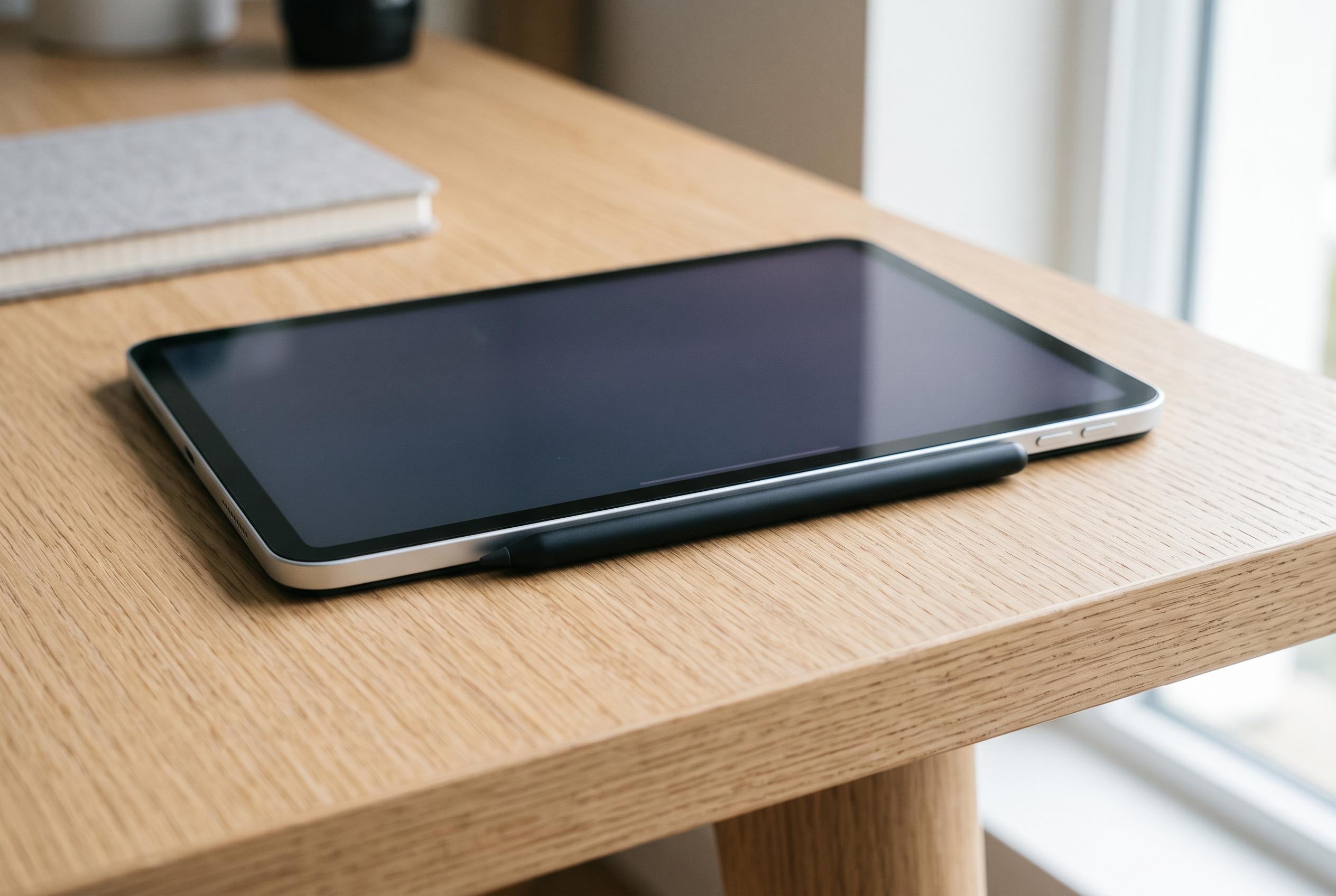

Apple emphasises that magnetic attachment of Apple Pencils to iPads is primarily for storage, not charging, revealing distinctions between models and their intended usage for optimal battery management.
Leaving an Apple Pencil Pro or a second-generation Apple Pencil clipped to the side of a compatible iPad is the way Apple expects those models to be used, not a shortcut to premature battery wear. Apple’s current technical page for Apple Pencil Pro says it attaches, pairs and charges magnetically on the side of the tablet, while its iPad user guide tells owners of the second-generation stylus to place it on the magnetic connector on the right-hand edge to pair and charge. On those models, the side rail is not just a holder; it is the normal charging system.
That only applies to part of the range. The second-generation Pencil and Pencil Pro use the side connection for both pairing and power. The USB-C model can stick there for storage, but Apple says it still pairs and charges through a cable hidden under a sliding cap. Tom’s Guide made the same distinction in its November 2023 assessment of the accessory, noting that attaching it to the iPad will not handle pairing for you. The practical point is simple: a Pencil that is magnetically attached is not necessarily a Pencil that is charging.
Apple appears to have designed that distinction deliberately. In its October 2023 announcement for the USB-C Pencil, the company said that when the stylus is magnetically attached to an iPad for storage it “enters into a sleep state to preserve battery life”. Tony Polanco at Tom’s Guide described the same behaviour more bluntly, writing that Apple “made it so the new Pencil turns off whenever you attach it to an iPad”. That matters because it undercuts a common assumption behind battery worries: on one of Apple’s current styluses, the magnetic edge is explicitly a parking place rather than a constant trickle-charge.
The second-generation model was built around that always-ready idea from the start. Reviewing it in 2018, Macworld said many owners would keep it “semi-permanently attached” to the iPad Pro so it would always have power when needed, and contrasted that with the older Lightning-charged Pencil, which it said “gradually drained of battery” when left off the tablet. Apple has since extended the same dock-and-go logic to Apple Pencil Pro, which adds squeeze, barrel roll, haptic feedback and Find My support, and works only with recent iPad Pro, iPad Air and iPad mini hardware running iPadOS 17.5 or later.
Apple’s own setup material also suggests that charge management is meant to be automatic. The company does not tell users to remove a second-generation Pencil once it reaches full charge. Instead, its guide focuses on making sure Bluetooth is switched on and points owners to the Batteries widget or Settings > Apple Pencil if they want to check levels. That is a useful clue to Apple’s design intent: the user is expected to monitor status if needed, not manually interrupt every charge cycle.
The remaining worry is whether the stylus meaningfully shortens iPad endurance. Apple’s public Pencil documents do not give a formal figure for power draw over the magnetic edge, so the clearest external clue is indirect. Tom’s Guide measured the 2024 iPad Pro at 13 hours and 13 minutes in continuous Wi-Fi web browsing at 150 nits, comfortably ahead of Apple’s quoted 10 hours, while also noting that buyers can choose a cheaper $79 USB-C Pencil that attaches magnetically but does not recharge that way. Those figures do not prove that a docked Pencil is cost-free, but they do suggest that Apple’s premium tablet is not operating under an obvious battery handicap from the accessory system built around it.
For buyers, the practical rule is narrower than many online debates suggest. If the stylus is an Apple Pencil Pro or a second-generation Apple Pencil, leaving it on the side of a compatible iPad is the intended everyday arrangement. If it is the USB-C model, the magnets are chiefly for storage and the battery-saving trick is sleep, not wireless charging. If it is the original Pencil, charging still depends on a physical connection. The anxiety is understandable because Apple’s styluses now look increasingly alike, but their power systems are not. Treat the magnetic edge as charging only on the models Apple says charge there, and as storage on the rest.
Disclaimer: This content is intended for informational purposes only. Readers are advised to exercise their own judgement, conduct due diligence, or consult a qualified expert before acting on any information provided.



