

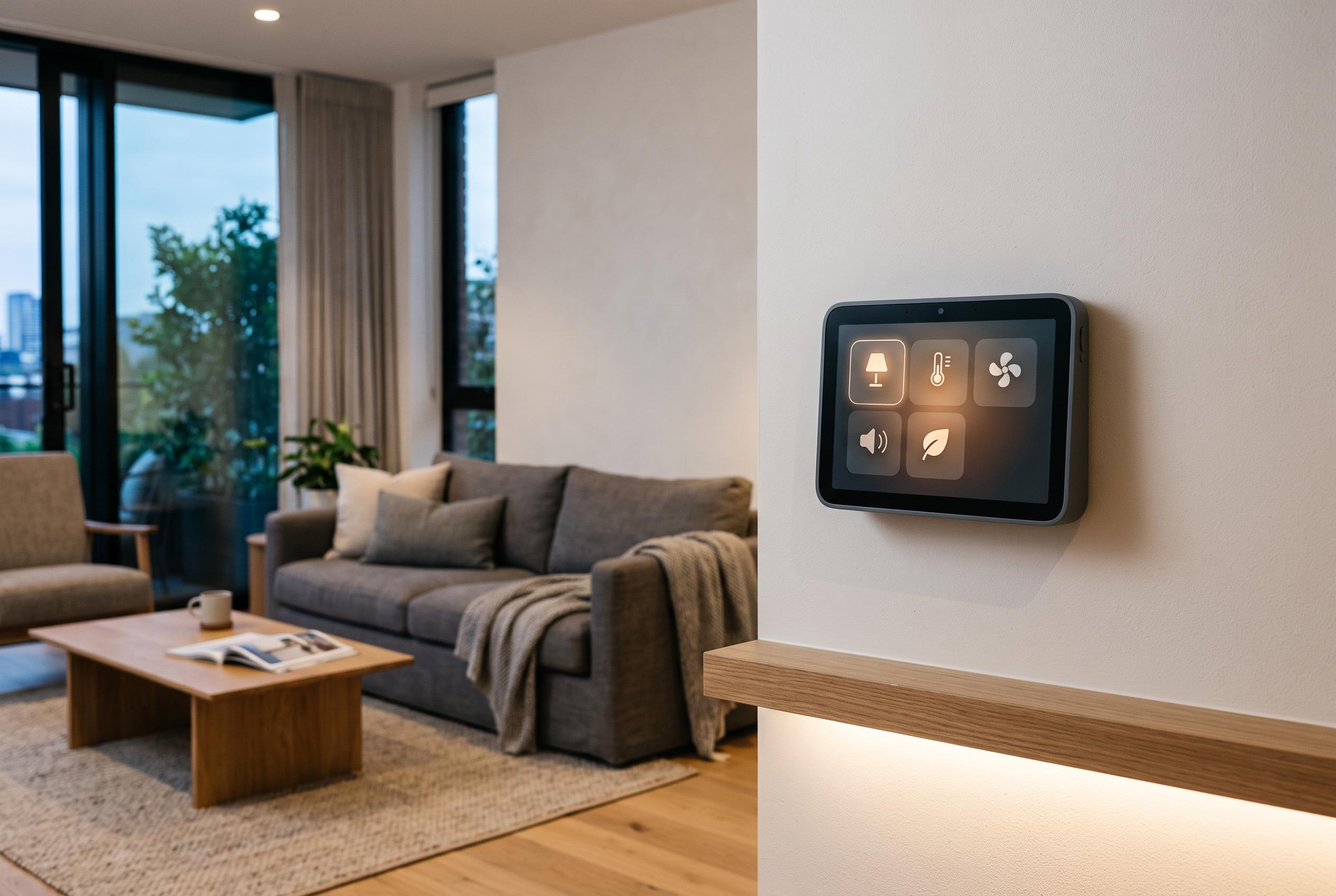

Meta’s discontinued Portal displays gain new life as owners can now sideload apps and repurpose the hardware for smart-home automation, transforming the retired devices into more than just video call screens.
Meta’s discontinued Portal displays have moved from dead-end consumer hardware to plausible smart-home salvage after the company formally opened the devices to Android Debug Bridge, giving owners a supported way to sideload software, deploy apps and treat the screens more like ordinary Android endpoints than locked appliances. The shift matters because it turns a retired product line into something that can still be maintained and repurposed rather than discarded. (developers.meta.com)
The clearest sign that this is now an official route came in early June 2026. On 4 June, Meta published a developer blog post saying Portal could now be targeted by the same AI-assisted coding workflow it had been promoting elsewhere, and used a home automation dashboard as one of its own examples. On 10 June, Meta’s developer documentation was updated to state plainly that Portal devices support ADB and that developers can build, install and launch their own apps on the hardware. Meta also suggested uses well beyond video calling, including smart-home controllers, family noticeboards, digital art displays and ambient information screens. (developers.meta.com)
Meta’s own guidance also makes clear that this is not a carefree hobbyist unlock. The company warns that sideloaded software may place the user’s account and device at risk, says owners are responsible for complying with the law, and tells them to inform other people in the household if software may reach the camera or microphone. It adds that removing or modifying system apps through ADB can affect functionality and may not be reversible. In other words, Portal is now more open, but it is still not a general-purpose tablet in the normal consumer sense. (developers.meta.com)
The path to that official opening was uneven. In a report published on 11 May 2026, PiunikaWeb said owners had begun seeing an “Unlock ADB” message on screen before Meta had properly documented the feature, and before some devices exposed the settings path the prompt appeared to promise. The publication said users reported the message on retail hardware including first-generation Portal Plus, Portal Mini and Portal TV units, with several pointing to firmware 1.44.4. A separate Portal Go thread reportedly showed a similar prompt on version 1.47.4, again without a usable toggle. That sequence suggests the change reached devices in stages, and that the public documentation followed an initially confusing rollout rather than a tidy launch. (piunikaweb.com)
There is still some ambiguity around the exact model list and the practical scope of the feature. OBLAIDISH NEWS reported on 5 June 2026 that the ADB rollout covered the original Portal, Portal Mini and Portal+, and described it as a USB-only debugging path with no advertised Wi‑Fi debugging. Community projects have taken a broader view. OpenPortal, a browser-based management tool, says “All Meta Portal devices are supported” and relies on USB plus WebUSB and ya-webadb to communicate directly with the hardware from a Chromium-based browser. That does not necessarily mean every model behaves identically, but it does show the community testing surface is already wider than the narrowest published device list. (news.oblaidish.com)
What has emerged around the newly opened ADB path is more than a simple sideloading trick. OpenPortal describes itself as a way to “bring your Meta Portal back to life” with “No app to install, no drivers, no backend.” In practice, that means one-click installation of community-verified apps, provisioning for the Immortal launcher and its on-device app store, drag-and-drop APK loading, browser-based screen mirroring through scrcpy, file management, an interactive shell, live logcat streaming and even editing of internal device_config flags. For a retired smart display, that is a surprisingly complete maintenance toolkit. (github.com)
A second project, unmetaportal, goes further by trying to convert the device into what it calls “a plain Android device with a normal launcher and no active Facebook account UI”. The repository says it supports both the aloha touch models, covering Portal and Portal+, and the ripley hardware used in Portal TV. Its scripts identify the hardware family, install a matching launcher, set that launcher as the Android home activity and disable Meta’s own home surfaces. It also offers optional account cleanup using CVE-2024-31317 to remove active Facebook-linked account records, alongside a reversible kiosk mode for locking the device into a single app. The maintainers, however, warn users not to disable core system packages, and note that a factory reset on Android 9 Portal hardware can drop the device back into a Facebook login flow. (github.com)
Taken together, the June documentation, the earlier May rollout glitches and the fast appearance of repurposing tools point to a clear conclusion: Meta has not revived Portal as a mainstream product, but it has unexpectedly made the hardware relevant again for technically competent owners. Standard ADB access means APK installation, shell access and debugging with familiar Android tools rather than proprietary workflows. Combined with the device’s screen, speakers and existing input hardware, that is enough to make an abandoned video-calling display useful again as a dashboard, kiosk or room display in a self-hosted smart-home setup. (developers.meta.com)
Disclaimer: This content is intended for informational purposes only. Readers are advised to exercise their own judgement, conduct due diligence, or consult a qualified expert before acting on any information provided.



