

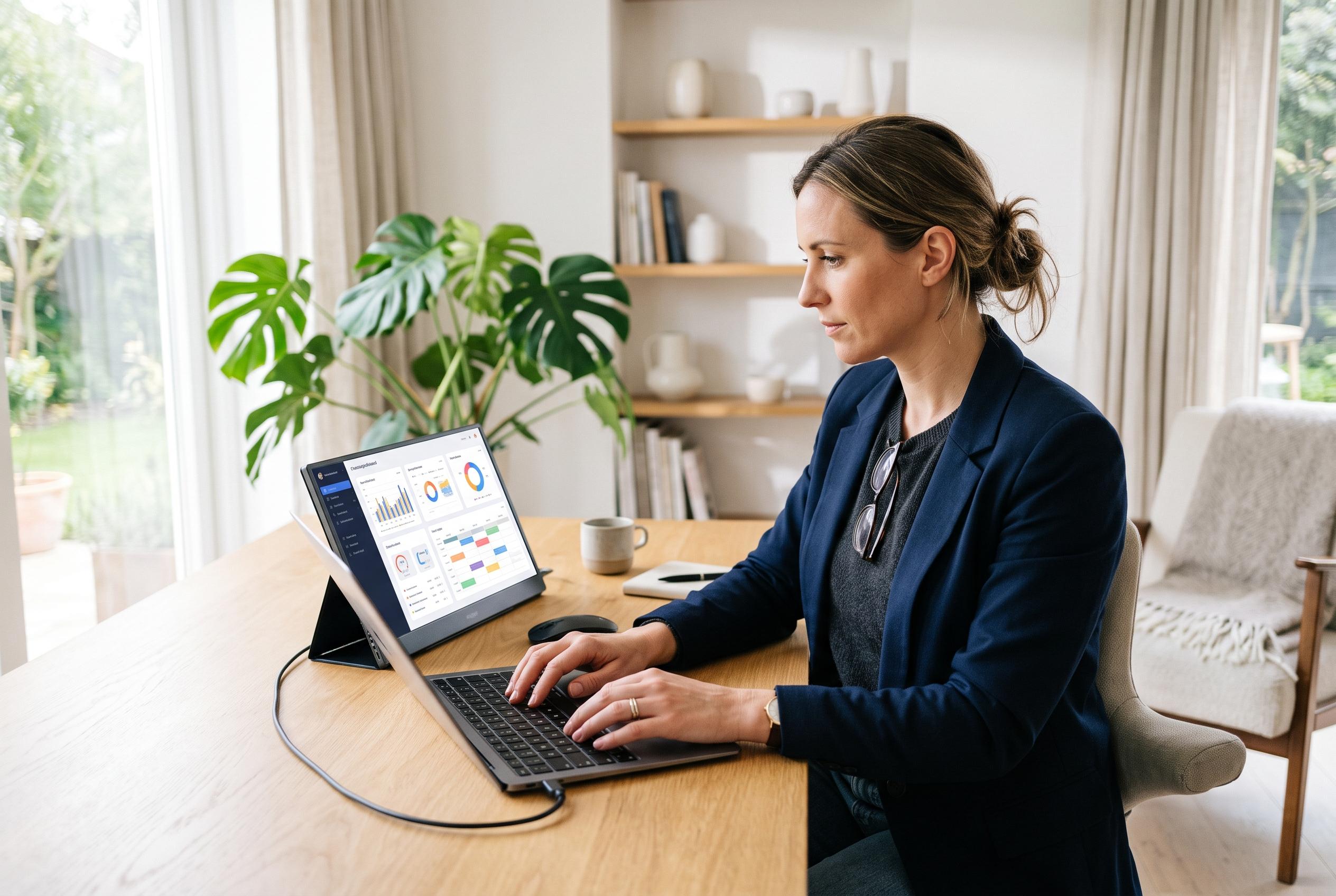

As falling prices and improved convenience make portable monitors mainstream, they are redefining the modern workspace for hybrid staff, travellers, and remote workers who seek greater flexibility without sacrificing productivity.
Portable monitors are no longer a novelty for gadget enthusiasts. Recent reviews across technology and consumer titles suggest they are becoming standard equipment for hybrid staff, frequent travellers and anyone forced to work away from a permanent desk. Laptop Mag, after six weeks of use on planes, at home and in the office, said the one accessory it would keep taking everywhere was Plugable’s 15.6-inch USB-C portable display. TechRadar reached a similar conclusion in early 2025, describing the same class of screen as a practical productivity tool for people working from dining tables, couches and coffee shops rather than a fixed workstation.
What has changed is not the basic idea of an extra screen, but the convenience. Forbes Vetted said its team tested portable monitors over hours of work, gaming and streaming, while Good Housekeeping treated the category as a mainstream shopping decision for people with small desks or regular travel needs. InsideHook placed typical prices between about $100 and $300 and argued that many of these panels now come close enough to conventional office displays in lighting and picture quality to justify carrying them. That combination of falling prices and simpler setup has pulled portable monitors into the broader mobile-work kit, alongside docking stations, keyboards and webcams.
The appeal is straightforward: more screen space without rebuilding an office. InsideHook’s test of the ARZOPA A1 Gamut Slim found that the 15.6-inch display took roughly ten seconds to set up and required no software installation. Laptop Mag said Plugable’s display “springs to life immediately” when connected. Good Housekeeping noted that most models now include at least one USB-C port and that some add micro HDMI for older devices or simpler presentations. In practice, that means a second display can be added at a kitchen counter, hotel desk or hot-desk station with little more than a cable and a folding cover.
The buying advice from the review sites points to a clear centre of gravity in the market. A 15.6-inch, 1920 x 1080 panel remains the standard format, balancing readability with portability. Plugable’s model, reviewed by both Laptop Mag and TechRadar, offers 300 nits of brightness, a 60Hz IPS panel, one USB-C host connection and two 10Gbps USB-C hub ports with up to 100W pass-through charging. Forbes Vetted highlighted the same product as its best plug-and-play option and said remote workers handling text and occasional image editing would benefit from the extra connectivity. For more specialised use, Forbes pointed to Lenovo’s ThinkVision M14t Gen 2 with touchscreen support and a stylus, while Good Housekeeping recommended Asus’s ProArt portable touchscreen for buyers who need more direct input.
Even so, the category has technical limits that buyers ignore at their peril. Windows Central’s assessment of AOC’s 16T3EA, a 15.6-inch USB-C-only screen released on 13 February 2024, is a useful warning: the monitor has just one input, and it will not function unless the source device can send video through USB-C. The site said it cannot be rescued by a simple HDMI-to-USB-C cable because the display also needs power through that connection. TechRadar added another constraint with the Plugable review, noting that 300 nits is serviceable indoors but less convincing outside, and that a 1080p panel may not satisfy graphic designers or video editors who need sharper detail or wider colour demands.
Manufacturers are also experimenting with different shapes of mobility. Forbes Vetted said executive editor Dave Johnson spent a month with the Xebec Tri-Screen 3, a dual-screen attachment weighing 3.6 pounds that connects two displays to a laptop over a single USB-C cable. That approach serves users who genuinely need a travelling triple-screen arrangement rather than a simple second panel. At the other end of the scale, Windows Central praised the AOC model’s compactness and its two built-in stands, which allow horizontal or vertical use. The choice is increasingly less about whether portable monitors work and more about whether the buyer wants minimal weight, additional ports, touch input or multiple panels.
The strongest case for these screens may be the least glamorous one: ordinary domestic and office disruption. InsideHook described a shared home office in which one person sometimes had to abandon the main desk for a kitchen counter or living-room table, making a light secondary display more useful than a large fixed monitor. Laptop Mag reported using its test unit on a couch, in bed, in a chair, at a desk and in a café. Those examples matter because they show how the product fits real routines. A portable monitor does add bulk to a bag, as InsideHook acknowledged, but recent models keep that burden relatively low: ARZOPA’s unit was listed at 1.7 pounds and 0.3 inches thick, while Plugable’s came in at about 840g, or 1.85 pounds, with its folio.
That is why portable monitors now look less like optional accessories and more like a rational extension of the laptop. The most convincing models combine low weight, one-cable connection and enough brightness for indoor work, with pass-through charging increasingly important for users who want to preserve scarce ports. But the reviews also make clear that buyers should verify compatibility before purchasing, especially where USB-C video output, Mac support or touchscreen features are concerned. Portable monitors can make work more flexible, yet the good ones succeed for a simple reason: they reduce friction rather than adding another layer of it.
Disclaimer: This content is intended for informational purposes only. Readers are advised to exercise their own judgement, conduct due diligence, or consult a qualified expert before acting on any information provided.



