

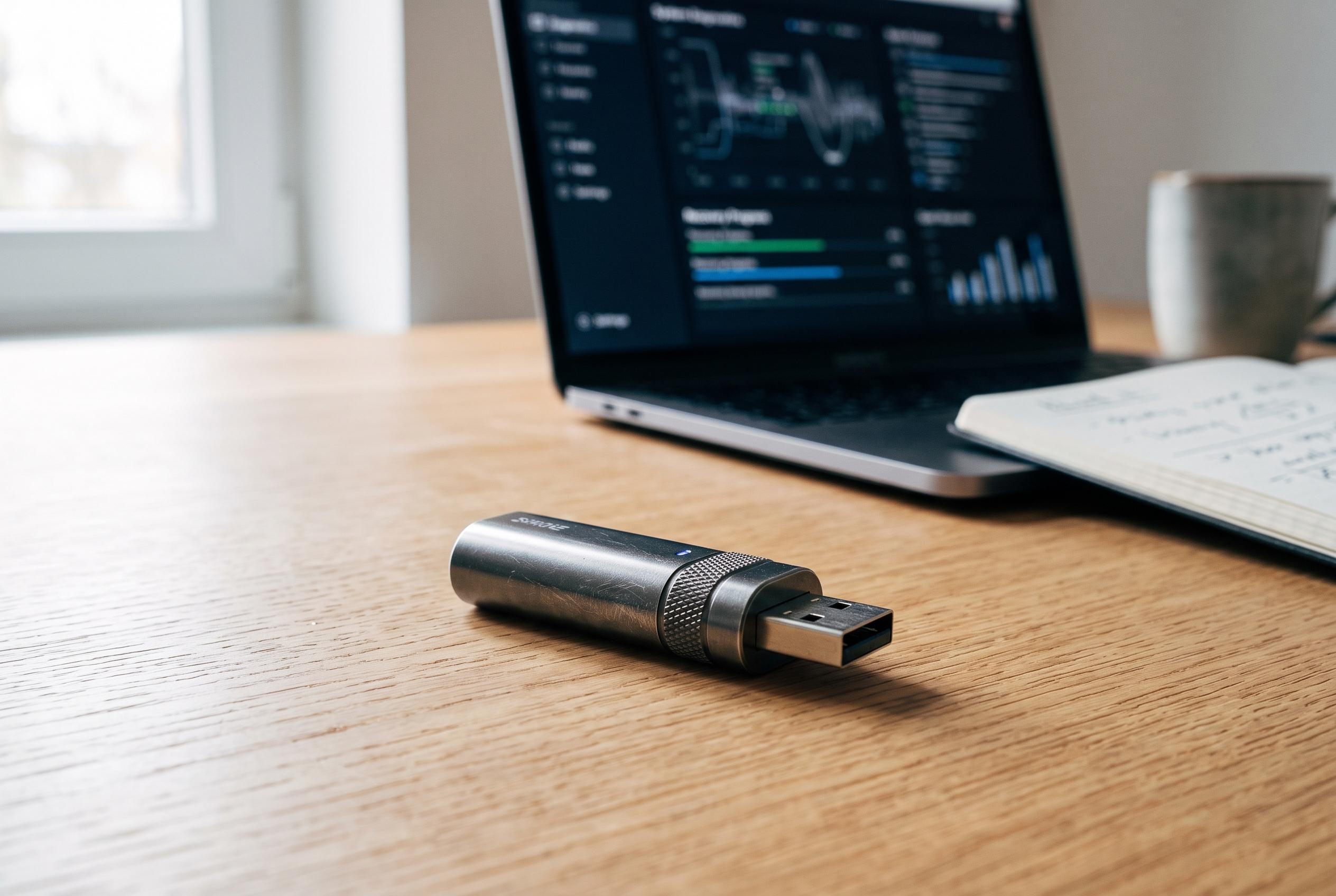

A versatile bootable USB stick, maintained with regular updates and testing, now offers a powerful all-in-one tool for OS reinstallation, data recovery, malware scanning, and hardware diagnosis, disrupting traditional recovery methods.
A single Windows installer on a memory stick is no longer much of a safety net. A more useful approach is to keep one bootable drive that can reinstall an operating system, recover files, inspect storage, test memory, scan for malware and restore a backed-up machine without relying on the failed installation itself. Gadget Hacks and JustToThePoint both frame that as a multi-tool build rather than a one-purpose installer, with Ventoy as the mechanism that makes the idea practical. (windows.gadgethacks.com)
That matters because Ventoy changes the maintenance problem. Its official documentation says the current project lets users copy ISO, WIM, IMG, VHD(x) and EFI files directly to the drive instead of recreating boot media each time, and that the same stick can support MBR or GPT layouts, legacy BIOS, several UEFI variants including ARM64, and Secure Boot. The site also says upgrades are non-destructive to the data partition, which means keeping a rescue stick current is largely a matter of replacing image files, not starting from scratch. (ventoy.net)
The real value appears when a machine will not start at all. The Register described SystemRescue as an ISO that can simply be dropped onto a Ventoy key and used on either a broken Windows or Linux system. Its report on SystemRescue 9 highlighted native in-kernel NTFS support alongside the older FUSE driver, allowing a dead Windows machine to be started, mounted and copied to external or network storage, while both ddrescue and dd_rescue are included for pulling data from a failing disk. Hiren’s BootCD PE remains a useful Windows-side counterpart: the project’s own instructions still tell users to prepare it with Rufus, use MBR and FAT32 for broad compatibility, and enable “Dual UEFI/BIOS” mode with ALT+E before selecting the ISO. (theregister.com)
Storage work is another area where a proper toolkit is stronger than standard installation media. Clonezilla’s own USB guide says a FAT-based setup can boot in both UEFI and legacy modes if prepared correctly, but it also issues a blunt warning not to run makeboot.bat from the internal drive because doing so can leave Windows unbootable. GParted Live, meanwhile, is described by its developers as a small bootable GNU/Linux distribution that can run from CD, USB, PXE or hard disk, and the project explicitly recommends making a whole-disk or partition-image backup before resizing or moving partitions. Its documentation even includes a boot-parameter workaround for older Intel Macs made before 2012. (clonezilla.org)
A sensible stick should also cover faults that are not really operating-system problems. Gadget Hacks recommends adding a Linux live image for file access, an offline antivirus rescue disk such as Kaspersky or Bitdefender, GParted for partition repair, Hiren’s for Windows recovery and MemTest86 for diagnosing suspect RAM. It also suggests a basic acceptance test before trusting the drive in an emergency: boot the Ventoy menu, confirm the Windows installer reaches its setup screen and make sure the memory tester launches. PassMark’s current download page adds an important caveat for older hardware: recent MemTest86 releases support only UEFI boot, so BIOS-only systems need the older v4 build instead. (windows.gadgethacks.com)
JustToThePoint adds a layer of preparation that many lighter guides leave out. Its workflow recommends keeping a current Windows 11 ISO on the Ventoy partition, creating a full system image backup to an external drive and recording the OEM product key. That backup can later be restored through the Windows Recovery Environment, which is often quicker and safer than wiping the machine, reinstalling Windows and then rebuilding drivers, applications and settings by hand. (justtothepoint.com)
The broader lesson is that rescue media should be treated as something to maintain, not something to make once and forget. SystemRescue has moved on well beyond the January 2022 release covered by The Register: the official download page now lists SystemRescue 13.02, released on 1 August 2026. Ventoy’s site likewise shows an actively updated project, with version 1.1.16 posted on 25 June 2026 and upgrades designed to preserve the existing image store. In practice, the best bootable USB is the one that is tested periodically, updated when toolchains change and ready before the failure happens. (system-rescue.org)
Disclaimer: This content is intended for informational purposes only. Readers are advised to exercise their own judgement, conduct due diligence, or consult a qualified expert before acting on any information provided.



