

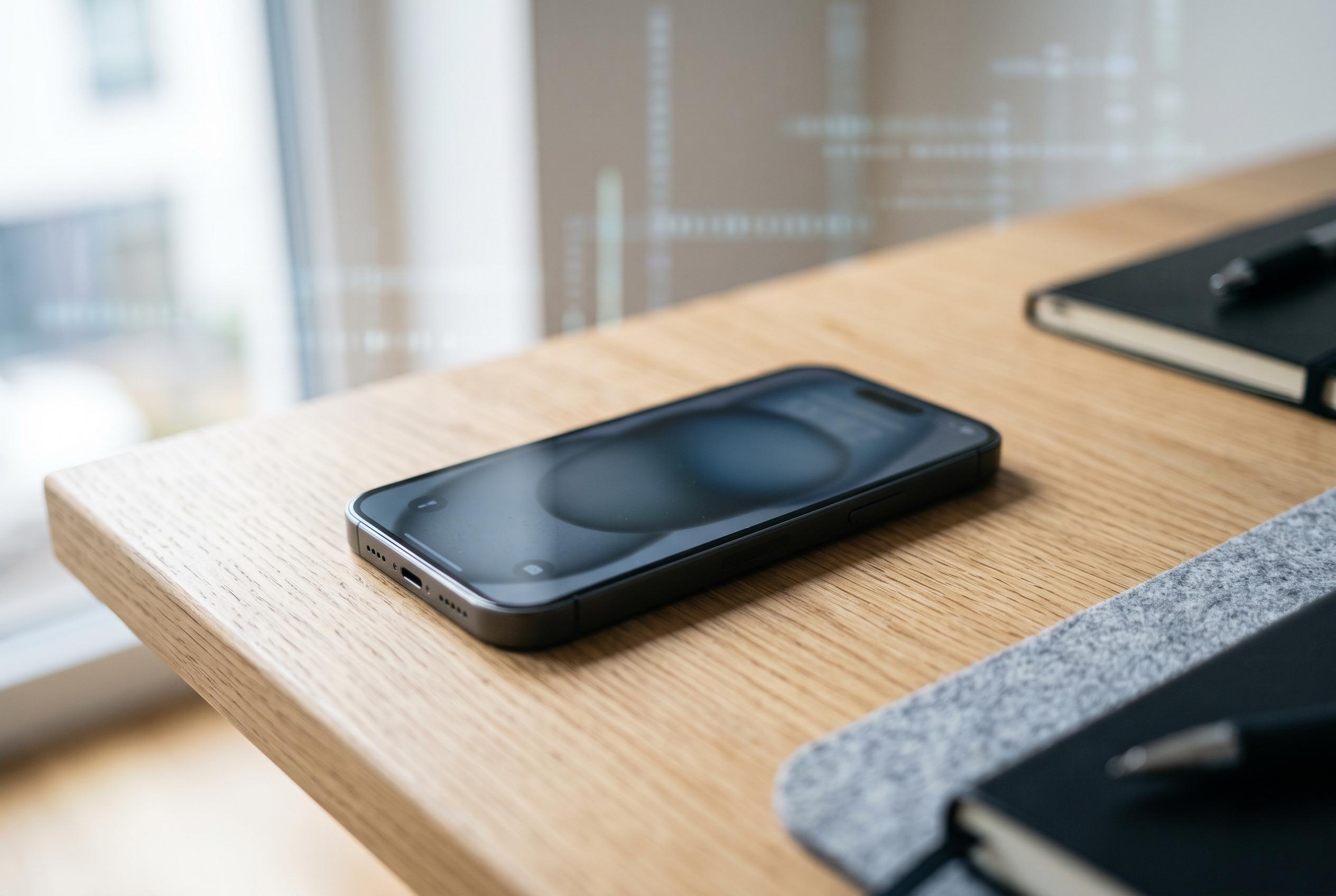

New insights reveal that factory resets and device deregistration do not fully sever ties to online accounts, leaving users vulnerable if they overlook remote sign-outs and credential management across providers like Google, Netflix, Apple, and Amazon.
Selling or wiping an old phone does not necessarily sever its ties to your online accounts. Support documents from Google, Netflix, Microsoft, Apple, Instagram and Amazon show that access is tracked through a mix of device registrations, recent sessions and app-specific credentials, and those records do not disappear in a single step. A factory reset clears the hardware. It does not reliably clear every account trace, nor does a password change always complete the job on its own.
Google is unusually explicit about that gap. In its account help, the company says a handset can remain visible after a reset: “You recently reset your device to factory settings. The device could still show up.” Its security panel is also organised around sessions rather than a neat ownership list. One phone can generate several entries, the time shown is only the last contact with Google’s systems, and Google advises users to sign out of every session carrying the same device name if they are unsure which one is legitimate.
That matters because these dashboards are often narrower than people assume. Google says its list can include devices where the user is signed in now or has been signed in during the past few weeks. Netflix is narrower still. Its Manage Access and Devices page does not claim to show every device with account access. Entries can take up to 48 hours to appear, anything inactive for more than 90 days is omitted, and devices used only for Netflix games or Tudum are excluded altogether.
Even where a provider offers a global sign-out, it is commonly separate from a password reset. Microsoft directs users to a dedicated “Sign out everywhere” control in the Advanced security options section of the account dashboard. The company says the action can take up to 24 hours to reach browsers, apps and other sign-in points, and it notes one clear exception: an Xbox console is not covered by that sweep.
Apple draws a similarly firm distinction between changing credentials and removing access. Its support material says that whenever the main Apple Account password is changed or reset, all app-specific passwords are revoked automatically. Those credentials are used by third-party mail, contacts and calendar apps, and Apple says a user can have up to 25 active at once. Revoking them cuts off those external connections, but it is a different task from checking which devices still sit on the account.
Instagram’s published guidance treats the issue as part of account recovery rather than a simple device purge. Meta says its Security Checkup process asks people to inspect recent logins, verify profile and recovery details and review accounts that share login information. Within the app, users can go to Settings, Security and Login Activity to see recent access, sign out of an unrecognised location or device, and turn to login alerts and two-factor authentication for stronger protection.
Amazon’s Kindle instructions highlight another common misconception: a clean device is not necessarily a deregistered one. The company’s help pages tell owners to remove a Kindle from the account through Manage Your Devices or from the e-reader’s own account settings. Amazon also recommends a factory reset before gifting or selling the hardware, but it presents that as a separate step to erase downloaded content and personal settings, not as a substitute for deregistration.
Taken together, the documents describe a messier technical reality than the tidy mental model many users have. What appears in an account security panel may be a live session, a remembered registration, the last time a device contacted a service, or a specialised credential for a third-party app. A wiped phone may still show up because the provider is retaining session history. A risky device may not show up at all if the provider suppresses dormant entries, as Netflix does after 90 days of inactivity.
The practical clean-up is therefore threefold. First, wipe the device locally before sale, trade-in or disposal. Secondly, visit each provider’s account controls and sign out or deregister the hardware remotely, whether that means Google’s device list, Microsoft’s account-wide sign-out, Netflix’s Manage Access and Devices page, Instagram’s Login Activity view or Amazon’s Kindle management tools. Thirdly, review any surviving credentials, including Apple’s app-specific passwords and shared-login or recovery settings. In account security, “reset” and “removed” are not interchangeable.
Disclaimer: This content is intended for informational purposes only. Readers are advised to exercise their own judgement, conduct due diligence, or consult a qualified expert before acting on any information provided.



