

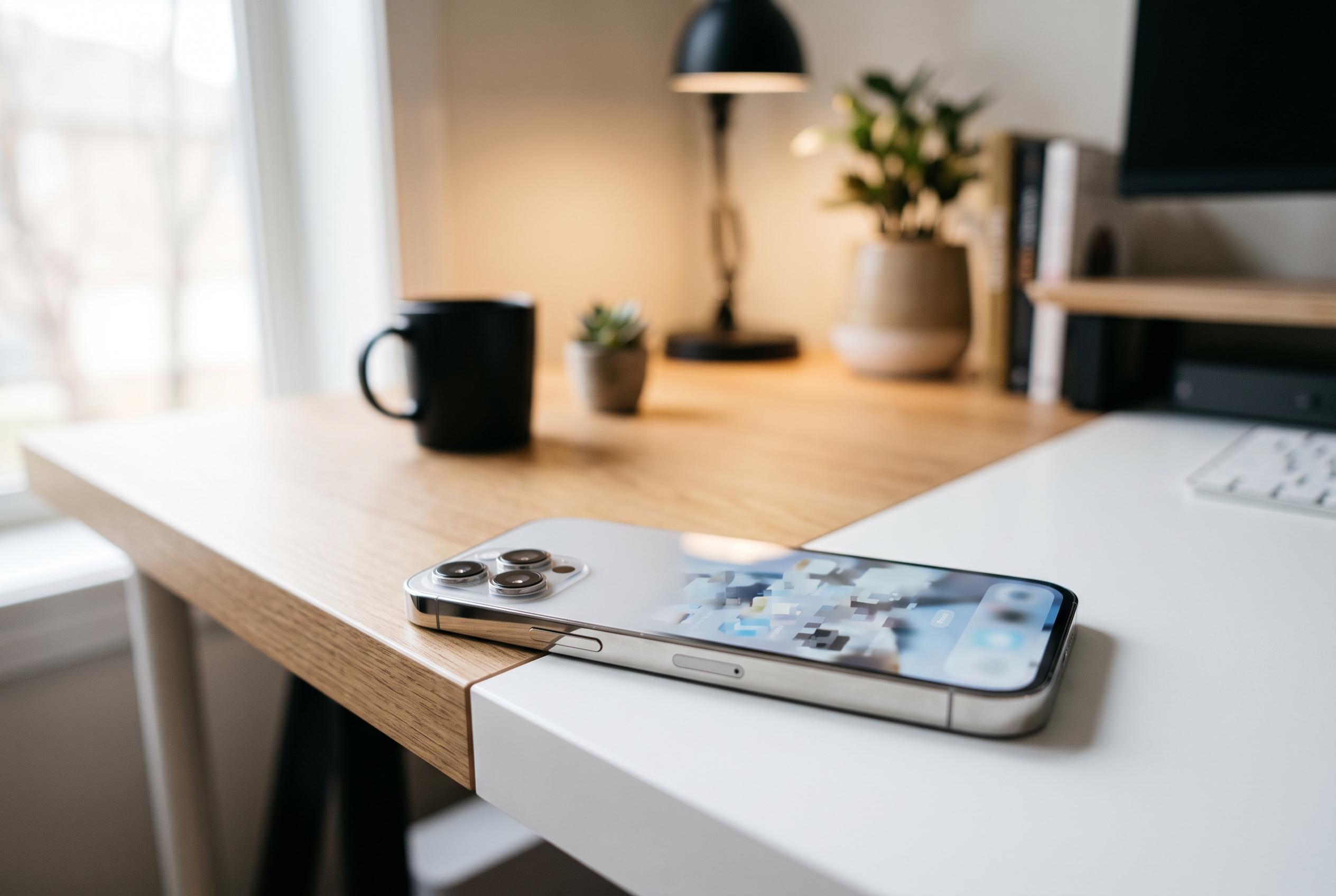

With no single ‘reset camera’ switch, users navigate a complex web of settings and resets, revealing Apple’s layered approach to managing camera preferences on iOS devices.
Anyone looking for a single “reset camera” switch on the iPhone will not find one. Apple’s current approach is more fragmented: the first step is usually to stop the Camera app from remembering previous choices through Settings > Camera > Preserve Settings, and only after that consider broader system resets if the app still behaves unexpectedly.
That explains why so many users end up searching for a reset in the first place. As 9to5Mac noted when Apple expanded the feature years ago, the iPhone camera normally opens in standard Photo mode unless you tell it to remember something else. For people who regularly jump into video, use filters or leave Live Photo enabled, that default behaviour can make the app feel inconsistent, even when it is working exactly as designed.
Apple’s own guidance shows how wide that behaviour now extends. In the Preserve Settings menu, the company allows supported iPhones to remember far more than the last shooting mode. Depending on the handset, the list can include Photographic Style, Creative Controls, Depth Control, Macro Control, Exposure Adjustment, Night Mode, Portrait Zoom, Action Mode, ProRAW and resolution controls, ProRes and Live Photo. Apple also notes that some items are model-specific, with Exposure Adjustment available on iPhone 11 and later, while Portrait Zoom and Live Photo are enabled by default on supported devices.
The way Night Mode evolved helps explain why this menu matters. Macworld reported during the iOS 15 cycle that Apple was finally allowing compatible iPhones to keep Night Mode turned off between sessions, rather than forcing users to disable it again each time the software decided low light called for it. That was a notable change because Night Mode first arrived with the iPhone 11 range in 2019 and was refined again on the iPhone 12 line a year later. For photographers who wanted a more documentary look, the problem was not image quality so much as the camera repeatedly overriding a manual choice.
That is why several how-to guides now describe resetting the iPhone camera as a layered job rather than a one-click command. TechYorker recommends starting by disabling preserved states, then checking other controls that can change the look or format of results without any fault in the hardware. Its list includes Photographic Styles, the Formats menu, Record Video and Record Slo-mo. Tenorshare adds other switches that can make images appear to have changed character, including Prioritize Faster Shooting and Scene Detection. Taken together, those guides make the same point: what users often call a “camera reset” is frequently just the reversal of a handful of separate settings.
Only after those camera-specific checks fail does the more disruptive option come into view. iDownloadBlog says there is no reason to reset the whole device merely to put the stock Camera app back to normal, but confirms that doing so will restore camera settings to default values. The route it gives is Settings > General > Transfer or Reset iPhone > Reset > Reset All Settings, followed by passcode confirmation. Tenorshare makes a similar point in plainer language, saying the process does not wipe personal data or apps, but does send wider device preferences back to their original state. It also warns that settings such as grid can revert, so a user may think the camera has changed again immediately after the reset.
The cost of that broader reset is easy to overlook. Tenorshare says Apple Pay cards, privacy settings, the Home Screen layout, location settings and the keyboard dictionary can all be affected. iDownloadBlog goes further, arguing that this makes Reset All Settings a poor first choice if the real problem is simply that the camera keeps reopening in the wrong mode or is saving files in an unexpected format. In other words, it can solve the issue, but it also creates extra work across the rest of the phone.
For third-party camera apps, the answer is different again. iDownloadBlog says those apps can usually be returned to their defaults by deleting and reinstalling them, something that does not apply to Apple’s built-in Camera app because it is treated as a core part of iOS. That distinction matters for users who switch between Apple’s software and specialist tools for RAW shooting, manual exposure or video capture.
The practical lesson from all seven reports is that “resetting the iPhone camera” is really shorthand for choosing the least severe fix. Start with Preserve Settings, because that governs whether the app remembers modes and controls at all. Then check styles, formats and recording options that can alter colour, file type or motion handling. A full Reset All Settings remains available, and erasing the device entirely will also do the job, but both are heavier interventions than most people need for a camera that simply no longer feels as if it is using Apple’s defaults.
Disclaimer: This content is intended for informational purposes only. Readers are advised to exercise their own judgement, conduct due diligence, or consult a qualified expert before acting on any information provided.



