

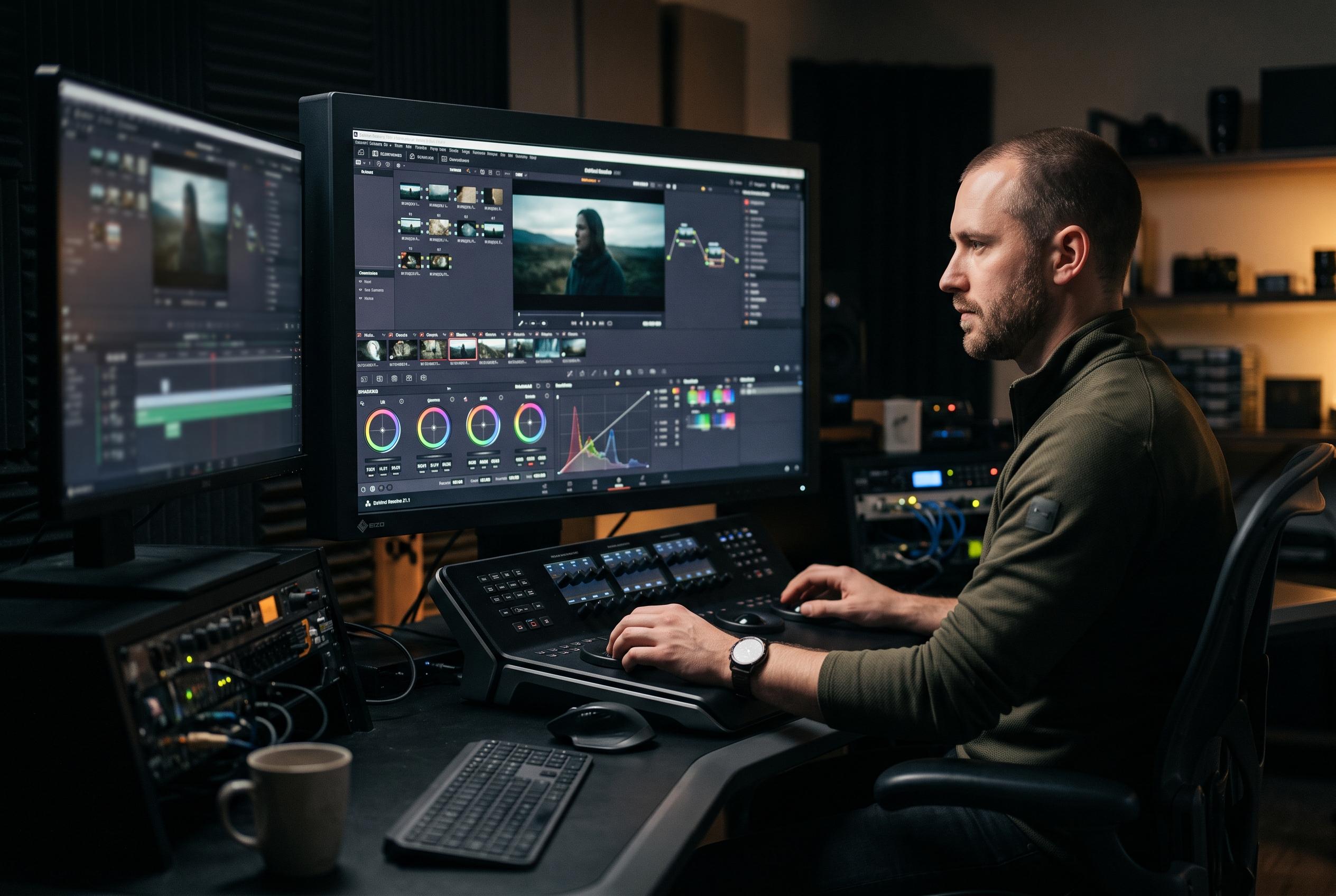

Blackmagic Design releases DaVinci Resolve 21.1, integrating advanced AI features, expanded photography tools, and a unified platform approach, signalling a major shift in professional post-production workflows.
Blackmagic Design has now released DaVinci Resolve 21.1, moving the update from feature walkthroughs into a live download on Tuesday 8 September 2026. A community post reproducing the release notes says users can install it from Blackmagic’s support page or through the application’s update command, while the company’s own support centre places the release within its DaVinci Resolve and Fairlight Live software family. The same notes carry an important warning for existing users: Blackmagic says it has tried to keep project libraries readable in Resolve 20.3.3, but any project created or opened in 21.1 will no longer open in 20.3, and the company recommends full library and project backups before upgrading. (reddit.com)
What makes 21.1 notable is that Blackmagic is treating it as more than a routine maintenance patch. On its product pages, the company presents the wider Resolve 21 cycle as adding photo editing inside the same application, more than 100 new motion-graphics effects, dozens of new features and hundreds of workflow refinements. The official “What’s New” material also links the 21.1 push to AI-led functions such as IntelliSearch, Slate ID, de-ageing and blemish removal, while extending the Photo page with node-based grading, Resolve FX and Open FX support, album management and Blackmagic Cloud collaboration. (blackmagicdesign.com)
For editors, the most practical changes are in the Cut and Edit pages. The 21.1 release notes list inspector presets, batch editing of Fusion properties across multiple selected clips, a rebuilt compare-timeline workflow, multicam options that can split gaps during timecode sync, and new shortcuts for decomposing multicams or switching up to 25 angles. Blackmagic has also added an improved trim editor with mouse-drag trimming and nudge control, dynamic trim behaviour that stays active while looping, plus timeline options to auto-scale audio waveforms and display clip durations directly in the edit view. (reddit.com)
The less glamorous media-management changes may matter just as much in day-to-day work. According to the 21.1 notes, list-view text and tick-box fields in the media pool can now be edited, search can look into sub-bins and use exact text matching, and AI tools can fall back to proxy media if originals are offline. The source viewer can show the original aspect ratio when external monitoring is off, interlaced preview support has been added, faces can be renamed in the IntelliSearch management window, and VR180 work gains Canon EOS VR import support alongside new stereoscopic controls such as eye swapping. (reddit.com)
Fusion and colour workflows are also getting deeper, not just tidier. The release notes say Fusion now includes new Krokodove-based shape and 3D tools, OpenPBR material shader support, lens-distortion calibration from user-drawn lines, imported tracking data for the Camera Tracker, and tracker controls for trimming tracks or changing the reference frame after analysis. On the colour side, 21.1 adds individual MultiMaster trims for Dolby Vision, HDR10+ and HDR Vivid, per-trim output and timeline caches, Panomap support, LUT and DCTL relinking tools, and new camera colour support including DJI D-Gamut2 and D-Log2, GoPro Log, Leica L-Log and Vivo Wide Gamut. (reddit.com)
The update also lands after an unusually fast development cycle. Writing for ProVideo Coalition after the release of Resolve 21, Scott Simmons said: “I think this is record time for Blackmagic to move from the NAB beta release to the full release.” His report also highlighted that the iPad version reached Resolve 21 in step with the desktop line, bringing the Photo page, image tagging, favourites, ratings, album collections, RAW support from Canon, Fujifilm, Nikon, Panasonic and Sony, and Blackmagic Cloud syncing to Apple’s tablet workflow. Earlier in the cycle, Slashcam reported the first 21.1 beta wave on 28 April 2026, only two weeks after Resolve 21’s debut, with fixes for crop, flip and rotate consistency in the Photo page, better crop-resolution metadata handling, exports that retain original still-image filenames, improved RAF and 12-bit NEF decoding, and tuning for IntelliSearch analysis and Vision Pro foveated rendering controls. (provideocoalition.com)
Perhaps the most consequential change, however, is Blackmagic’s move towards AI assistant control through Model Context Protocol. Blackmagic’s official material says 21.1 adds AI-assistant integration, and a public GitHub project by Samuel Gursky shows what that can look like in practice: an MCP server that lets assistants control Resolve Studio through the official scripting API, with what the repository describes as “full API coverage” plus workflow helpers for editing, media-pool organisation, render setup, grading, Fusion, Fairlight and project tasks. The repository says setup can begin with npx davinci-resolve-mcp setup, but Resolve Studio must have external scripting set to Local; on the free edition, external scripting is still gated, so the project uses an in-application bridge script instead. (github.com)
Taken together, that makes 21.1 look like a consolidation release with unusually broad reach: still photography, conventional editing, colour finishing, compositing, immersive media and AI automation all move forward at once. The official support centre remains the main distribution point for installers, support notes and news, and Blackmagic is still directing bug reports towards its forum and direct support channels rather than third-party discussion threads. For existing facilities, the compatibility warning means this is not a casual update. For newer users, especially those working across desktop, cloud and iPad setups, it is the clearest sign yet that Resolve 21 is being positioned as a single post-production platform rather than a video editor with extra modules attached. (blackmagicdesign.com)
Disclaimer: This content is intended for informational purposes only. Readers are advised to exercise their own judgement, conduct due diligence, or consult a qualified expert before acting on any information provided.



