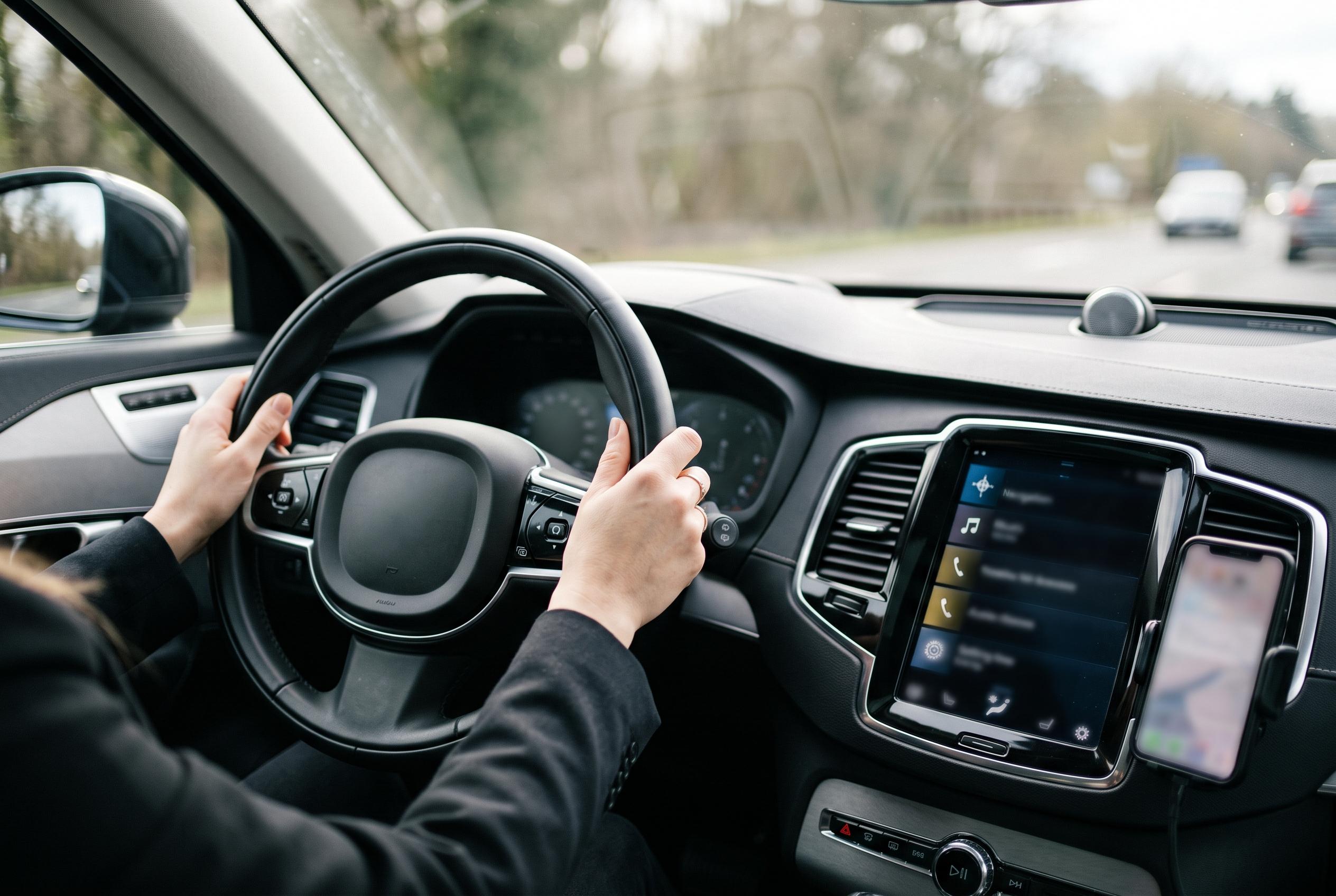

A streamlined Android Auto interface, with only essential apps visible, enhances safety by reducing driver distraction and improving system responsiveness, according to experts and recent reports.
Android Auto works best when it stays sparse. The more icons it has to show, the more time a driver spends looking for the right one, and the more likely the system is to surface the wrong shortcut or notification at the wrong moment. The most useful clean-up is usually the simplest: keep one navigation app, one messaging app and one music app visible, then hide the rest.
The biggest source of clutter is often navigation. Many phones end up with Google Maps, Waze and a carmaker’s own mapping tool all eligible for Android Auto, even though most drivers rely on only one in practice. According to How-To Geek, having multiple map apps on the launcher can make voice commands and recent-destination shortcuts less predictable, because Android Auto has to decide which service should handle the request. Google’s own support guidance also shows that apps can disappear from the launcher if they are temporarily disabled to save battery, and can be restored later from the phone, which underlines how much Android Auto depends on the state of the apps installed on the handset.
Messaging apps are the next obvious candidate for removal. Android Auto can read messages aloud and surface notifications from a wide range of services, but that does not mean every chat app needs a place in the car interface. The less-used services add noise, both visually and audibly, and that is especially unhelpful when a driver only needs one or two channels for daily communication. Recent reporting by Android Central adds another wrinkle for Samsung users: the company plans to discontinue Samsung Messages in July 2026, pushing many owners towards Google Messages instead. That transition makes a single, default messaging app even more sensible in the car.
Music apps also benefit from restraint. Streaming services multiply quickly, particularly when trial accounts and podcast apps are taken into account, but Android Auto can only give so much attention to each one. As How-To Geek notes, keeping several audio apps enabled can make voice playback commands less reliable, because the system has to work out which service should respond. Reducing the list to one primary app keeps the media controls in one place and leaves more room for the shortcuts a driver is actually likely to use.
The practical value of this tidy-up is not aesthetic. It reduces the number of choices on screen, makes voice input more consistent and lowers the chance of unnecessary taps while the car is moving. Google’s settings also allow users to customise which apps appear in Android Auto and to restore or re-enable apps later if their needs change. In other words, the launcher is not meant to display everything; it is meant to display only what helps a driver get moving more quickly and with less distraction.
Disclaimer: This content is intended for informational purposes only. Readers are advised to exercise their own judgement, conduct due diligence, or consult a qualified expert before acting on any information provided.