

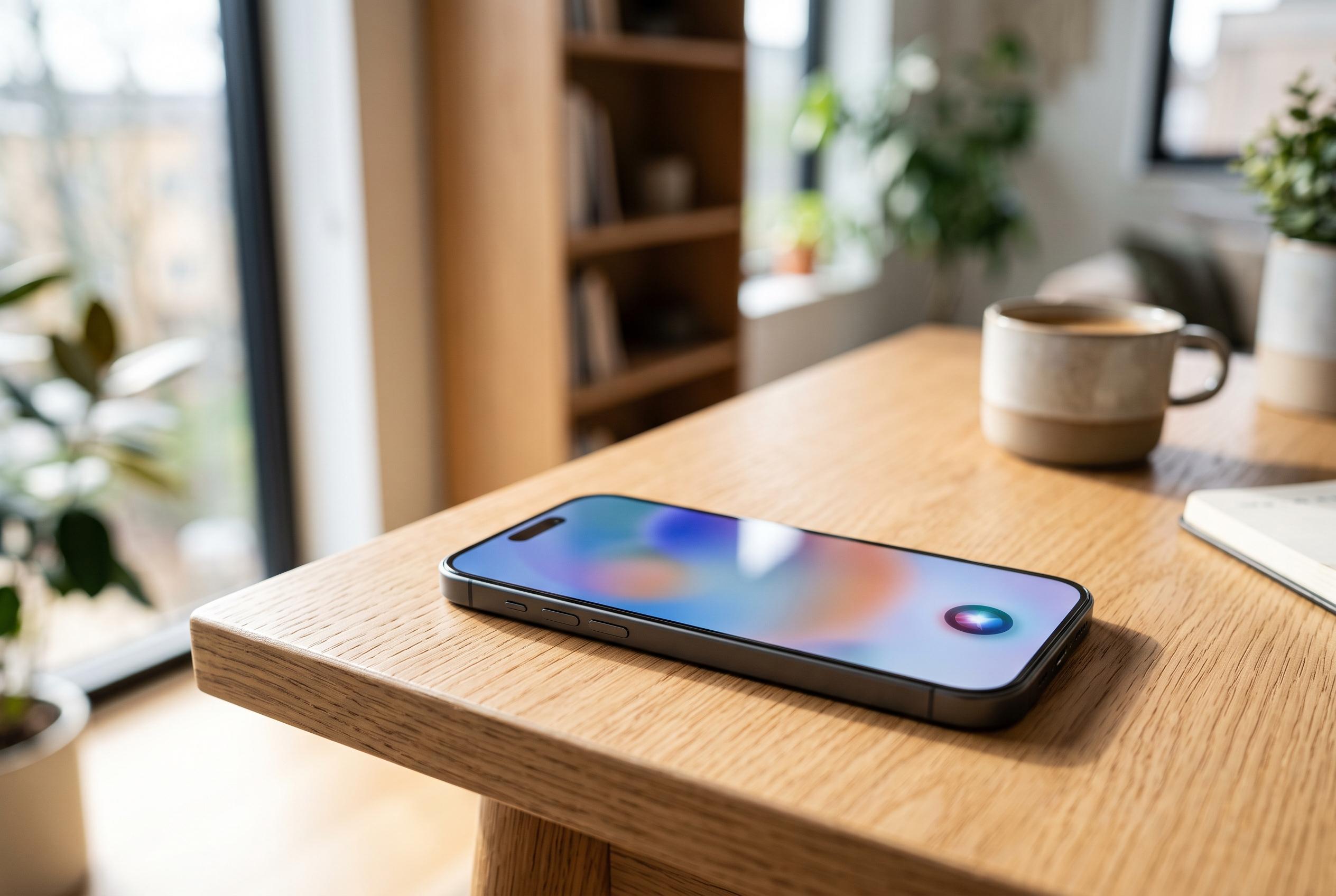

Apple’s upcoming iOS 27 update introduces advanced Siri AI capabilities, but access varies depending on device model, signalling a shift towards hardware-specific features in its software rollout.
Apple is set to release iOS 27 as a free update on Monday, 14 September 2026, with availability expected to begin at 10 a.m. Pacific time, according to MacRumors. The software will reach iPhone 11 models and newer, while Apple says the most advanced Apple Intelligence functions, including the Siri AI beta, are reserved for newer hardware.
That split matters because not every compatible iPhone will receive the same experience. MacRumors says the iPhone 11 series, iPhone SE (third generation) and later devices can install iOS 27, but the Siri AI feature set is limited to selected models such as the iPhone 15 Pro and Pro Max, the iPhone 16 family, the iPhone 16e, the iPhone 17 range, the iPhone Air and the latest Pro models. MacRumors also reports that only the iPhone 17 Pro, iPhone 17 Pro Max and iPhone Air support every new iOS 27 feature.
For users preparing an existing iPhone, the practical steps are the same: make a backup, clear storage, charge the device and update apps before installing. Apple’s update process typically works best with a recent iCloud backup and, ideally, an encrypted local backup on a Mac or PC so health and password data are preserved. Leaving several gigabytes free is sensible, as Apple has not published the download size. A stable Wi‑Fi connection is also preferable, since large system updates are designed to be delivered over wireless internet rather than cellular data.
Language settings now matter as well. MacRumors says Siri AI launches in English first, with French, Japanese, Korean, Portuguese and Spanish following in October, and that it will not be available on iPhone in the European Union at launch. If a supported iPhone is eligible for the beta but the feature does not appear immediately, the most likely checks are the device language, region settings and any pending Apple Intelligence model download.
After the update, Apple’s new controls and tools should be reviewed in settings rather than assumed to be active. That includes Apple Intelligence and Siri options on supported devices, notification permissions for Safari’s price and restock alerts, accessibility settings for VoiceOver image descriptions and video subtitles, and Home app connectivity if a household relies on activity notifications or camera recording. If the update does not appear straight away, the rollout may simply still be in progress; if installation fails, low storage and battery charge remain the most common causes.
Disclaimer: This content is intended for informational purposes only. Readers are advised to exercise their own judgement, conduct due diligence, or consult a qualified expert before acting on any information provided.



