

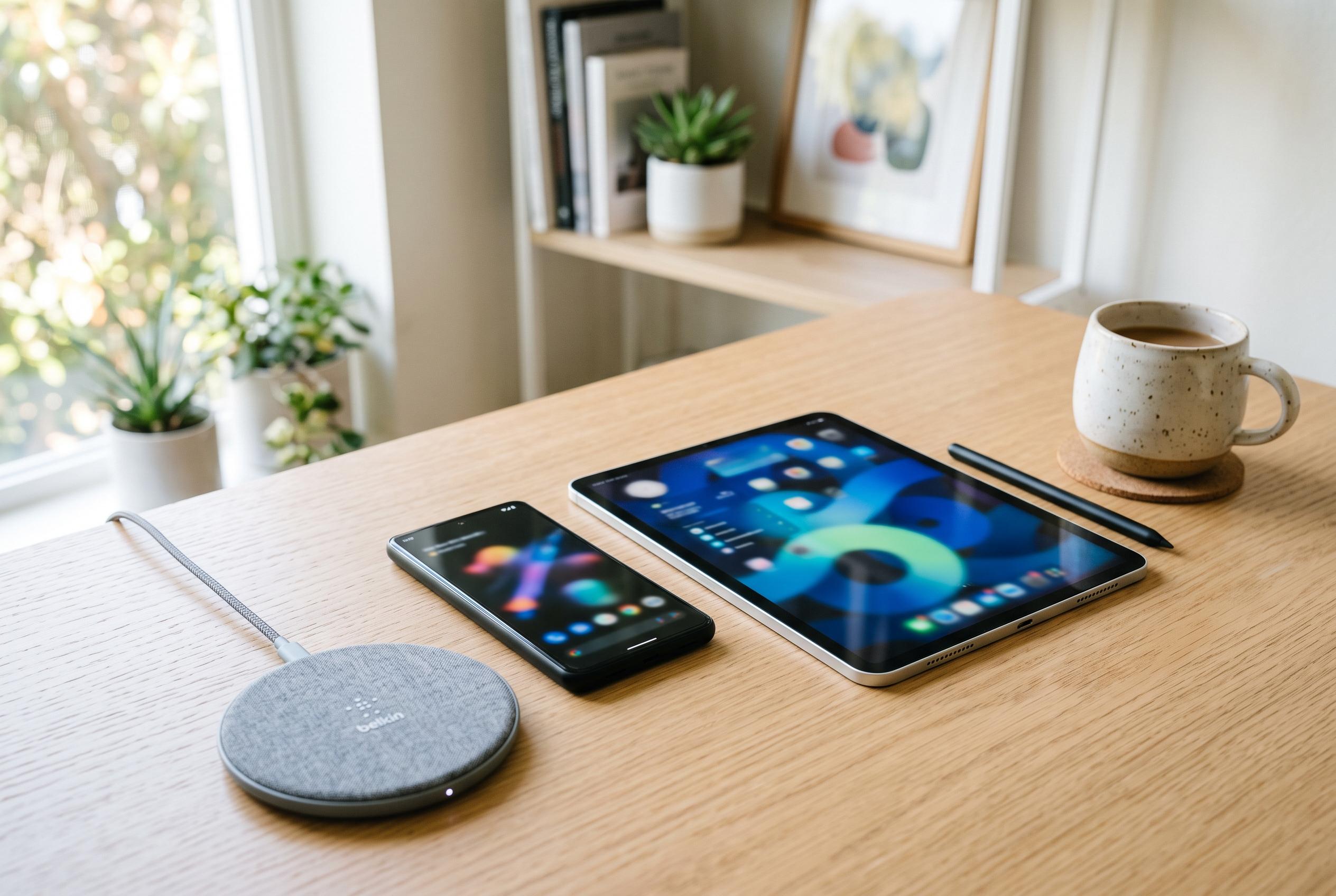

Apple prepares to release iOS 27 and iPadOS 27, promising performance improvements and new features, with detailed guidance on how to update safely and efficiently.
Apple’s next major iPhone and iPad software update is days away, and the sensible approach is to prepare now rather than wait until release day. According to MacRumours, iOS 27 will arrive on Monday 14 September 2026, with download availability expected from around 10.00am PDT. The update is also set to bring iPadOS 27, alongside broader refinements to performance, interface design and Apple’s on-device intelligence features.
Compatibility remains broad on the iPhone side. Apple is expected to support every model that ran iOS 26, including the iPhone 11 family and newer handsets, as well as the iPhone SE from the second generation onwards, according to MacRumours and Macworld. The iPad list is tighter. OS X Daily says support begins with the iPad Pro 11-inch second generation and iPad Pro 12.9-inch fourth generation, plus the iPad Air fourth generation, iPad ninth generation and iPad mini sixth generation. That leaves several older tablets behind, including the first-generation 11-inch iPad Pro, the third-generation 12.9-inch iPad Pro, the iPad Air 3, the iPad 8 and the iPad mini 5.
Storage is the next practical concern. OS X Daily recommends leaving roughly 30GB free before attempting the upgrade, not because the finished system will occupy that much space, but because the installation process needs room to unpack and complete safely. In practice, that means checking Settings, then General, then Storage, and removing or offloading apps, media, downloads and other clutter that no longer serves a purpose.
It is also a good moment to update apps. Developers have had months to prepare compatibility fixes and feature updates for the new operating system, and many popular apps should already be ready. OS X Daily advises opening the App Store, tapping the account profile and installing any pending updates, either one by one or all at once. That reduces the risk of minor bugs immediately after the operating system install.
Backups matter more than anything else. Apple’s own guidance says users should back up before updating, either to iCloud or to a computer through Finder on a Mac or via a Windows PC. A local backup has the extra advantage of making it easier to return to the previous system while Apple is still signing it. For most people, though, the main reason is simpler: it protects photos, messages, notes, mail and other personal data if anything goes wrong.
Once the release window opens, the update path is straightforward: Settings, General, Software Update. Apple says wireless updates require Wi-Fi and power, and if the option does not appear immediately, a computer can also be used. Beta testers may see the final release through the same screen, but OS X Daily notes that they should turn off beta updates afterwards if they do not want future test versions.
For users with an Apple Watch, the software cycle usually moves together. OS X Daily says watchOS 27 should follow once the paired iPhone has been updated, and Apple TV will generally update itself when connected to the internet, though both can also be updated manually. The broader point is simple: iOS 27 and iPadOS 27 appear to be worth installing for most users, but the best experience will come from making the device ready first rather than rushing the process.
Disclaimer: This content is intended for informational purposes only. Readers are advised to exercise their own judgement, conduct due diligence, or consult a qualified expert before acting on any information provided.



